
PublicWWW with Rankerfox
Use PublicWWW in the Rankerfox Premium plan to search fragments found in public HTML, JavaScript, CSS, and HTTP headers: analytics IDs, widgets, WordPress paths, scripts, technical footprints, and market signals.
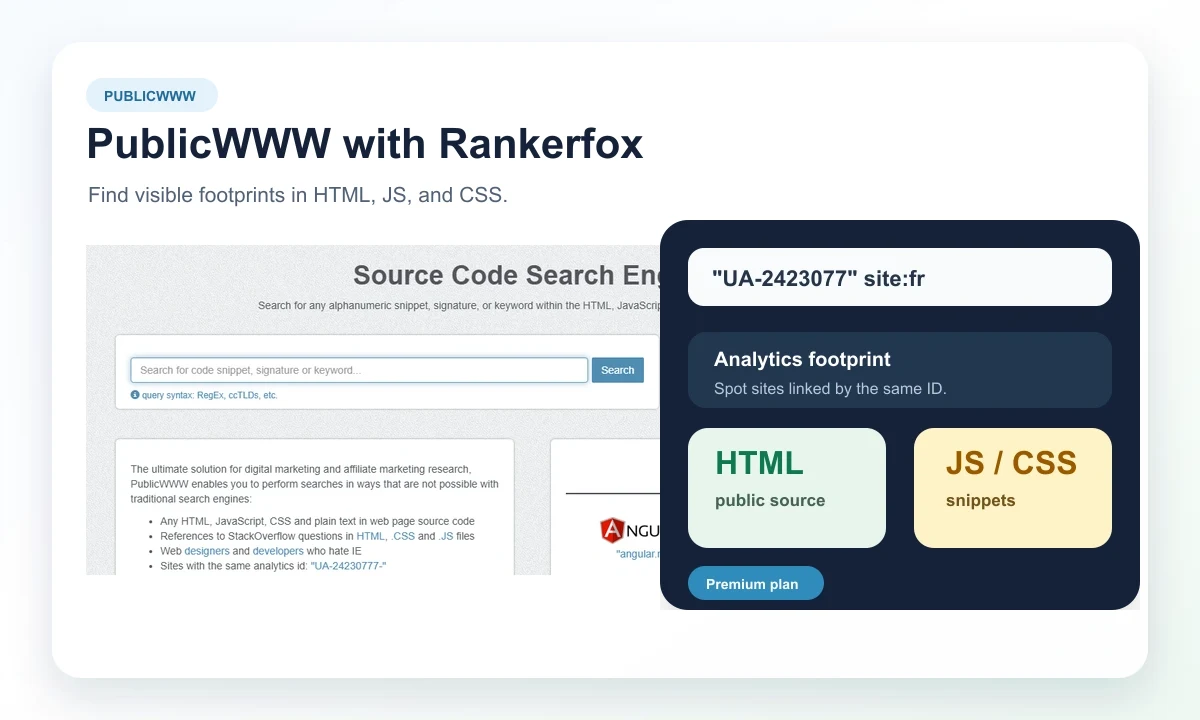
Plan
PublicWWW belongs to the Premium selection, alongside advanced tools for technical research, audits, and competitive analysis.
Scope
The tool searches public page source, referenced CSS and JS files, and some indexed HTTP response headers.
Outputs
Results can help build a qualified list, review useful snippets, and prepare an export for analysis.
A search engine for technical web footprints
PublicWWW becomes useful when you start from a precise signal: an analytics ID, a library, a widget, a server version, a WordPress theme path, or a repeated code fragment. This page shows how to use it as an investigation tool, not as a generic search engine.
Search for an exact string in HTML, JavaScript, CSS, or source text to find where it appears.
Spot sites connected by the same identifier, script, widget, or technical convention.
Read public theme, plugin, asset, and file paths to understand site families or technical choices.
Use indexed technical information to complement stack, hosting, or network-neighborhood analysis.
Turn a search into URLs, CSV, or snippets so results can be qualified outside the interface.
Connect found footprints with an audit, visibility analysis, competitor review, or technical investigation.
What PublicWWW makes visible in an SEO investigation
Start with a code fragment, narrow the filters, and inspect the results. These views show how a technical footprint becomes a list of sites to qualify.
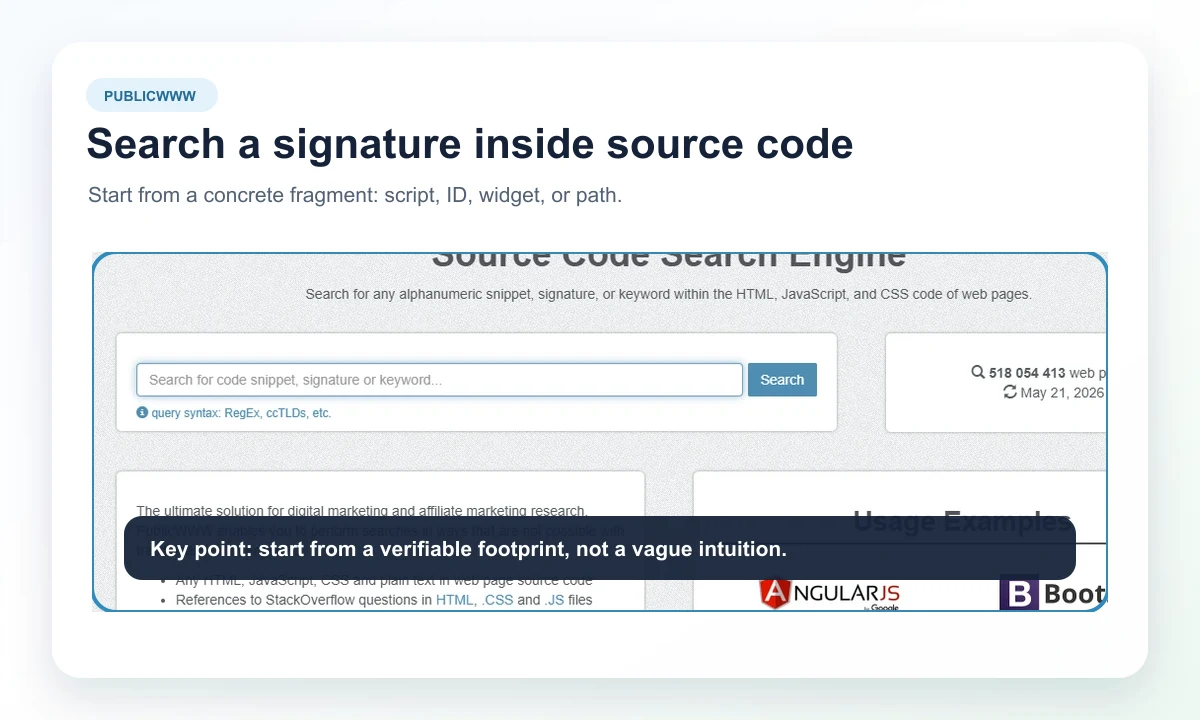
A useful search starts with a verifiable fragment: analytics ID, script, CSS class, asset path, library, widget, or technical mention found on a page.
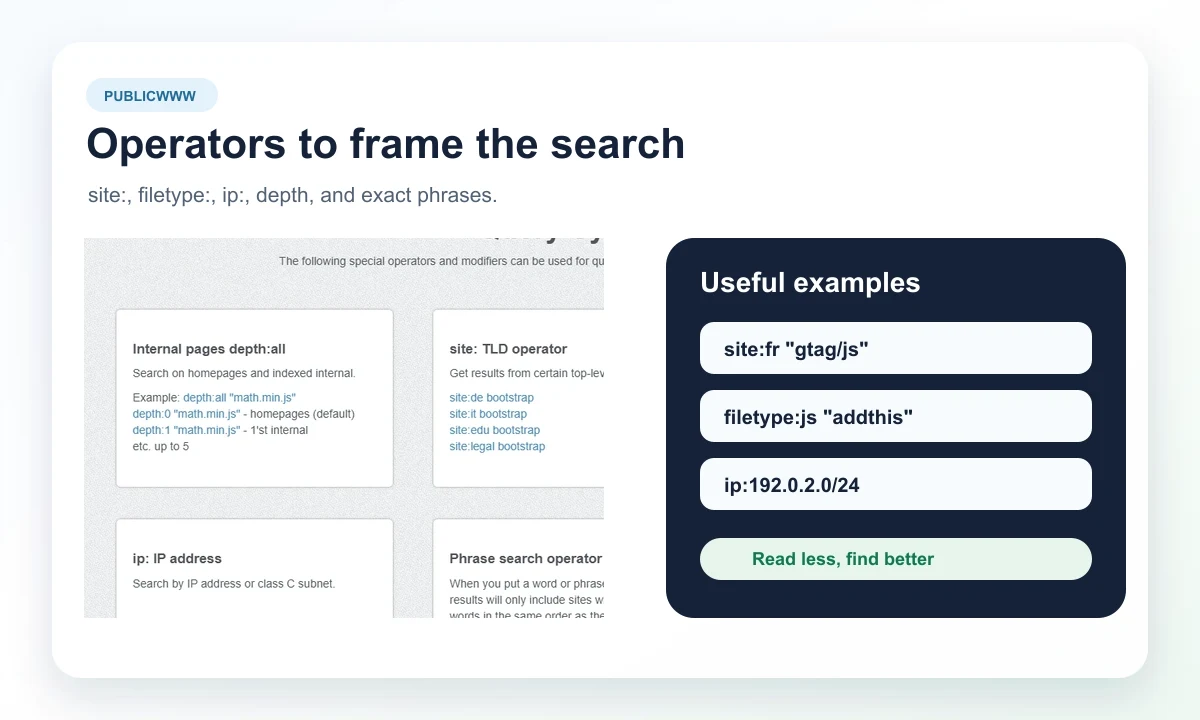
Operators reduce noise: domain, country extension, file type, IP address, internal depth, exact phrase, or exclusion.
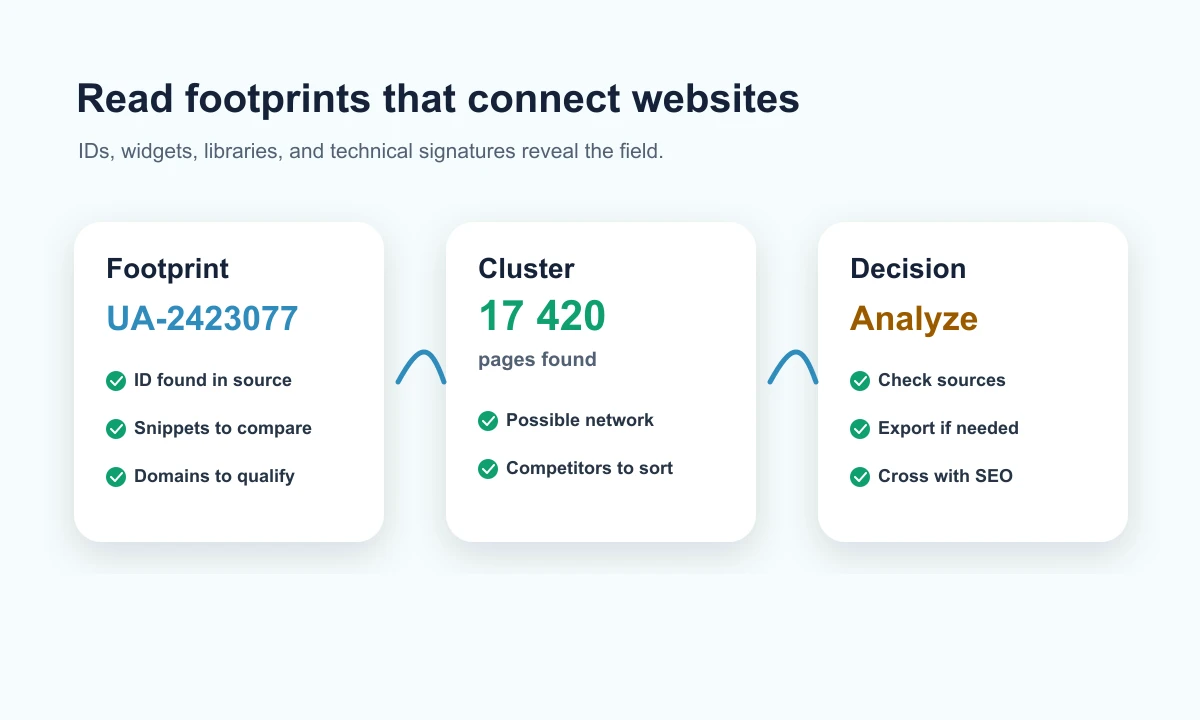
The same identifier or script can reveal a site family, shared tool, editorial network, or technical adoption to compare.
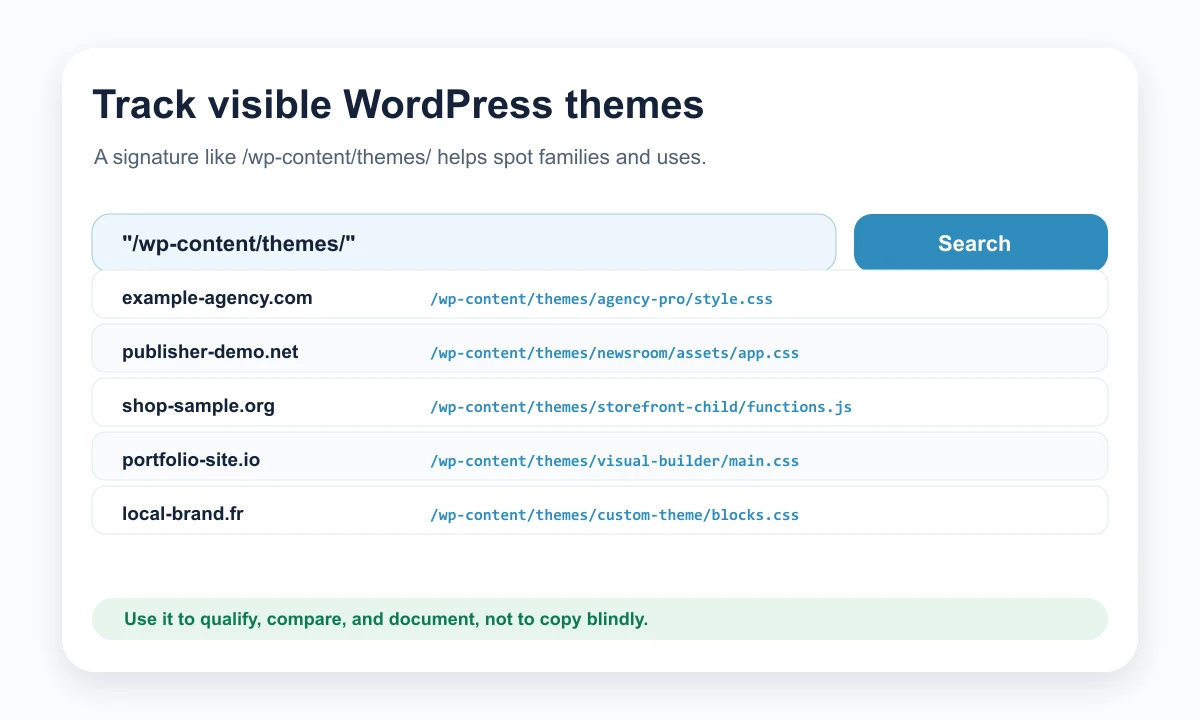
Paths such as /wp-content/themes/ or /wp-content/plugins/ help understand visible choices before running a deeper audit.
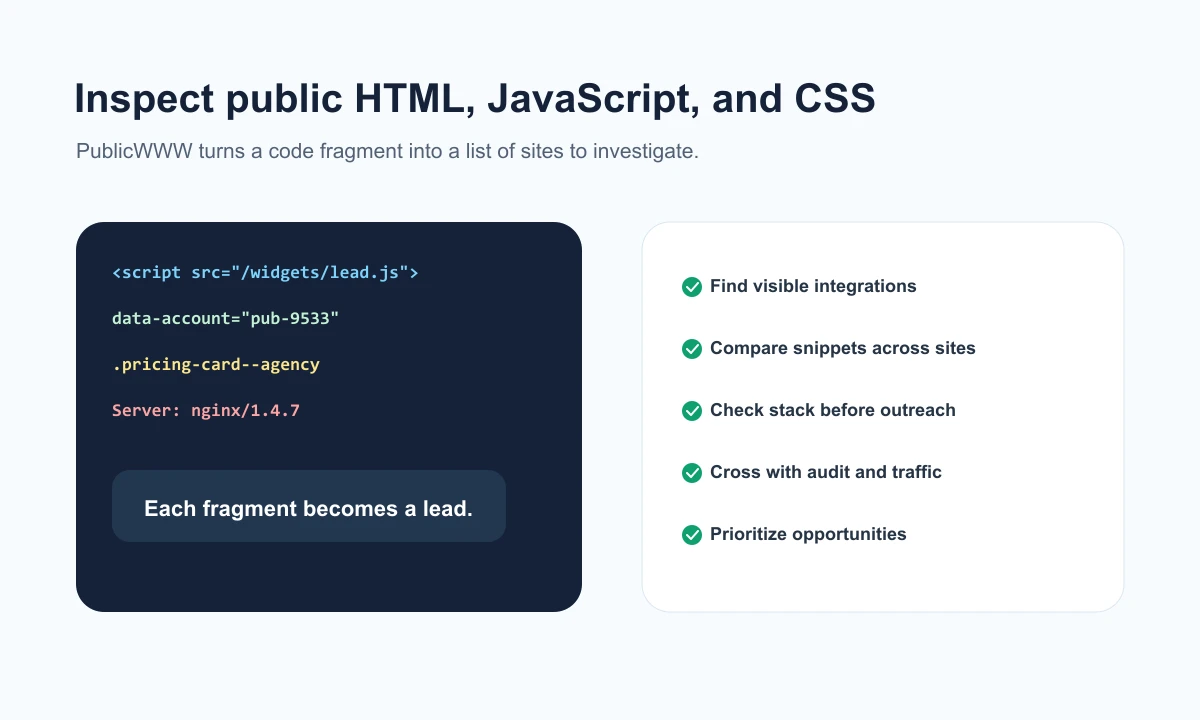
PublicWWW helps move from one code line to a list of sites. Human sorting still matters to separate useful signal from noise.
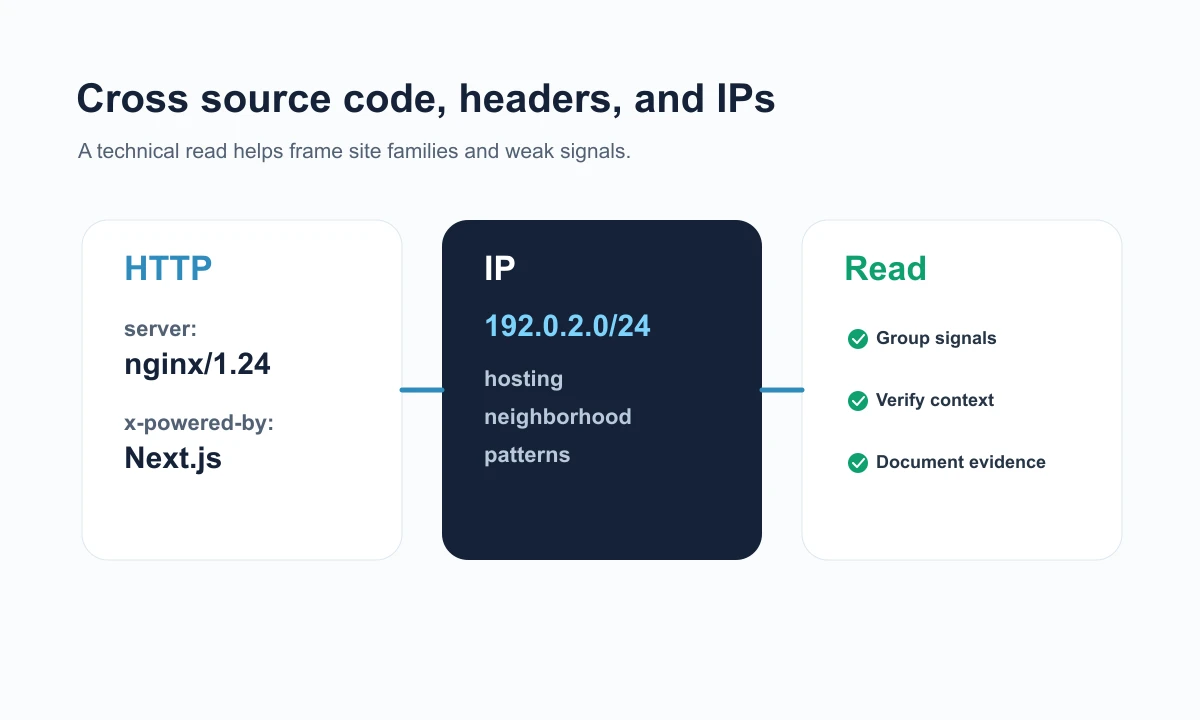
Public headers, server versions, and IP neighborhoods can feed a technical analysis, especially when crossed with other tools.
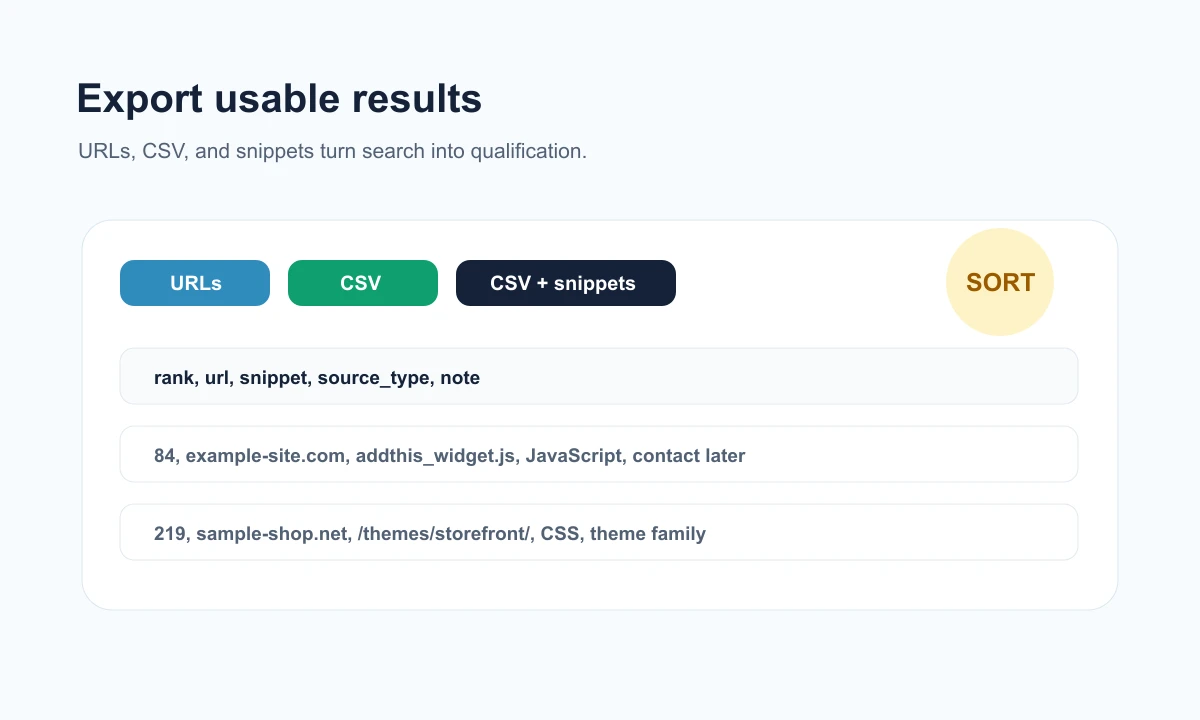
URLs, CSV, and snippets provide usable material to classify results, prepare a review, and keep evidence traceable.
A PublicWWW method that avoids random searching
PublicWWW is strongest when the question is precise. The useful reflex is to choose a footprint, reduce the scope, verify results, and cross-check with nearby Rankerfox tools before concluding.
Do not start with a broad search. Start from something observed on a page or during an audit.
- Identify an analytics ID, script, path, CSS class, header, or library worth checking.
- Write down why this footprint matters: competition, stack, network, migration, or anomaly.
- Prepare a stricter variation if the first search returns too many results.
Results can be massive. Sorting starts before you open the first URLs.
- Use operators to limit by country, file, IP, depth, or exact phrase.
- Compare a few snippets before treating a list as usable.
- Remove results that only reuse a very common library without useful context.
An isolated footprint gives a lead. It becomes useful when connected to an SEO, technical, or market read.
- Check retained sites with an audit tool or SEO suite when the decision justifies it.
- See whether the same footprint appears across competitors, partners, publishers, or niche sites.
- Link the discovery to a concrete action: audit, monitoring, outreach, comparison, or documentation.
The value comes from readable evidence: fragment, source, context, and associated decision.
- Keep the URL, snippet, and review date to avoid vague conclusions.
- Avoid extrapolating from a single result without an extra check.
- Do not publish private data: PublicWWW should stay focused on public signals.
A PublicWWW routine inside Rankerfox Premium
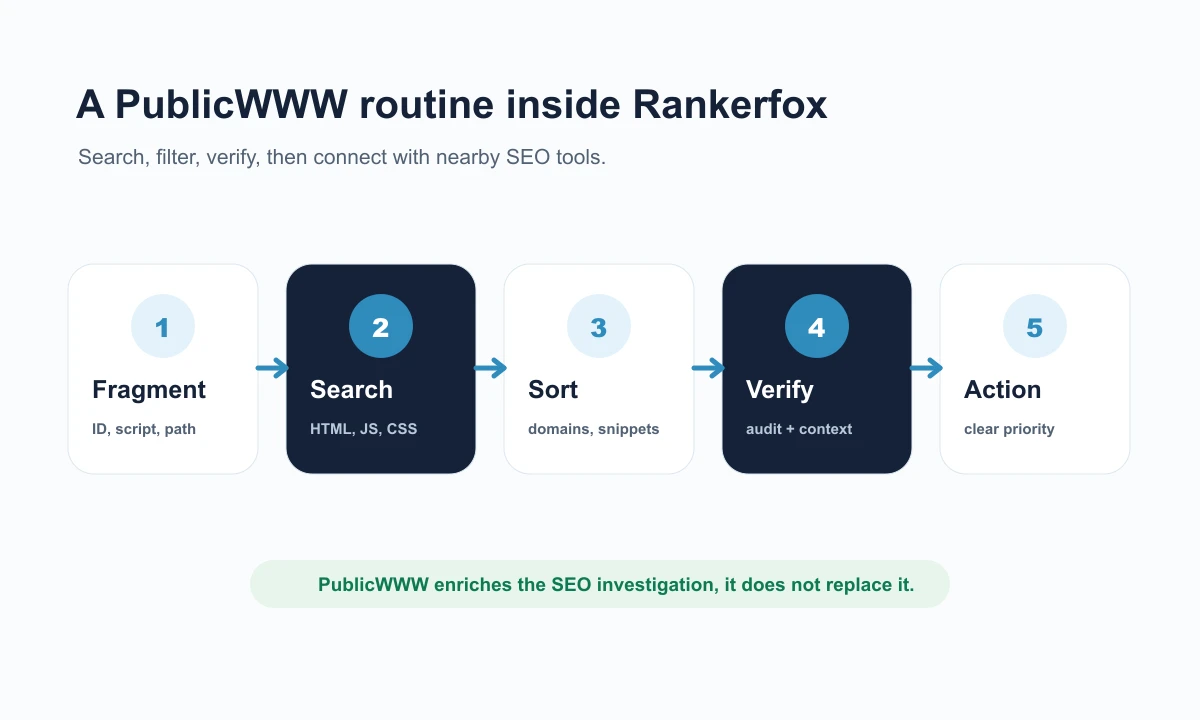
PublicWWW fits well after an audit or competitor observation: isolate a fragment, find where it appears, sort, then decide which tool to use next.
Isolate a fragment
Capture a precise signature: script, ID, CSS path, header, widget, theme, library, or technical phrase.
Search precisely
Run the search in PublicWWW, then adjust with operators if results are too broad.
Sort results
Separate useful sites from generic occurrences, then keep snippets that prove the connection.
Connect nearby tools
Move next to an audit, visibility analysis, crawl, or competitor read depending on the case.
Where PublicWWW fits among Rankerfox tools
PublicWWW is not a site crawler and it is not a full SEO suite. Its strength is different: finding public footprints that open technical or competitive leads.
A technical crawler inspects your site URL by URL, with status codes, tags, internal links, canonicals, redirects, and crawl data.
PublicWWW starts from a fragment found on the web and searches where it appears. It complements crawling when the investigation needs to expand.
A server log analyser shows real bot behavior inside server logs.
PublicWWW observes public traces already indexed. The two reads complement each other: server-side behavior on one side, web footprints on the other.
SEOptimer helps make an audit readable, presentable, and easier to follow.
PublicWWW is less report-oriented. It is more useful for finding evidence, technologies, and site groups before formulating a priority.
Similarweb adds a market read around traffic, channels, audiences, and competitors.
PublicWWW adds a technical layer: which sites share certain scripts, IDs, widgets, or visible paths.
Which Rankerfox plan includes PublicWWW?
The trial helps you discover Rankerfox, understand how access works, and see whether the service fits your pace.
The Standard plan already covers several SEO and marketing needs. PublicWWW belongs to the advanced selection.
PublicWWW is planned for the Premium plan, alongside advanced tools for monitoring, auditing, technical analysis, and comparison.
Continue with nearby tools
Affordable backlink analysis
Use public footprints as leads to verify in an off-page reading.
Read the pageAffordable SEO outreach
Turn footprints and public signals into prospects to qualify and contact.
Read the pageSEOptimer with Rankerfox
Readable audits, score, PDF reports, task follow-up, and client presentation.
Read the pageSimilarweb with Rankerfox
Market read, traffic, channels, audiences, and competitor comparison.
Read the pageFrequently asked questions about PublicWWW with Rankerfox
Useful answers before adding it to an SEO and technical investigation routine.
Add PublicWWW to a more technical Premium routine
Compare Rankerfox plans, check the access level that fits your work, then use PublicWWW to connect code fragments, footprints, snippets, and better documented SEO decisions.
Compare plans