
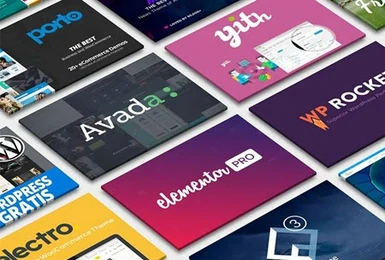
Cromur with Rankerfox
Use Cromur in the Rankerfox Premium plan to find WordPress themes, plugins, and files to evaluate before building a page, improving a site, preparing a test, or completing a web production workflow.
Plan
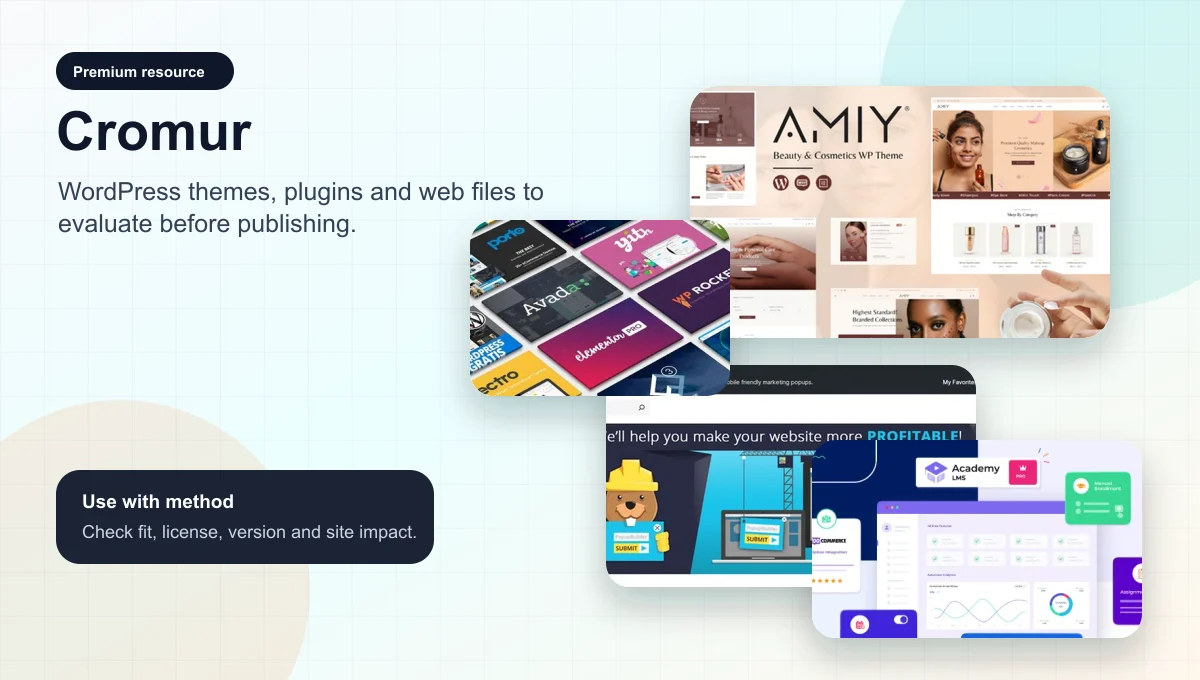
Cromur belongs to the advanced web resource set in the Rankerfox Premium plan.
Family
Themes, plugins, categories, product pages, versions, and site resources to review.
Use
Find a candidate, check compatibility, test cleanly, and keep a useful trace.
A WordPress library needs a working method
Cromur publicly presents itself as a catalog of WordPress themes and plugins, with categories, versions, product pages, and a membership page. Inside Rankerfox, the point is not installing more things on a site. It is shortening research, comparing possible candidates, then choosing only what genuinely serves the page or project.
Find visual foundations for a showcase site, store, blog, landing page, or business website, then check whether the theme fits the real need.
Spot extensions around forms, popups, SEO, WooCommerce, learning, or automation without turning the site into a fragile stack.
Read visible public information: version, category, date, file name, and project fit before using anything.
Plan speed checks, possible conflicts, mobile compatibility, and maintenance before publishing.
Complement Envato, CreativSea, Canva Pro, or the Rankerfox WordPress page with a more file-oriented resource source.
Keep a record of files, licenses, versions, and changes, then test away from production when the site already has traffic.
What Cromur adds to the Premium plan
Cromur becomes clearer when you treat the catalog as a sorting workshop: public preview, theme selection, plugin shortlist, testing routine, and links with other Rankerfox resources.
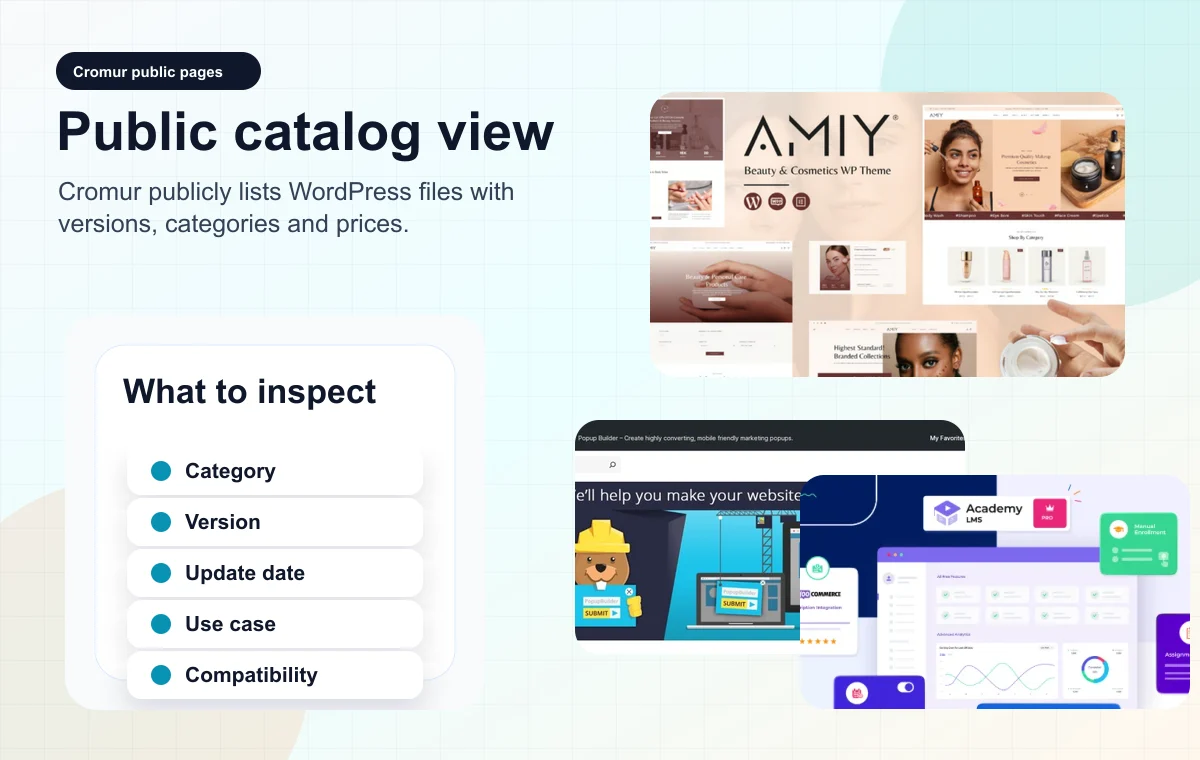
Cromur shows WordPress files with public categories, versions, and prices. For Rankerfox, the useful move is filtering, comparing, and keeping only a relevant candidate.
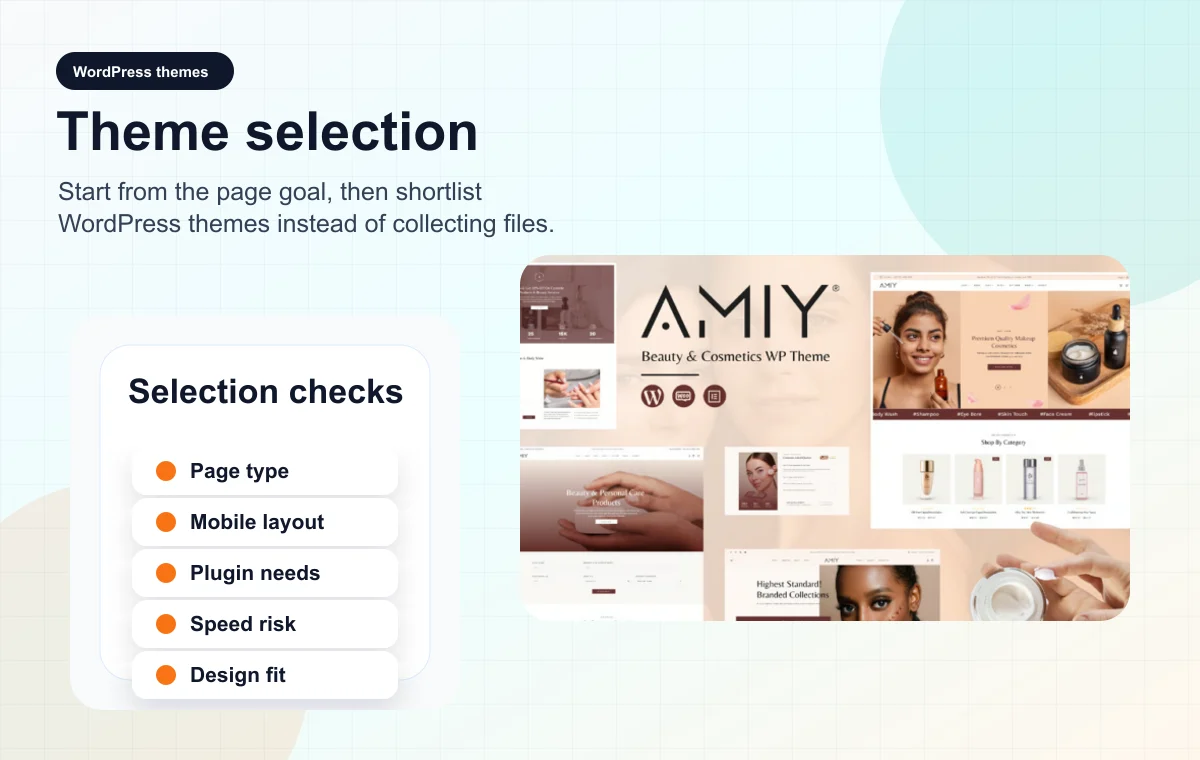
A theme should not be picked because the thumbnail looks good. It must match a page type, content volume, mobile constraint, and conversion logic.
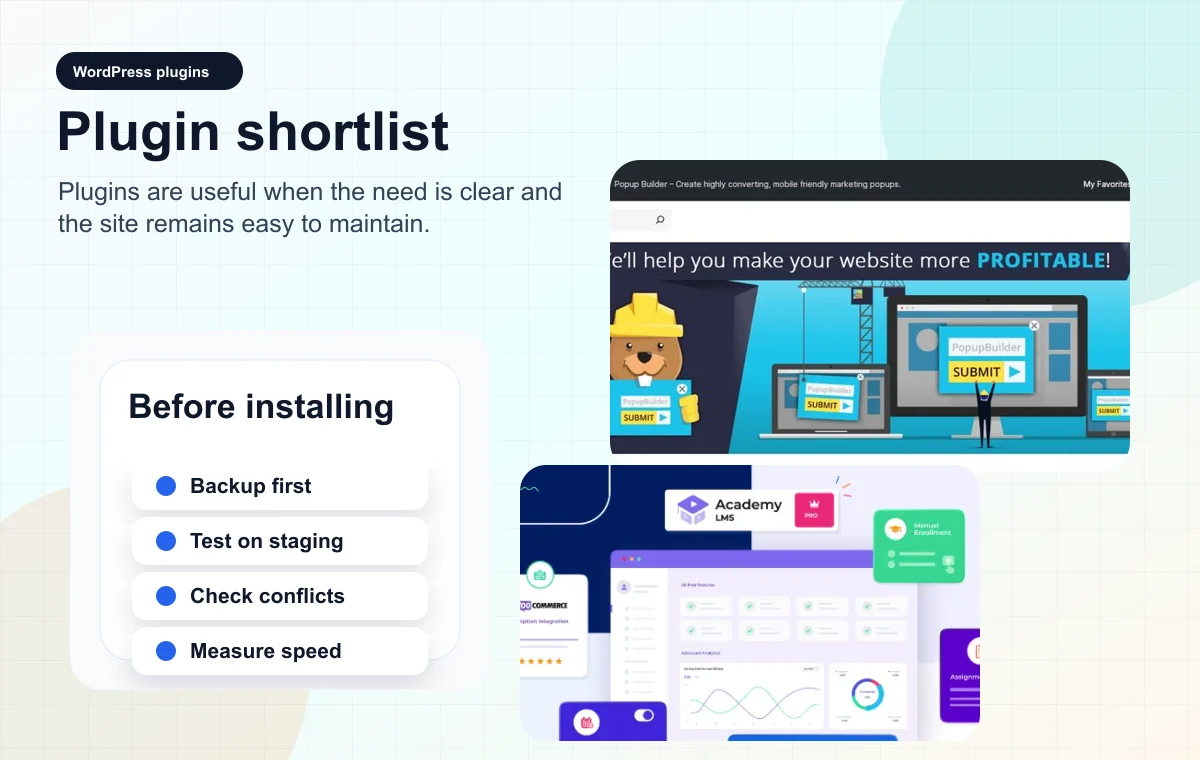
Each plugin can help, but it can also slow down or complicate the site. A clean shortlist includes the need, version, separate test, and rollback plan.
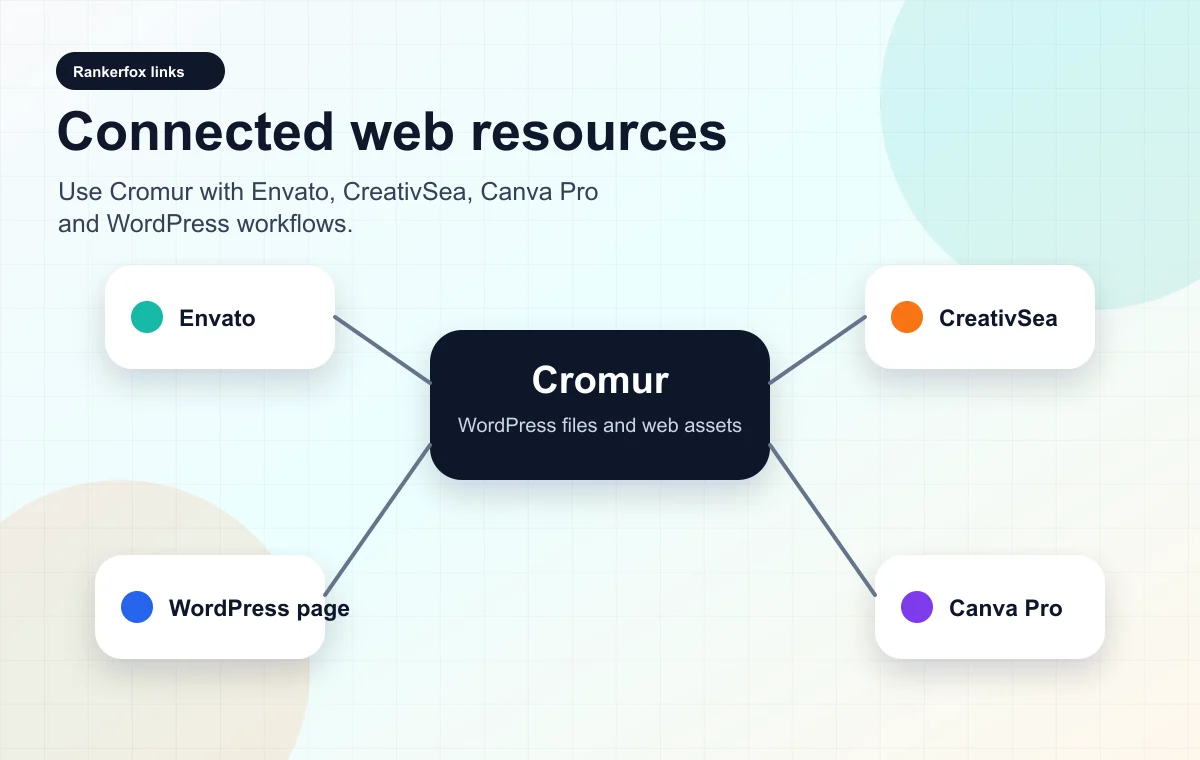
Cromur complements Envato, CreativSea, Canva Pro, and the WordPress pages: find a structure, gather assets, produce visuals, then test the result.
Where Cromur becomes useful
Cromur makes sense when you start from a clear web need. The best uses are short, verifiable, and connected to a publishing decision.
Before building a page from scratch, Cromur can help identify themes or files that provide a visual base to analyze, adapt, or reject.
- Does the structure match the page type?
- Does the theme stay readable on mobile?
- Are the dependencies reasonable?
For a form, popup, LMS, WooCommerce, or SEO module, the tool helps create a shortlist before testing properly.
- What exact problem does the extension solve?
- Is the version coherent with the site?
- Which metric should be checked after activation?
Cromur can support a workflow where Envato provides ready-made layouts, Canva Pro produces visuals, and the Rankerfox WordPress page frames the need.
- Which resource is truly missing?
- Do you need a theme, a plugin, or only an asset?
- What evidence should be kept before publishing?
The best choice is not always the richest file. It is often the one that stays easy to update, test, and remove if needed.
- Is there a lighter alternative?
- Was the test done away from production?
- Is the version trace kept?
A simple routine for using Cromur
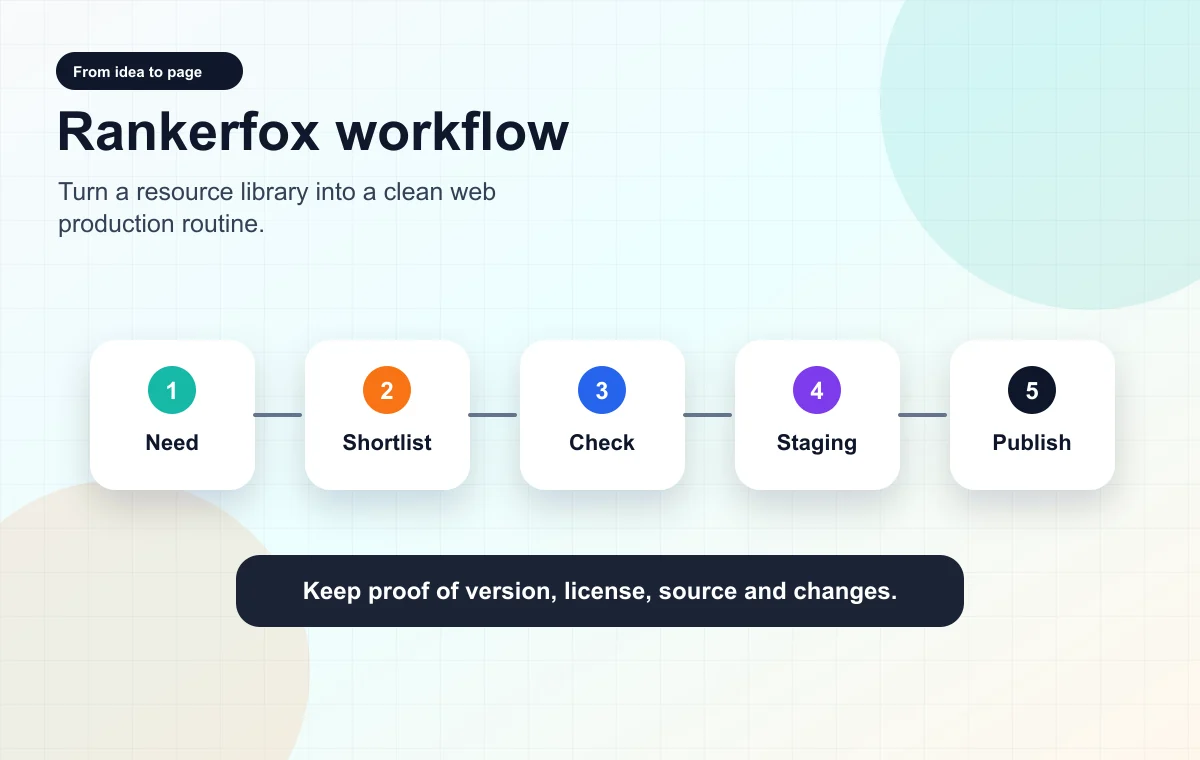
Cromur becomes more reliable when the catalog becomes a short process: need, shortlist, check, test, publish.
Start from the need
Write down the page, feature, or block to produce before searching for a theme or plugin.
Build a shortlist
Compare only a few resources: category, version, preview, dependencies, and real value for the project.
Check before use
Review license, compatibility, apparent security, weight, documentation, and rollback point.
Test cleanly
Use a separate environment, check the rendering, and avoid direct activation on a sensitive site.
Connect Cromur with other Rankerfox tools
Cromur is not isolated. It mainly fits into web creation, assets, and publishing routines.
Build a WordPress page
Find a theme or structure to analyze.
Continue with the WordPress themes and plugins page.
Produce a visual
Find the page or layout context.
Complete with Canva Pro, Freepik, or IconScout.
Add a feature
Shortlist a plugin to test.
Compare the impact with audit and speed tools.
Prepare a project library
Keep candidate resources and their versions.
Connect with Envato Elements or CreativSea.
Cromur inside Rankerfox web resources
Cromur complements the other Premium resources without replacing them. Its angle is more WordPress and file-review oriented.
Library focused on WordPress themes, plugins, and files to sort before use.
Useful for finding a base quickly, but best used with technical checks.
Broader resource library for ready-made layouts, media, presentations, graphics, and creative assets.
Best when the need goes beyond WordPress or involves a complete visual campaign.
Web and WordPress resources that help expand the choice of themes, plugins, and files.
Useful in parallel when you want to compare several resource sources.
Production and adaptation of visuals, thumbnails, social assets, and brand material.
Use it after the structure decision to make the assets visible to readers.
Which Rankerfox plan includes Cromur?
The trial helps you discover the Rankerfox environment and check whether the tools match your workflow.
The Standard plan keeps the essential tools. Cromur is not positioned in this group.
Cromur is attached to the Rankerfox Premium plan, alongside web resources, creative tools, learning, and advanced analysis.
Pages to read with Cromur
Frame the broader WordPress logic before choosing a resource.
Compare with a wider library of ready-made layouts and media.
Explore another source of Premium web files and resources.
Turn the chosen structure into visuals, thumbnails, and publishable assets.
Cromur and Rankerfox FAQ
Useful answers about where Cromur sits in Premium and how to use it as a web resource without weakening a site.
Add Cromur to your Premium web routine
Compare Rankerfox plans and use Cromur to turn a WordPress library into a selection of genuinely useful resources.
Compare plans