
CreativSea with Rankerfox
Use CreativSea in the Rankerfox Premium plan to explore WordPress themes, plugins, WooCommerce resources, and web elements that can be integrated with method into sites, sales pages, and client material.
Web
WordPress, WooCommerce, Elementor, LMS, business pages, and showcase sites
Choice
check version, compatibility, real use, and project coherence
Access
a web resource for building or enriching a site
Themes
showcase, SaaS, agency
Plugins
functions, forms, blocks
Shop
WooCommerce, products, cart
Check
version, security, test
Web resource to qualify
Need
Version
Test
Site
CreativSea connects creative resources to real websites
After Canva Pro, Freepik, IconScout, Artlist, and Storyblocks, CreativSea closes the creative side with web execution. The point is not only finding a nice-looking resource: the chosen theme, plugin, or element must match the site, the available technical level, and the maintenance plan.
Explore site bases for agencies, SaaS, ecommerce, training, portfolios, real estate, or local services.
Identify WordPress or WooCommerce building blocks to test when a page needs a specific function.
Prepare a shop, product page, promotional page, or more complete sales structure.
Look for Elementor, builder, and visual block resources when the site needs to remain editable.
Use version information as an initial signal, then check compatibility with your installation.
Test in a staging environment before touching a client site or an already indexed site.
Treat CreativSea as a web library to qualify
The public previews mainly show a selection workflow: start from a resource family, filter by need, then check version and real-world fit before installing anything.
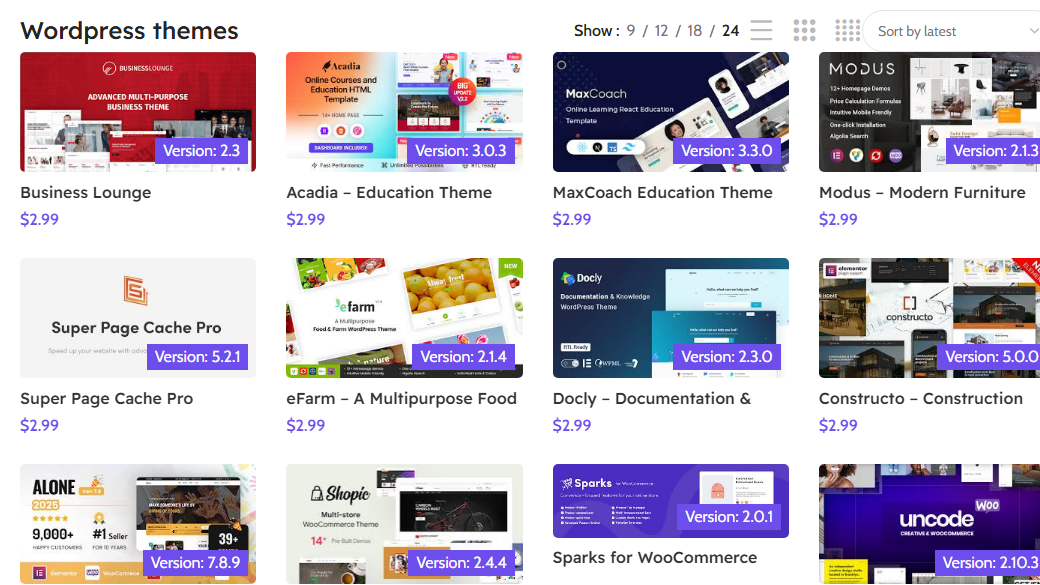
The theme grid helps compare site type, visual direction, displayed version, and resources that deserve a deeper check.
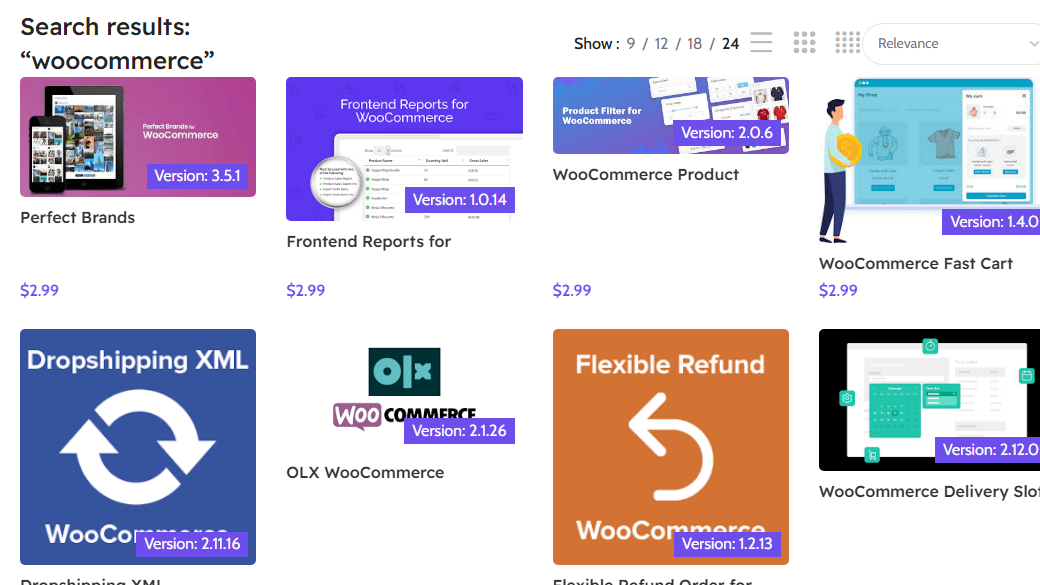
A focused search helps isolate plugins or themes connected to carts, products, filters, and ecommerce needs.
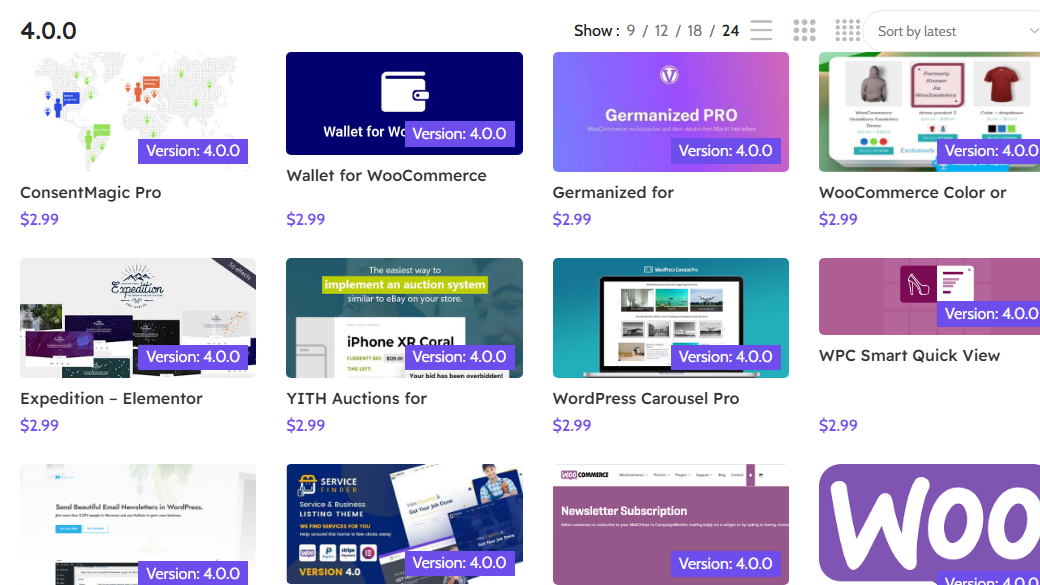
Visible versions do not validate a resource by themselves, but they give a first signal before compatibility and security checks.
A web resource should answer a specific need
CreativSea becomes interesting when you already know what you are looking for: a design base, WooCommerce function, form tool, LMS, agency page, or plugin that completes a WordPress stack.
Start from the actual project: showcase, shop, training, media, directory, portfolio, or sales page.
A rich theme can speed setup, but it still needs to fit speed and maintenance goals.
Check WordPress version, builder, WooCommerce, dependencies, and conflict risks.
Where CreativSea can help
CreativSea is useful when it supports a concrete site-building or improvement decision, not when resources are browsed at random.
Find a visual base to present a local business, agency, service, or simple offer.
Explore an ecommerce theme, sales plugin, or element that improves the product page.
Start from a tech-oriented base to structure benefits, proof, features, and comparison.
Find LMS themes or plugins to organize courses, lessons, access, and progress.
Prepare a more concrete proposal by showing a web direction, page type, or functional block.
Look for a precise resource for a section, module, conversion page, or UX improvement.
A simple method for choosing without weakening the site
A WordPress resource can save a lot of time when tested correctly. The key is not confusing appearance, compatibility, and maintenance quality.
Start from the need
Note the page type, expected function, builder, existing plugins, and customization level needed.
Compare fewer options
Select a few resources close to the need. Too much choice slows decisions and increases visual inconsistency.
Check versions
Look at displayed versions, apparent freshness, dependencies, and compatibility with WordPress, WooCommerce, or Elementor.
Test away from production
Install the resource on a test site and check errors, styling, responsive behavior, speed, and conflicts.
Decide before styling
Validate structure and function before spending time on colors, images, fonts, and presentation details.
Which CreativSea resource fits each project?
The right choice depends less on the resource name than on the role it will play in the site.
Compatibility, rights, and security to check
The public CreativSea site shows a shop, WordPress themes, versions, and low-price products. Before real use, check license, origin, updates, dependencies, and security as you would with any external WordPress resource.
Before client work or commercial use, verify usage rights, conditions, and the source of the resource.
A plugin or theme touches the site directly. Scan, test, and keep a backup before installing anything in a sensitive environment.
A useful resource today must stay compatible tomorrow. Check version, dependencies, and maintenance cost over time.
How CreativSea fits with the other web and creative tools
CreativSea sits on the web-building side. It complements media libraries and visual tools by helping move from an idea to a site or function.
WordPress themes, plugins, WooCommerce resources, and web bases to verify project by project.
Core Rankerfox page for understanding WordPress usage, compatibility, and maintenance.
Broader creative resources: themes, visuals, presentations, graphic files, and support material.
Composition of visuals, thumbnails, documents, and support material around the site.
Video, audio, and image media to enrich pages or content connected to the site.
Which Rankerfox access includes CreativSea?
CreativSea is presented as a Rankerfox Premium plan tool. It completes the web resources set with WordPress themes, plugins, WooCommerce resources, and elements to test.
It becomes useful when you need to build, enrich, or present a WordPress site direction with concrete resources to qualify.
Continue with creative and web resources
Review good practices around WordPress choice, compatibility, and maintenance.
Compare with a broader creative library for web and support material.
Add video, audio, and image media to pages or presentations.
Review the creative, SEO, AI, and ecommerce tools included with Rankerfox.
Questions about CreativSea with Rankerfox
Useful points before adding CreativSea to your Premium routine.
Add CreativSea to your web toolkit
Compare Rankerfox plans and use CreativSea with WordPress resources, Envato Elements, Canva Pro, Storyblocks, and the other Premium tools to build sites faster and more cleanly.
View Rankerfox plans