
Storyblocks with Rankerfox
Use Storyblocks in the Rankerfox Premium plan to find stock video, motion backgrounds, editing resources, music, sound effects, images, vectors, and illustrations without breaking your production rhythm.
Media
stock footage, motion backgrounds, music, SFX, images, and illustrations
Use
complete a video, ad, client support piece, or editorial page
Access
a media tool for producing faster with a clearer frame
Stock video
shots, scenes, textures
Motion
intro, transition, rhythm
Audio
music, SFX, moods
Images
photos, vectors, illustrations
Media ready to use
B-roll
Transition
Image
SFX
Storyblocks rounds out the creative media cluster
Artlist brings a strong audio layer. MotionArray helps more with editing. Storyblocks sits between them with a broad media library ready to use: video footage, motion backgrounds, audio, images, and practical elements for finishing content without starting from zero.
Add illustrative shots, context sequences, product scenes, textures, or mood footage to enrich an edit.
Add movement to an intro, waiting screen, quote background, or video section that would otherwise feel static.
Find useful elements for Premiere Pro, After Effects, DaVinci Resolve, or Apple Motion when an edit needs to move faster.
Complete a video with music and sound effects without opening a separate tool for every small need.
Add simple visuals for pages, support material, thumbnails, backgrounds, or social content.
Explore several variants before keeping the one that truly serves the message, especially when the edit changes.
Use Storyblocks as a complete media library
The public previews show the three strongest Storyblocks uses: find a video shot, choose an audio mood, then complete a page or creative asset with usable imagery.
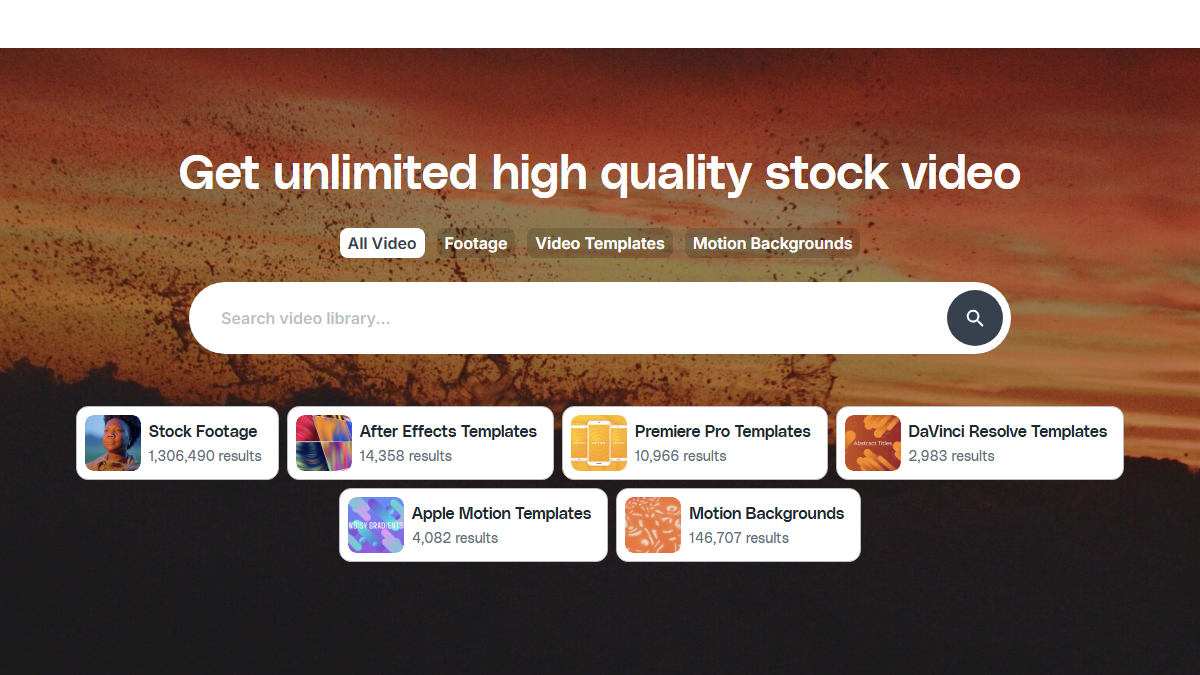
Video categories help you choose between footage, templates, motion backgrounds, and editing resources according to the gap in the production.
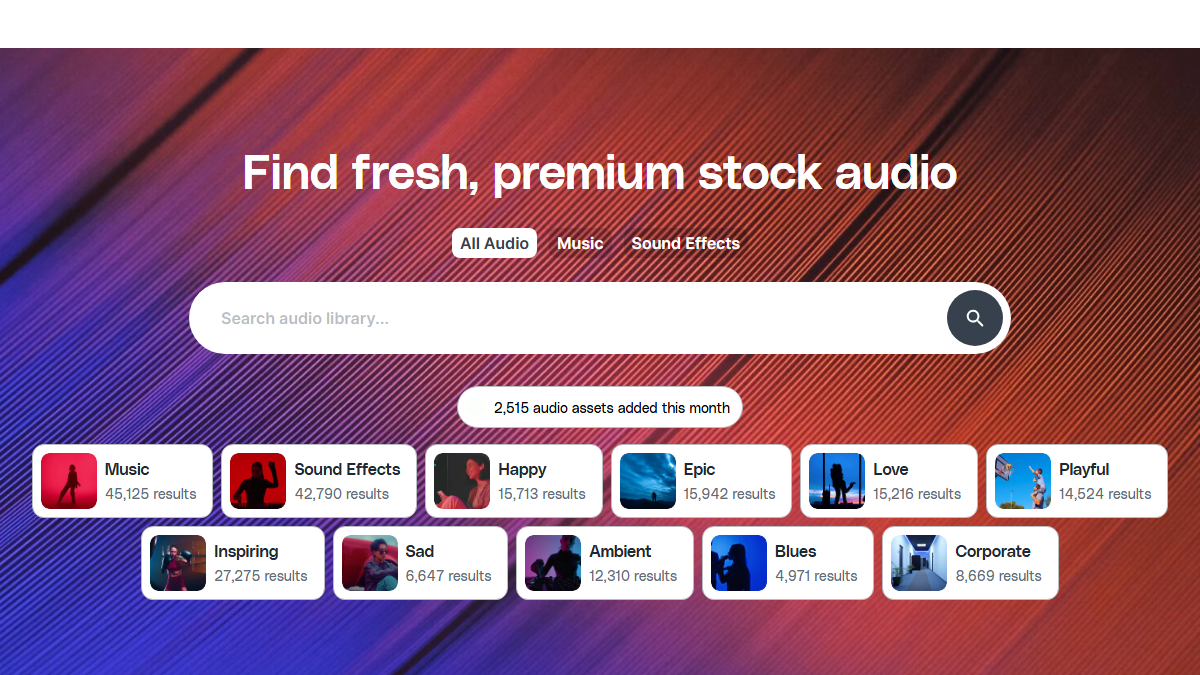
The audio area helps you find music, sound effects, or a short mood without leaving the creative production flow.
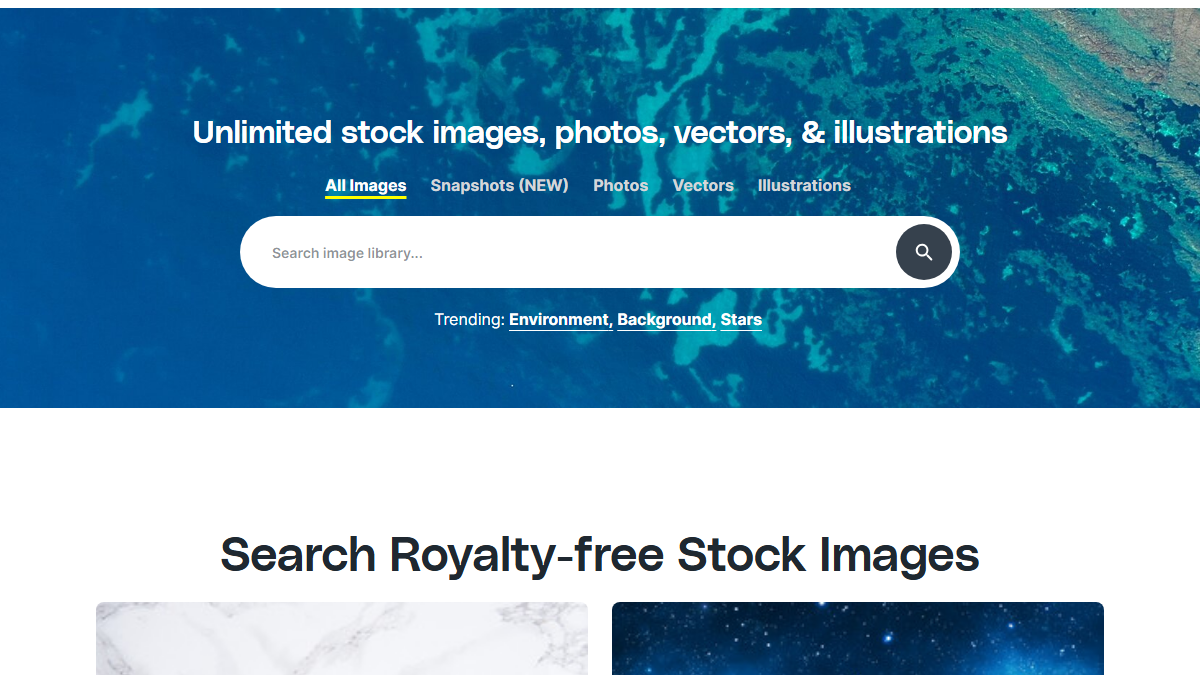
Images, photos, vectors, and illustrations complete assets when a page, thumbnail, or presentation needs more visual substance.
Useful when the right shot is missing
Storyblocks becomes valuable in very practical moments: an intro that feels empty, an ad without a transition, client material missing context, or a video that needs breathing room between two sequences.
Replace a flat passage with a context shot that helps viewers understand without adding more text.
Create a cleaner passage between two ideas, products, numbers, or scenes.
Search several assets in the same graphic direction so the edit does not feel patched together.
Where Storyblocks makes production smoother
Storyblocks is strong because it solves several media needs in one place, especially when you often produce videos, pages, and marketing support.
Add illustrative shots, motion backgrounds, transitions, and audio moods to support the rhythm of a long video.
Quickly find a scene, movement, texture, or short sound to make a hook more visible.
Dress an audit, proposal, or recap video with clean media that is easy to integrate.
Prepare a mood image, illustration, or short video resource to strengthen a key section.
Create a more dynamic lesson with backgrounds, mood shots, transitions, and discreet sound.
Build a small family of reusable shots and sounds to keep a stable visual direction.
A simple method to avoid media stacking
With a large library, the risk is downloading too much. The useful habit is to start from the role of the media, then choose against the real edit.
Name the gap
Are you looking for a context shot, transition, visual proof, mood, background, or sound? Search gets faster when the role is clear.
Limit variants
Keep three or four options at most before testing inside the edit. Beyond that, you compare more than you produce.
Test in the real support
A shot can look good alone and wrong in your video. Check rhythm, color, readability, and sound level in the final content.
Harmonize
Avoid obvious clashes between cinematic, corporate, illustration, 3D, and very realistic visuals.
Record usage
Keep the selected asset, associated project, and intended channel so the resource and its context are easy to find later.
Which Storyblocks resource fits each need?
Storyblocks covers several formats. The right resource mostly depends on the gap you need to fill in the content.
License, distribution, and production coherence
Storyblocks highlights royalty-free licensing and several license levels. For Rankerfox, the essential habit is to connect each asset to a real project and check the distribution context before publishing.
A YouTube video, ad, client support piece, or wide distribution may not raise the same questions. The channel should guide the check.
Keep a record of selected media and the project in which they appear, especially for client content or paid campaigns.
A poorly chosen stock asset is obvious. Look for a resource that supports the message rather than an impressive but disconnected image.
How Storyblocks fits with the other creative tools
Storyblocks completes the Rankerfox creative cluster with a broad media-library angle. It does not replace Artlist or MotionArray, but it prevents many small production blockers.
Stock video, motion backgrounds, audio, images, and practical resources to complete production.
Music, SFX, video resources, and a stronger audio layer for published content.
Editing, motion graphics, video resources, and elements focused on post-production.
Large media library for images, video, editorial, music, and sounds to compare styles.
Final composition for thumbnails, presentations, documents, and social visuals.
Which Rankerfox access includes Storyblocks?
Storyblocks is presented as a Rankerfox Premium plan tool. It completes the creative cluster with stock video, motion backgrounds, audio, images, and editing resources.
It becomes interesting whenever videos, ads, pages, or client material need complementary media without multiplying searches.
Continue the creative cluster
Work on music, SFX, and the audio frame of a production.
Move further into editing, effects, and more specialized video resources.
Compare a large media library for visual and audio assets.
Review the creative, SEO, AI, and ecommerce tools included with Rankerfox.
Questions about Storyblocks with Rankerfox
Useful points before adding Storyblocks to your Premium creative routine.
Add Storyblocks to your creative production
Compare Rankerfox plans and use Storyblocks with Artlist, MotionArray, Canva Pro, Shutterstock, and the other Premium tools to create more complete content.
View Rankerfox plans