

Artlist with Rankerfox
Use Artlist in the Rankerfox Premium plan to choose music, sound effects, and video resources that bring rhythm to your pages, ads, YouTube videos, social content, and client presentations.
Audio
support videos, ads, intros, transitions, and demos
Production
complete edits with footage, moods, and a more coherent finish
Access
a creative tool for content that needs to sound more professional
YouTube intro
calm, clear voice
Short ad
energy, impact
Product demo
clean, modern
Mood
Transitions
Clear project
After visuals, sound gives content presence
Canva Pro, Freepik, IconScout, and MotionArray already cover much of the visual, support, and motion layer. Artlist adds the audio layer: music, SFX, moods, transitions, and video resources for content that needs to hold attention without feeling flat.
Choose a track around the energy of the content: calm demo, short ad, educational video, client presentation, or social format.
Add short sounds to mark a transition, appearance, product action, or scene change.
Complete an edit with footage, textures, moods, or sequences so the final video feels less static.
Filter by mood, genre, tempo, or use case to find a track that matches the brand and format.
Keep a clearer frame for published projects, client work, monetized videos, and campaigns.
Explore Artlist's newer creative features when they help prepare voice, images, video, or production variants.
Use Artlist as a sound and video production catalog
The public previews show the real browsing logic: pick an asset family, filter, test tracks or media, then connect the choice to a project and distribution context.
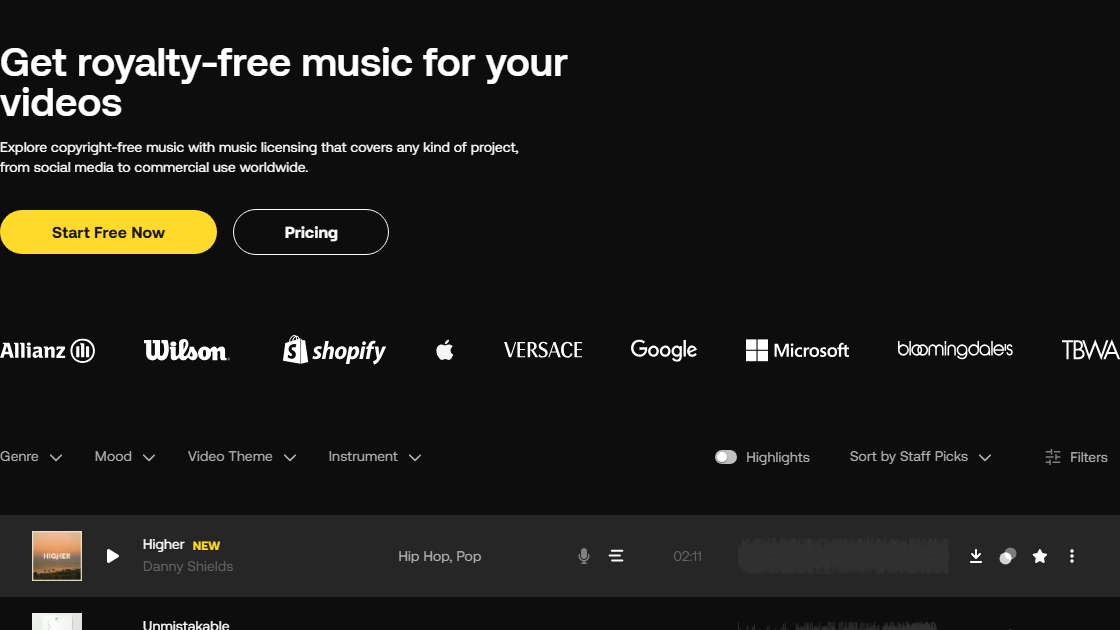
Tracks can be compared by genre, mood, video theme, instrument, duration, and waveform so the sound supports the edit.
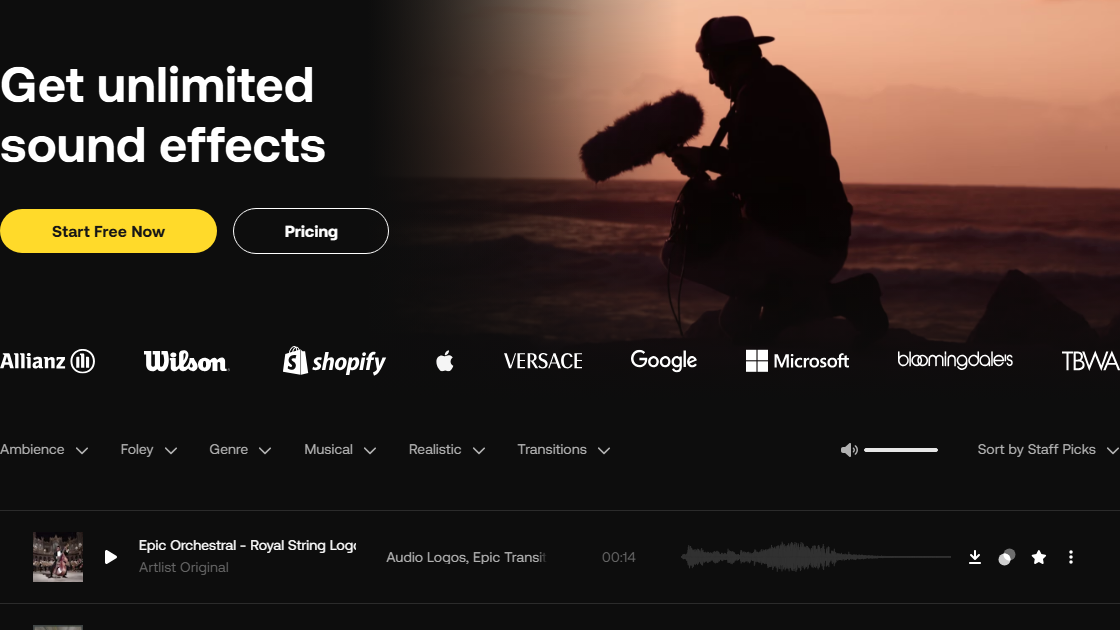
SFX help mark transitions, impacts, product actions, or atmosphere without turning the edit into a sound demo.
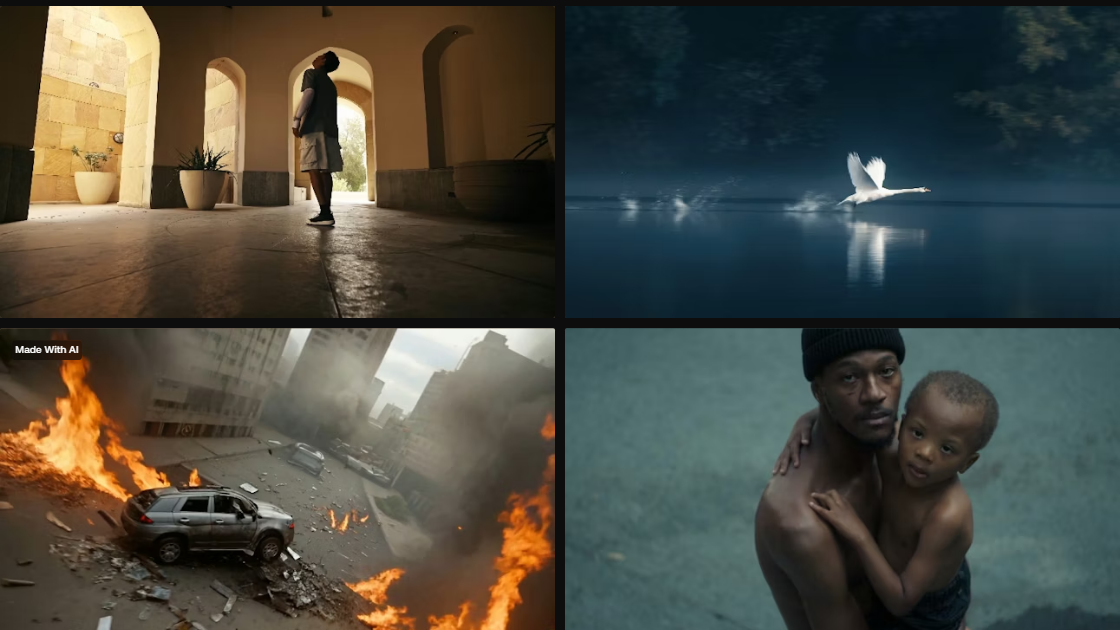
Video clips complete a production when a scene, texture, mood, or stronger visual transition is missing.
The right sound changes how content feels
A decent video can feel weak when the sound is flat. The right music, a few precise SFX, and clean levels immediately add depth.
Match the track to the edit: faster tempo for short formats, steadier mood for an explanation or presentation.
Check the result with headphones and phone speakers, because many viewers will not be using a full audio setup.
Create sonic consistency across animated thumbnails, short videos, ads, visual podcasts, and client material.
Where Artlist becomes genuinely useful
Artlist is especially useful when content needs a coherent sound mood, a more lively edit, or a clearer licensing frame to follow.
Find background music, transition sounds, and moods that support the intro, rhythm, and key moments.
Pair an energetic track with precise SFX so a product, offer, or demo becomes more memorable.
Add depth to an ecommerce sequence, SaaS demo, app presentation, or feature animation.
Dress a presentation, audit video, or agency deliverable with a more polished atmosphere.
Prepare an intro, outro, sound punctuation, or light sound identity around a voice.
Identify several tracks and sound families that can return across content linked to the same offer.
A simple method for choosing faster
Sound should serve the message. The useful routine is to choose an intent, test quickly, then keep only what strengthens the content.
Define the role
Decide whether the sound should create a mood, accelerate rhythm, reassure, highlight an action, or sharpen a transition.
Search by energy
Start with energy and tempo before comparing genres. A beautiful track can still be wrong if it slows the format down.
Use fewer SFX
A useful sound effect catches the ear. Too many effects quickly feel artificial and make the video tiring.
Test with the image
Listen on the actual edit, not in isolation. Check starts, endings, pauses, cuts, and voice moments.
Keep a record
Note the track, project, intended channel, and publication context so the team can find what was used.
Which Artlist use fits each support?
The same sound does not serve the same job in an ad, a long video, client material, or a social publication.
License, publishing, and usage context
Artlist is made for integrating resources into publishable creative projects: videos, ads, presentations, podcasts, or animations. The useful habit is to connect each resource to a concrete project and channel.
The value is in the integration: edit, client video, ad, presentation, animation, or dressed podcast.
Before paid media, major brand use, wide distribution, or audio-only needs, check that the license level matches the planned context.
A good export should stay clear at low volume, on headphones, on mobile, and under voice. Mixing matters as much as track choice.
How Artlist fits with the other creative tools
Artlist does not replace the visual tools already covered. It completes the creative cluster with an audio, video, and licensing layer that changes perceived quality.
Music, sound effects, video resources, LUTs, and license frame for published content.
Editing, video resources, motion graphics, plugins, and a more production-oriented role.
Support composition: thumbnails, posts, presentations, documents, and marketing variations.
Images, vectors, PSD, icons, sounds, fonts, and visual material for pages and campaigns.
SVG icons, illustrations, 3D, and Lottie animations for interfaces and visual markers.
Which Rankerfox access includes Artlist?
Artlist is presented as a Rankerfox Premium plan tool. It strengthens creative content with music, SFX, video, LUTs, and related resources.
It becomes useful whenever pages, ads, videos, presentations, or client material need a more deliberate sound atmosphere.
Continue the creative cluster
Pair Artlist with editing, motion, and video production resources.
Compose visuals, thumbnails, and support material around your audio and video content.
Compare another major media library for visuals, video, and audio.
Review the creative, SEO, AI, and ecommerce tools included with Rankerfox.
Questions about Artlist with Rankerfox
Useful points before adding Artlist to your Premium creative routine.
Add a real sound layer to your content
Compare Rankerfox plans and use Artlist with MotionArray, Canva Pro, Freepik, IconScout, and the other Premium tools to create more memorable content.
View Rankerfox plans