

Canva Pro with Rankerfox
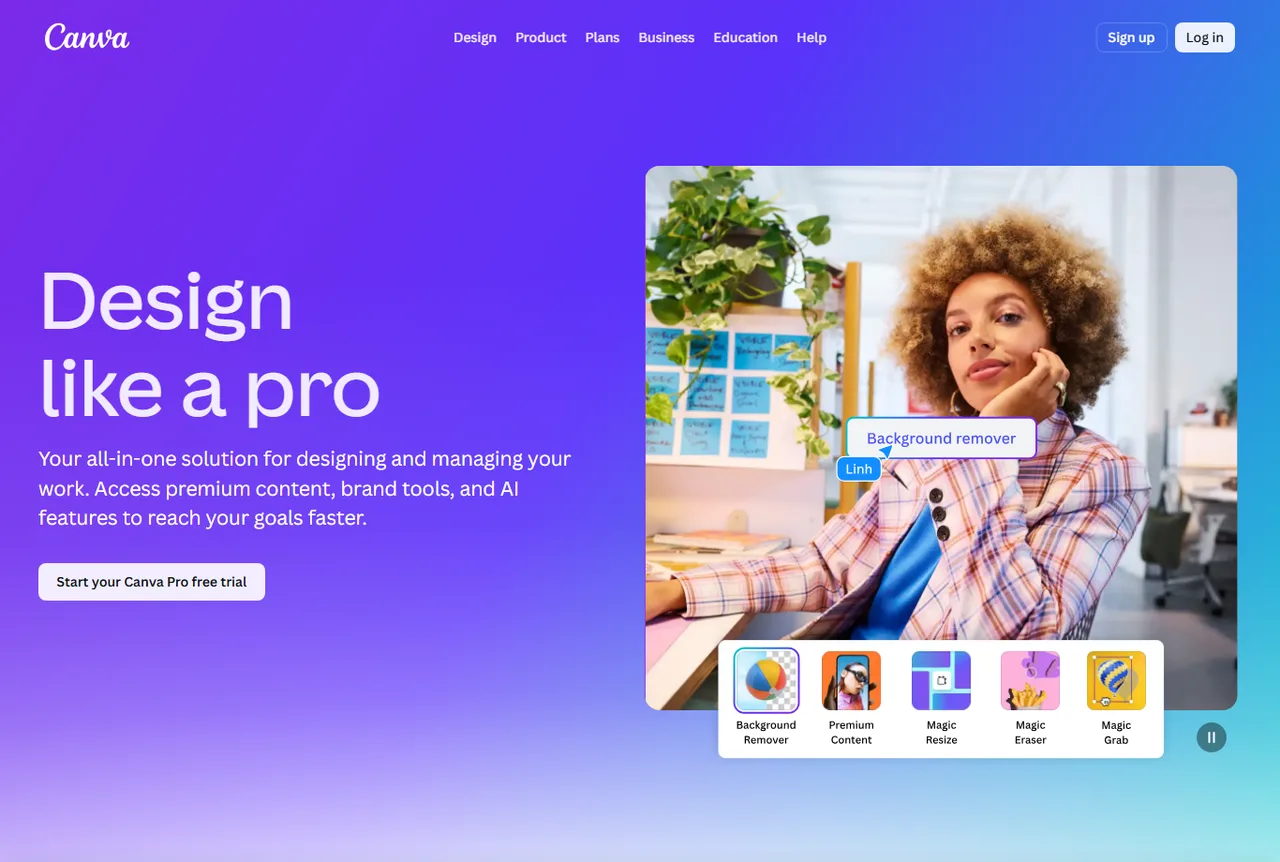
Use Canva Pro in the Rankerfox Premium plan to create visuals, thumbnails, presentations, social posts, client material, and coherent marketing variations faster.
Creative
posts, thumbnails, presentations, documents, and campaign material
Brand
colors, fonts, and logos kept together for a stable identity
Plan
a creative tool for profiles that produce often
Why Canva Pro opens a strong creative block
After stock media and video resources, Canva Pro adds the production space: choose a visual, turn it into a support piece, resize formats, keep brand consistency, and prepare publication. It connects creative resources to deliverables an agency, freelancer, ecommerce profile, or site publisher can actually use.
Keep colors, fonts, and logos together so every new support piece does not drift into a different visual direction.
Adapt one design to several formats when the same campaign needs to live on a page, social network, ad, or presentation.
Clean up a product image, portrait, or visual element before placing it inside a sharper support piece.
Use ready-made layouts, photos, videos, graphics, audio tracks, fonts, and visual elements to speed up production.
Use Canva's AI features to explore directions, adapt material, write faster, or prepare variations.
Prepare, organize, and publish social content when Canva also acts as a creative control room.
A visual workspace to produce, adapt, and publish
Canva Pro becomes valuable when the goal is more than one attractive image. It helps create coherent, reusable material for real channels.
Canva presents Pro as a solution for designing, managing, and speeding up content with premium resources, brand tools, and AI features.
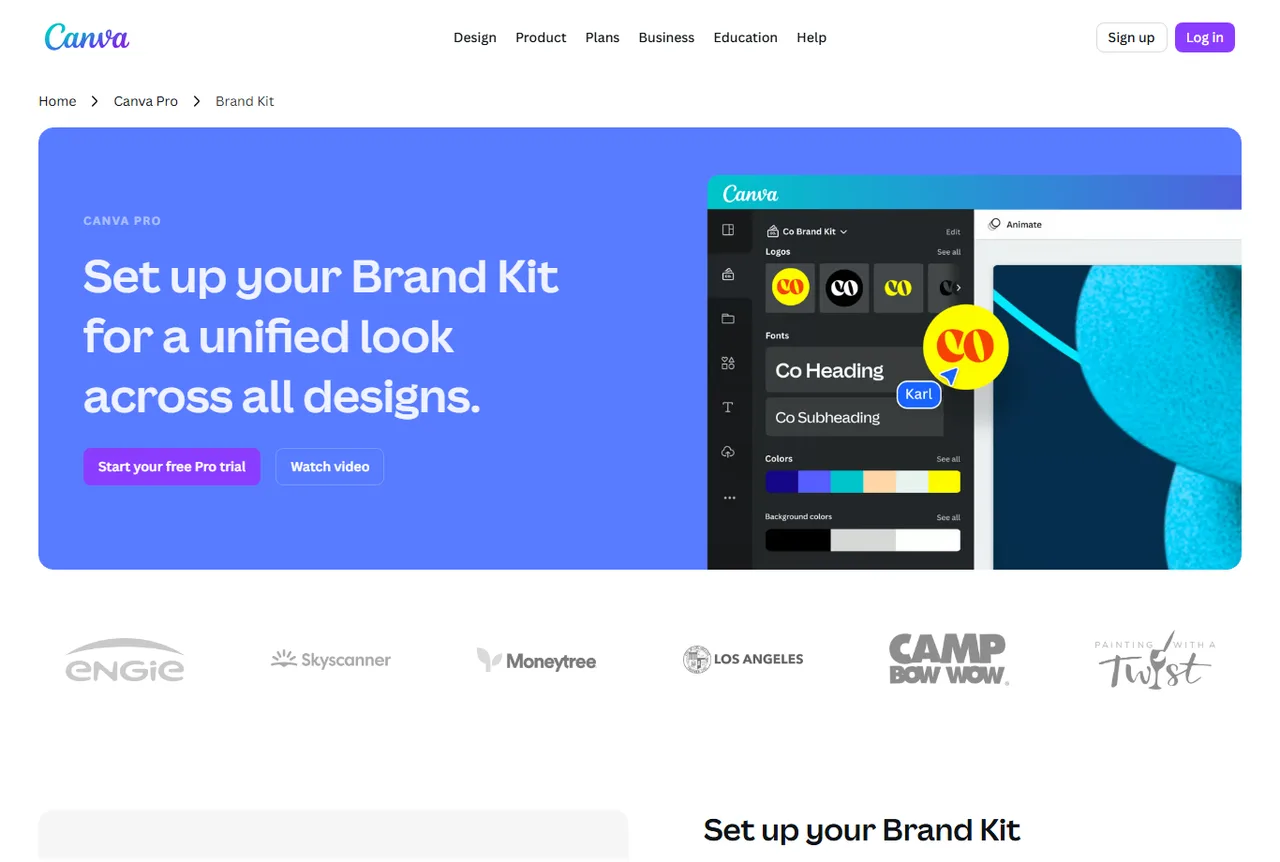
Brand Kit keeps colors, logos, and fonts in one shared frame. It helps thumbnails, slides, and social posts stay visually consistent.
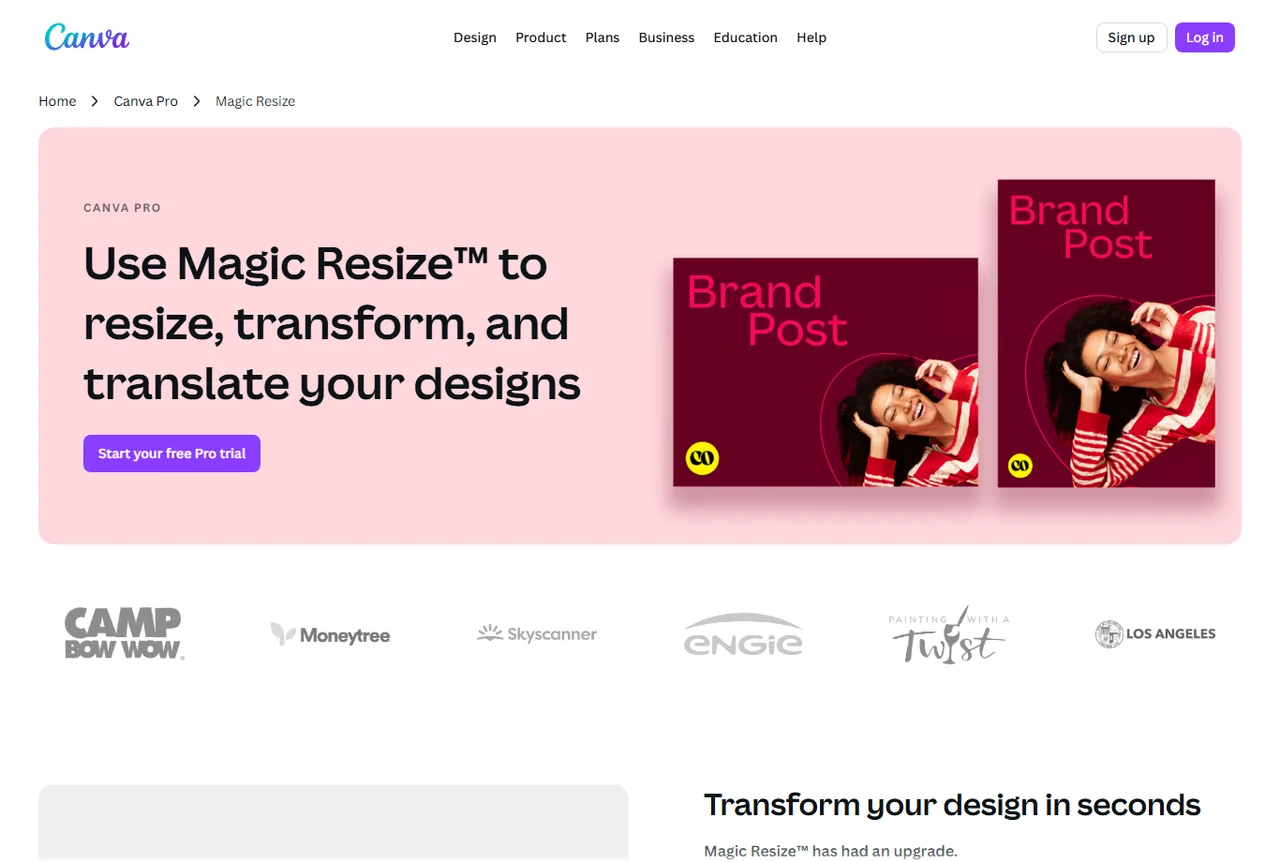
Magic Resize helps turn one visual into social formats, posts, banners, or campaign material without rebuilding everything from scratch.
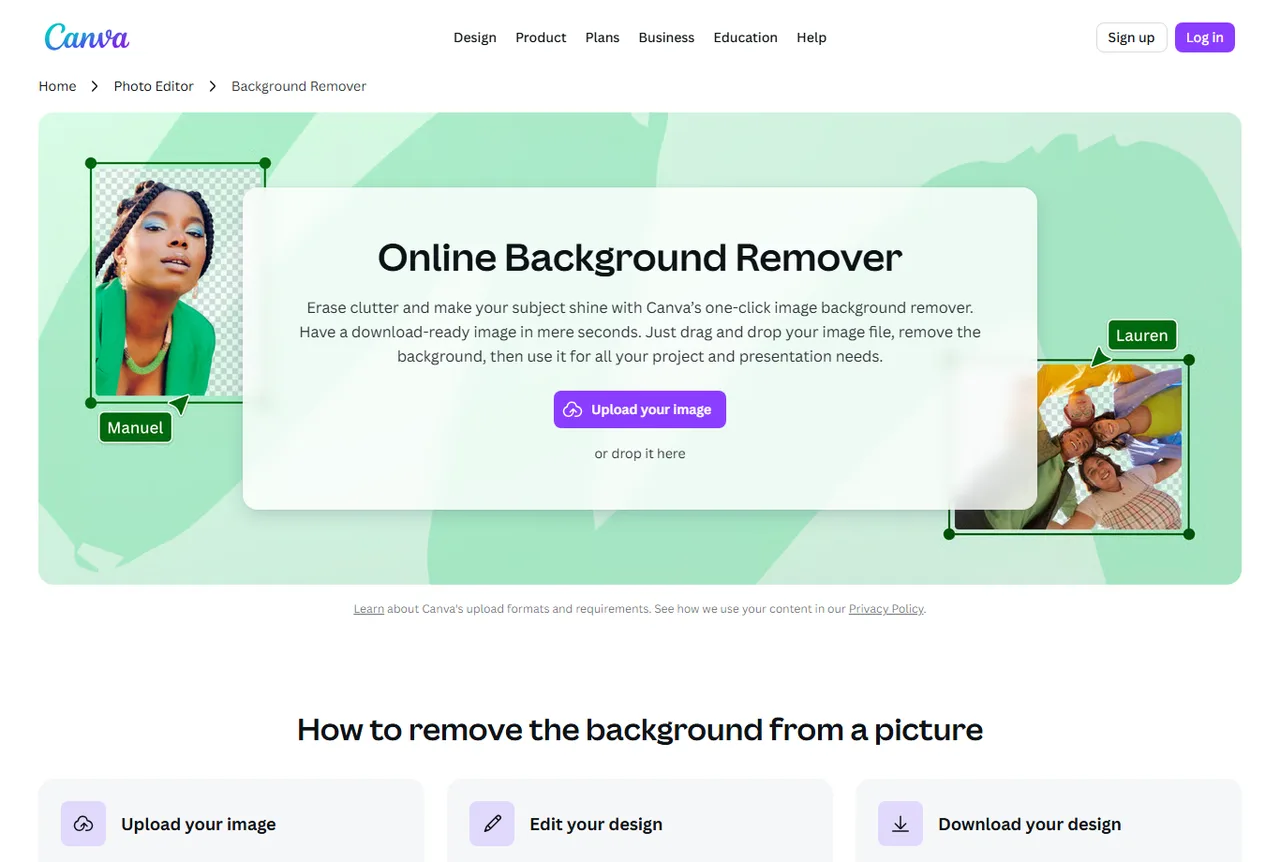
Background Remover helps clean an image before using it in a thumbnail, product visual, or commercial page.
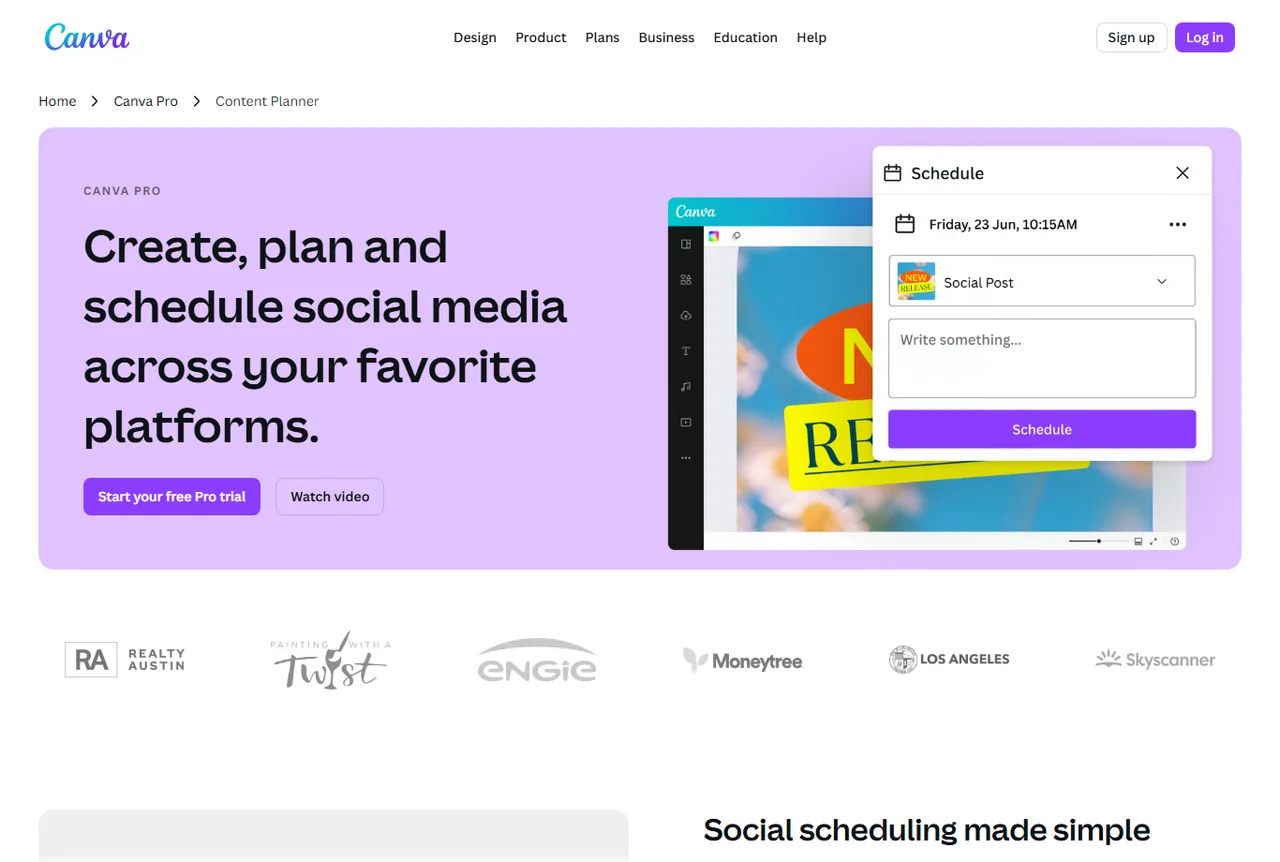
Content Planner shows why Canva matters for teams that prepare multiple posts ahead of time and need a steadier publishing rhythm.
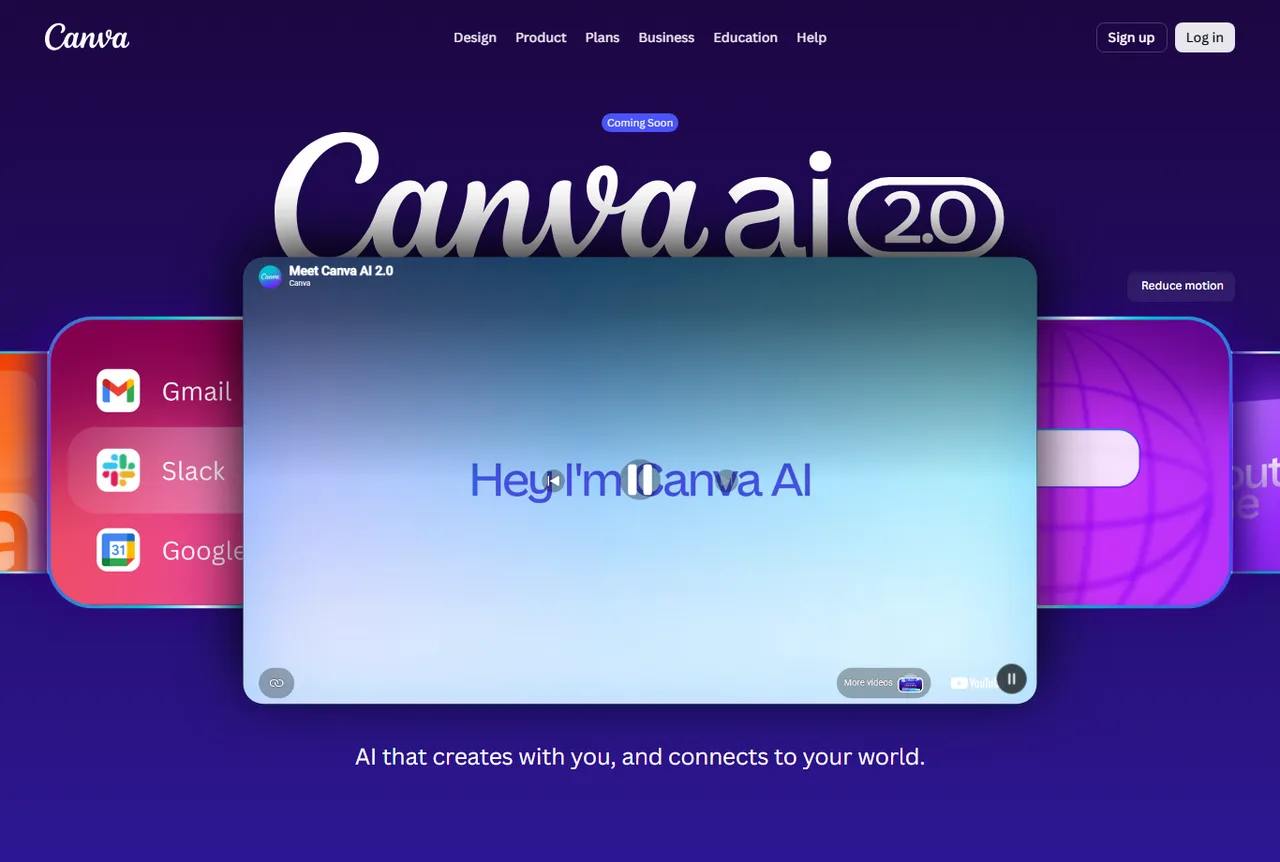
Magic Studio is Canva's entry point for AI-assisted ideation, generation, adaptation, writing, and faster visual production.
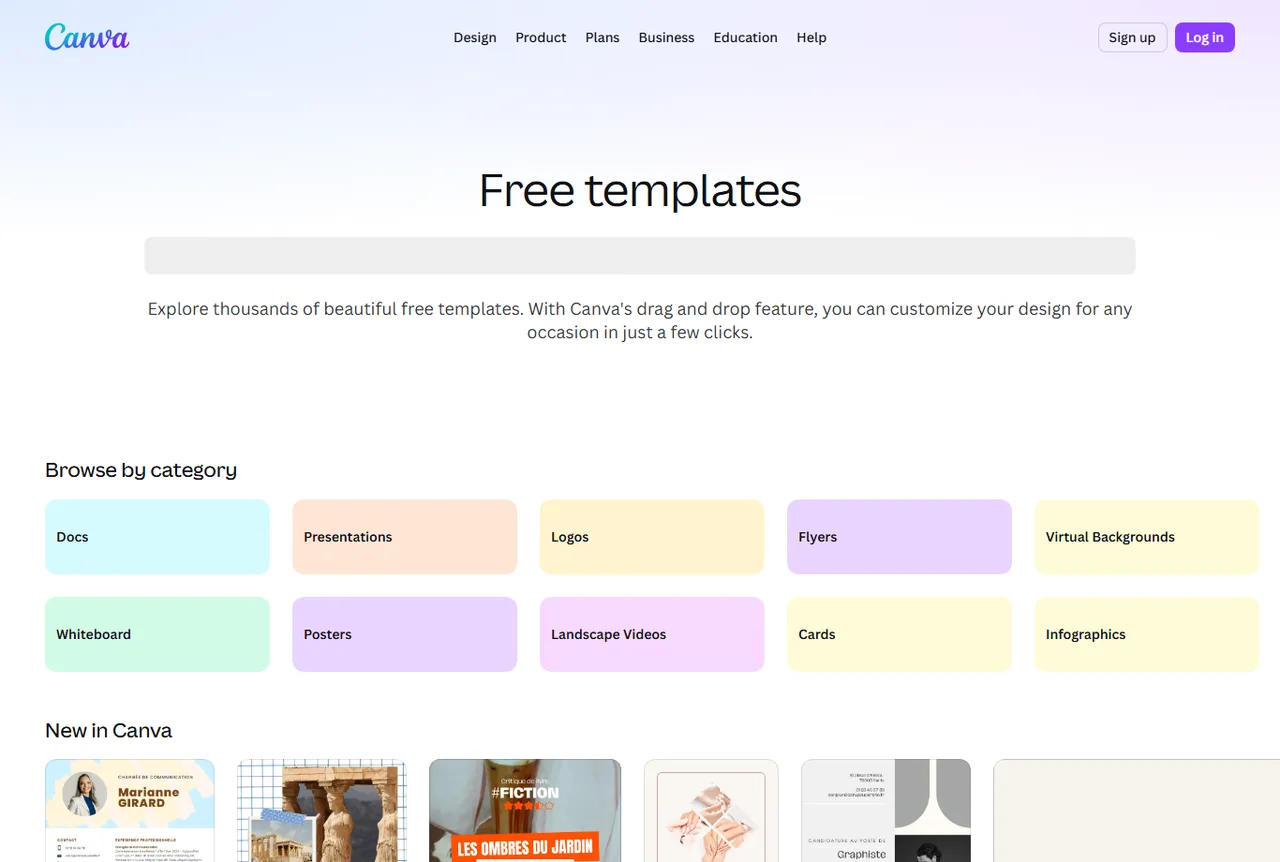
The template library helps start quickly from documents, posters, cards, infographics, or social visuals, then adapt them to the brand.
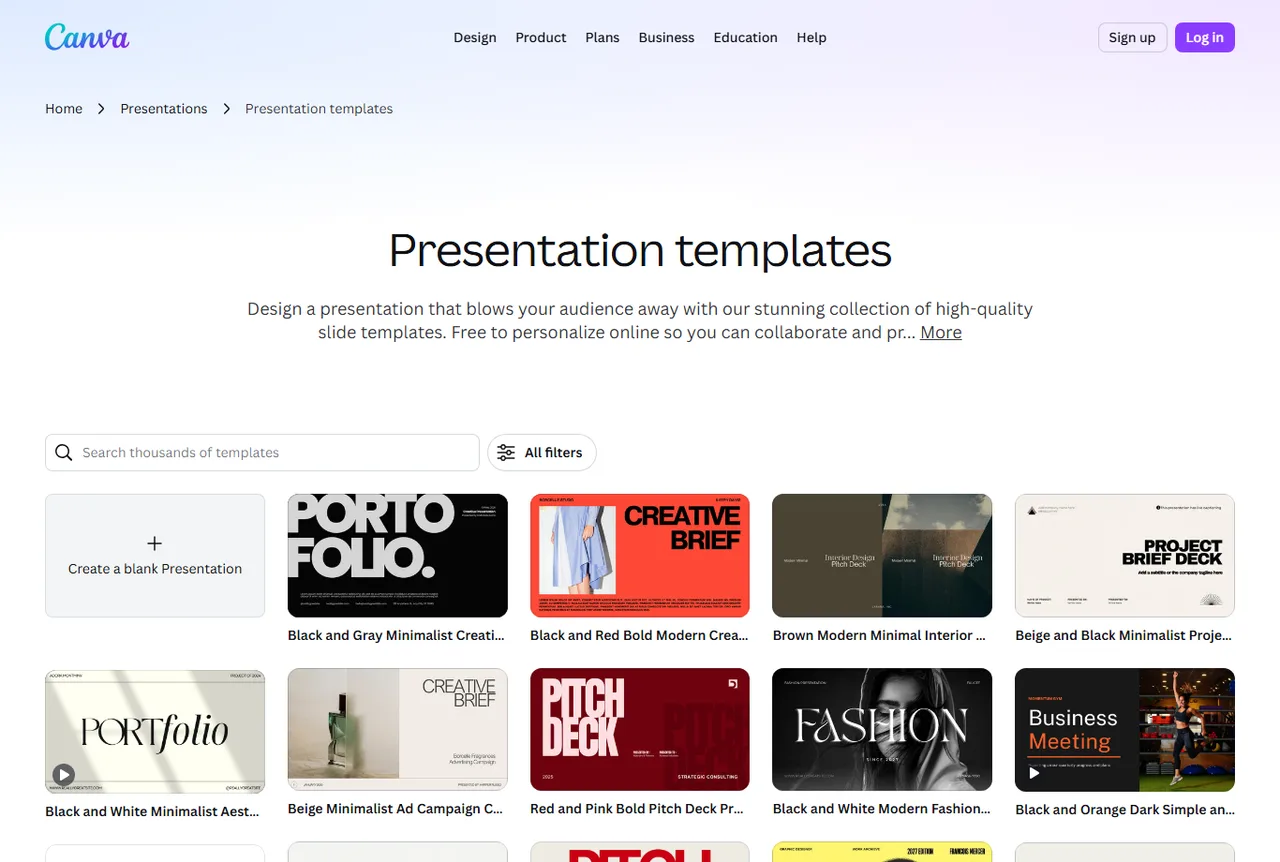
Presentation templates support proposals, audits, client material, briefs, and clearer documents than plain text alone.
Where Canva Pro becomes genuinely useful
Canva Pro gains value when it shortens the path between an idea, a visual resource, and a published support piece.
Turn an idea found with vidIQ into a clearer thumbnail with background, portrait, short text, contrast, and variations.
Combine a 123RF or Shutterstock resource with a frame, title, icon, or composition that feels more coherent.
Adapt one promise into a post, story, banner, ad, or carousel without reinventing the style every time.
Produce a presentation, proposal, audit summary, or visual note that feels cleaner for a client.
Prepare banners, product visuals, ads, and promo material from Minea or Sell The Trend signals.
Use brand elements so material produced by several people remains recognizable.
A simple method to avoid generic visuals
Canva Pro offers many ready-made layouts. The result gets stronger when the choice starts from the message, channel, and brand system, not only a nice-looking design.
Define the support
Thumbnail, social post, banner, slide, document, ad, or product visual: every format needs its own hierarchy.
Set the main message
Before opening a layout, decide what the reader should understand first: benefit, proof, action, product, or comparison.
Choose the resources
Import an image, use premium content, start from a 123RF or Shutterstock element, then keep only what serves the support.
Resize with discipline
Adapt formats without losing readability: short text, contrast, spacing, clean logo placement, and useful variation.
Export cleanly
Check format, weight, rights, file name, alternative text for web pages, and final coherence before publication.
Which Canva Pro use fits the need?
Canva Pro is more effective when every creation maps to a precise deliverable.
Trust point: brand, rights, and consistency
Canva Pro speeds up production. The healthy habit is to keep a clear identity, check the rights of used elements, and avoid publishing material that mixes too many styles.
Brand Kit keeps colors, fonts, and logos in one place. It is useful when several people produce support material.
Premium layouts, images, videos, fonts, and elements should be used according to Canva's terms and the publishing context.
A good Canva visual should stay readable on mobile, as a thumbnail, or in a social feed. If the text takes effort, the support loses value quickly.
Canva Pro's role alongside other creative tools
Canva Pro is the composition layer. Stock media brings material, MotionArray supports video, Envato covers broader resources, and Canva turns everything into usable support pieces.
Create, adapt, resize, and publish visuals, presentations, thumbnails, and marketing material.
Find photos, vectors, videos, audio, fonts, and visual resources to use in a support piece.
Compare more images, vectors, videos, sounds, and editorial content according to the desired style.
Produce and enrich videos with editing models, sounds, plugins, motion graphics, and production material.
Complete the production chain with layouts, themes, presentations, web resources, and broader creative material.
Which Rankerfox access includes Canva Pro?
Canva Pro is presented as a Rankerfox Premium plan tool. It completes the creative block with a visual production workspace for pages, campaigns, thumbnails, and client material.
The value is strongest when the team produces often, resizes the same messages across several formats, and wants a steadier visual identity.
Continue the creative cluster
Questions about Canva Pro with Rankerfox
Useful points before adding Canva Pro to your Premium routine.
Add Canva Pro to your creative production
Compare Rankerfox plans and use Canva Pro with 123RF, Shutterstock, MotionArray, and the other Premium tools to create more coherent support material.
View Rankerfox plans