

Shutterstock with Rankerfox
Use Shutterstock to support visual production with images, photos, vectors, videos, editorial content, music, sound effects, and AI features for pages, campaigns, thumbnails, and client material.
Media
illustrate a page, campaign, thumbnail, or support piece
Creative
complete a video, ad, or short social format
Control
match the asset to the channel, scale, and use case
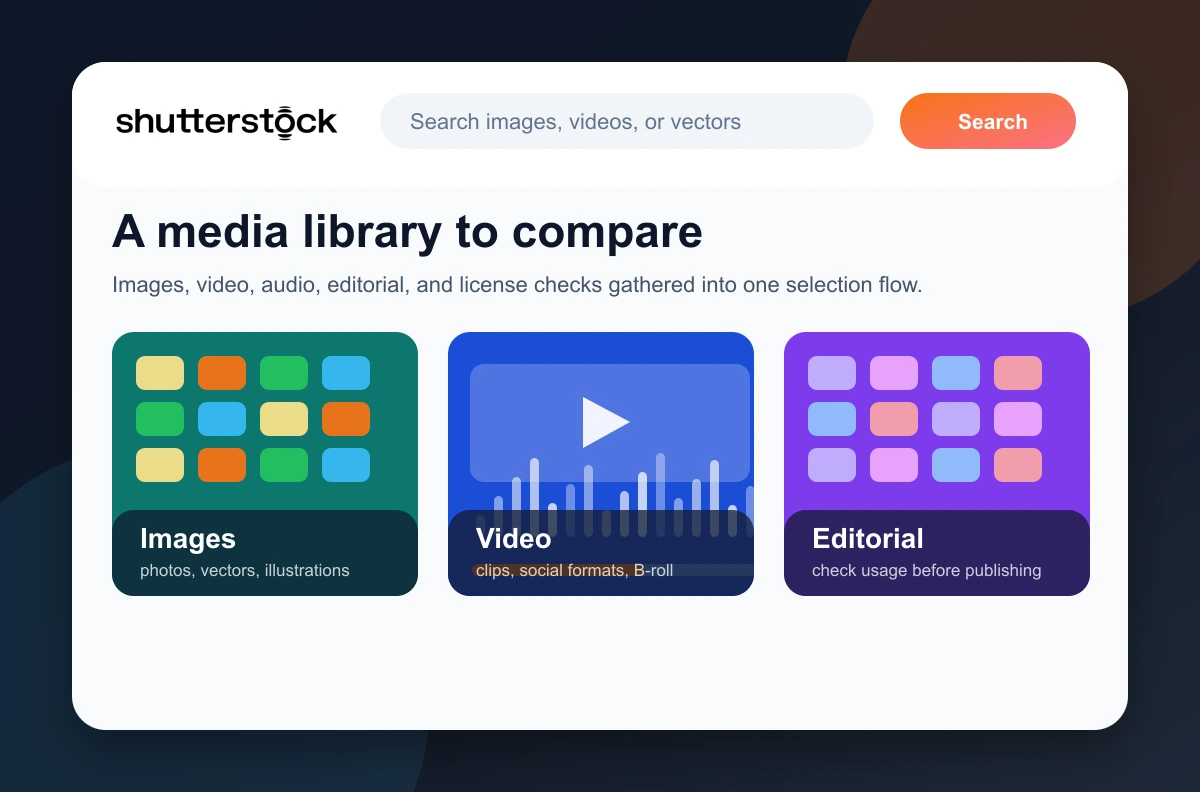
Why Shutterstock pairs well with 123RF
123RF already adds a strong media library. Shutterstock brings another layer of choice: different styles, video, editorial content, music, sound effects, and AI tools. For a team that produces often, two visual sources help avoid using the same images and make it easier to find the right tone.
Give context to a page, illustrate an idea, enrich a campaign, or replace a visual that feels too generic.
Useful for icons, backgrounds, educational visuals, social compositions, and more graphic material.
Complete an edit, support an ad, set a mood, or enrich a short-form video.
Add rhythm to a video, presentation, or short support piece without looking for a separate source.
Separate content that can support commercial communication from content intended for editorial use.
Prepare visual directions, adjust an idea, or speed up research when the need is still open.
A second source for choosing the right visual
Shutterstock is most useful when the visual choice matters: clarify a promise, make a page more credible, support a video, or build a coherent series.
The useful habit is to compare media families before choosing: photo, vector, video, audio, or editorial depending on the support.
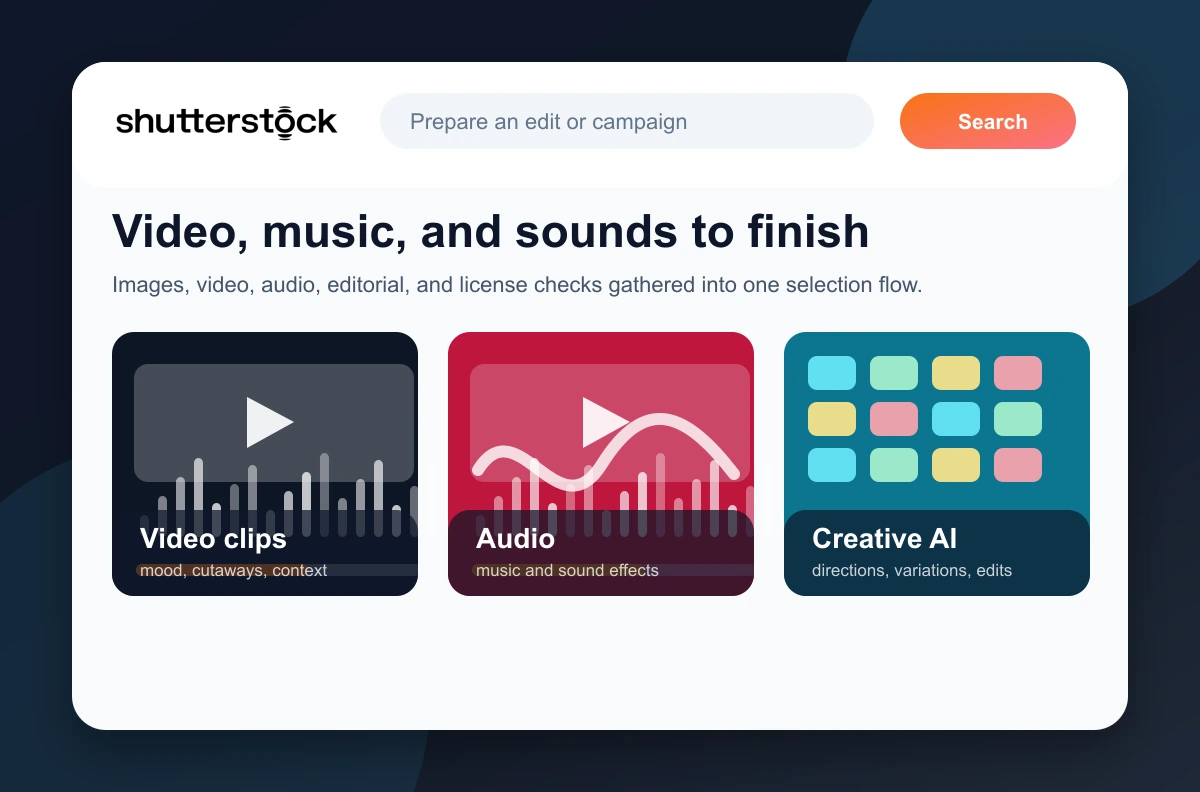
Shutterstock can also help finish an edit with B-roll, music, sound effects, and visual variations.
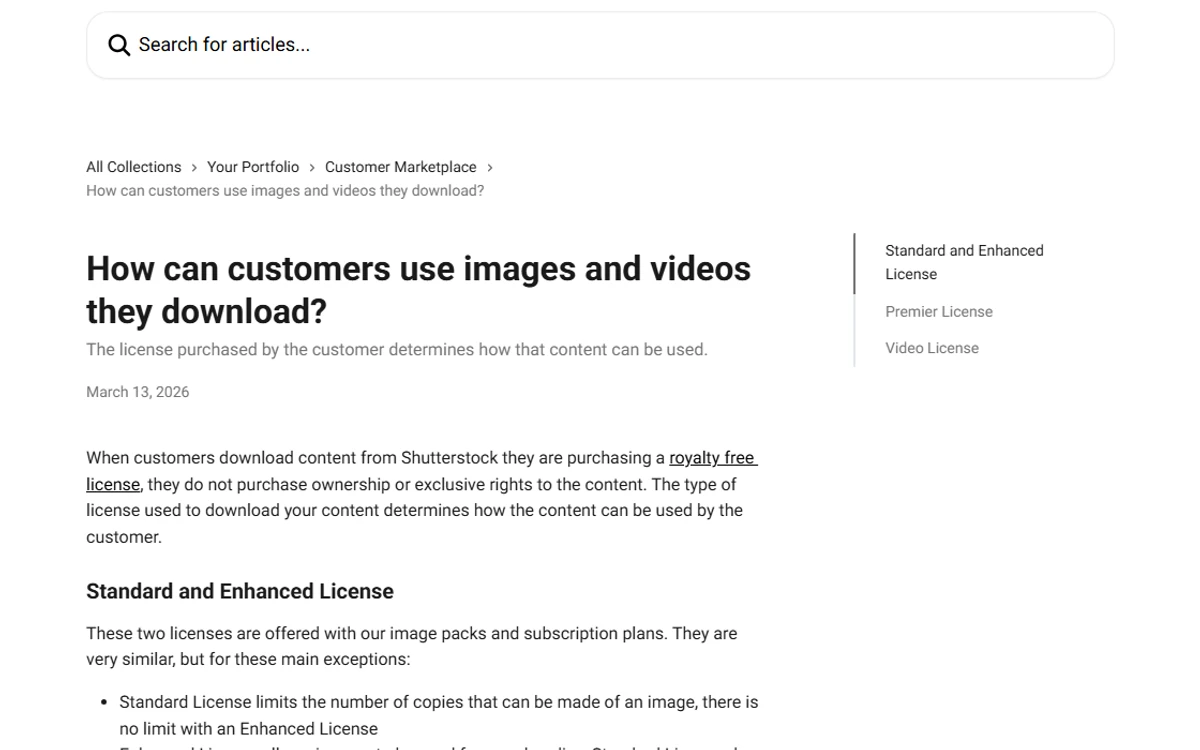
License context matters: standard use, Plus licensing, or sensitive contexts should not be handled like a simple decorative image.
Where Shutterstock becomes genuinely useful
The point is not simply having more images. It is having another source when style, format, or license calls for a more precise choice.
Replace an overused image with a visual closer to the topic, audience, or sector being discussed.
Create coherent directions for posts, ads, carousels, thumbnails, or short campaigns.
Find B-roll, a background, a texture, music, or sound effects so the edit does not feel empty.
Dress up a presentation, proposal, agency note, or deliverable without starting from scratch.
Place Shutterstock next to 123RF to see which library gives the better tone for a given topic.
Review rights before a campaign, large print run, paid creative product, or sensitive context.
A simple method to avoid interchangeable visuals
A good Shutterstock choice starts before search. Format, channel, audience, and required rights should guide selection.
Name the support
Web page, thumbnail, video, ad, presentation, email, or print material: each format has different constraints.
Define the image's job
Should the visual reassure, explain, attract attention, show a use case, set a mood, or differentiate an offer?
Compare media families
Photos, vectors, video, sound, editorial content, and AI directions do not answer the same need.
Check rights
Before publishing, review license type, channel, expected scale, commercial or editorial use, and any restrictions.
Prepare the file
Crop, compress, rename, add useful alt text, and keep a record of the selected resource.
Which media should you choose?
Shutterstock becomes more useful when every resource is tied to a clear decision.
Trust point: license, use, and context
Shutterstock distinguishes between Standard and Enhanced image licenses. Rights vary by support, scale, commercial or editorial context, and more visible uses. The practical habit is to review the license when selecting the asset, not after publishing.
Web, app, email, digital publishing, or social media use may fit Standard cases, but the exact context still matters.
Large print runs, products for sale, promotional goods, commercial decoration, or highly visible projects may require broader rights.
Editorial content should not be treated like a commercial image. It is usually meant to illustrate news, people, places, or events under its own conditions.
Shutterstock's role next to the other Premium tools
Shutterstock closes the pair with 123RF. The two tools do not replace SEO tools, but they add options when content needs to be dressed and finished.
Broad media library: images, vectors, video, editorial content, music, sounds, and AI features.
Another useful visual source for comparing styles, finding alternatives, and varying support material.
Video production, editing, motion design, music, and resources for animated formats.
Broader creative resources for web support, presentations, design, and editorial production.
Research and prioritize YouTube topics before producing the video or thumbnail.
Which Rankerfox access includes Shutterstock?
Shutterstock is presented as a Rankerfox Premium plan tool. It complements 123RF and MotionArray for image, video, audio, editorial, and visual production needs.
The value is clearest when the team regularly produces pages, campaigns, thumbnails, videos, presentations, or client support material.
Continue visual production
Shutterstock with Rankerfox FAQ
Useful points before adding Shutterstock to your Premium routine.
Add Shutterstock to your visual production
Compare Rankerfox plans and use Shutterstock with 123RF, MotionArray, and the other Premium tools to enrich pages, videos, and campaigns.
View Rankerfox plans