

Freepik with Rankerfox
Use Freepik in the Rankerfox Premium plan to find images, vectors, illustrations, PSD files, icons, videos, sounds, fonts, and AI tools for pages, ads, thumbnails, and creative material.
Resources
photos, illustrations, PSD, icons, 3D, videos, sounds, and fonts
Creative
image generation, editing, extension, upscaling, and background removal
Plan
a creative tool for richer content and campaigns
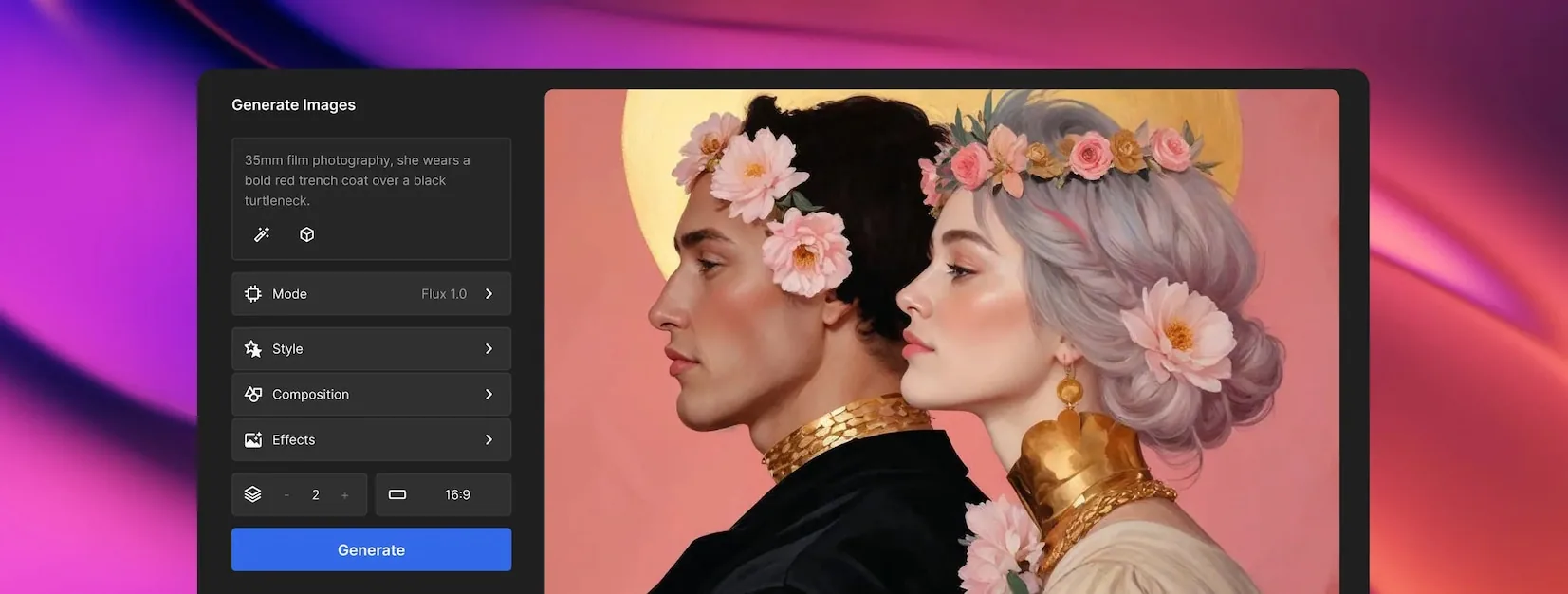
Why Freepik naturally complements Canva Pro
Canva Pro is where you compose and publish. Freepik sits just before that step: it helps you find visual material, explore a style, pick an editable file, or prepare an image that fits better. For teams producing pages, ads, thumbnails, or client material, that difference matters: you no longer start from a blank canvas, you start from a stronger visual direction.
Find a page visual, product scene, mood image, or supporting asset when content needs more presence.
Prepare icons, diagrams, backgrounds, or graphic elements that are easier to adapt than a raw photo.
Start from a flexible base for banners, covers, presentations, or campaign compositions.
Complete video content with visual elements, short clips, or resources made for social formats.
Generate, retouch, expand, remove backgrounds, or adjust an image when the perfect resource does not exist yet.
Add a sound layer to video formats, short ads, or more polished presentations.
A source of material so every visual does not look the same
Freepik becomes useful when the visual has a real job: clarify a topic, give a brand a style, support video production, or speed up a series of content pieces.
Explore a visual direction, produce a variation, and get a better base before final composition.
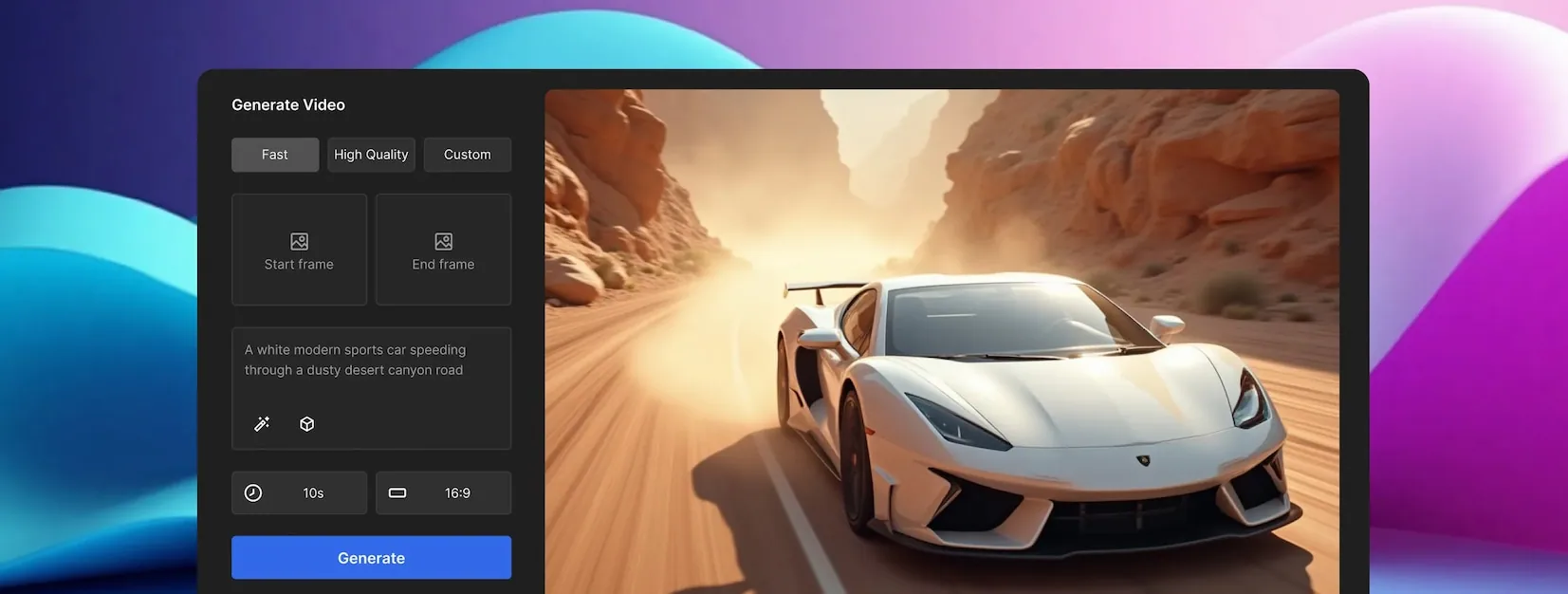
Test an animated idea or prepare a short sequence when the campaign needs more than a static image.

Prepare a scene, backdrop, or sales image when a product needs a cleaner presentation.
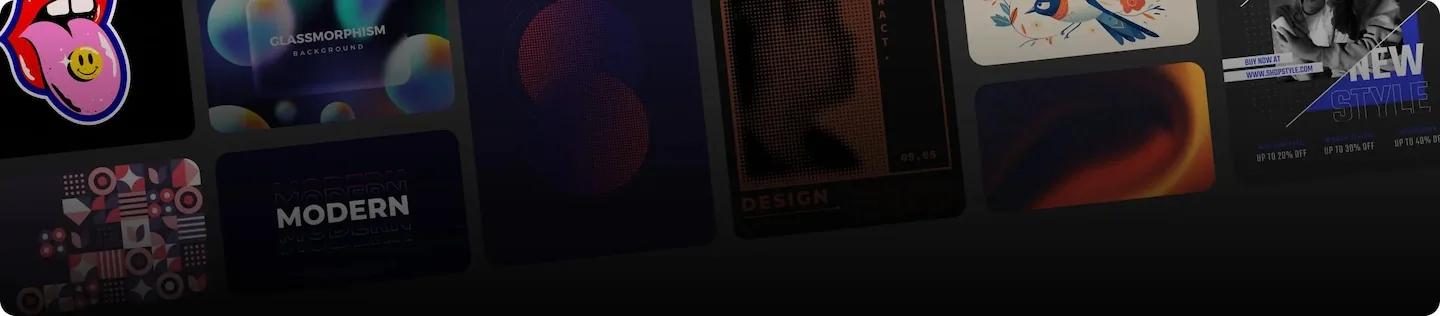
Find editable graphic elements to explain a topic, pace a page, or build a family of support pieces.

Start from an editable base and adjust colors, copy, framing, and useful zones instead of rebuilding from scratch.

Add simple visual cues inside a page, presentation, comparison table, or interface.
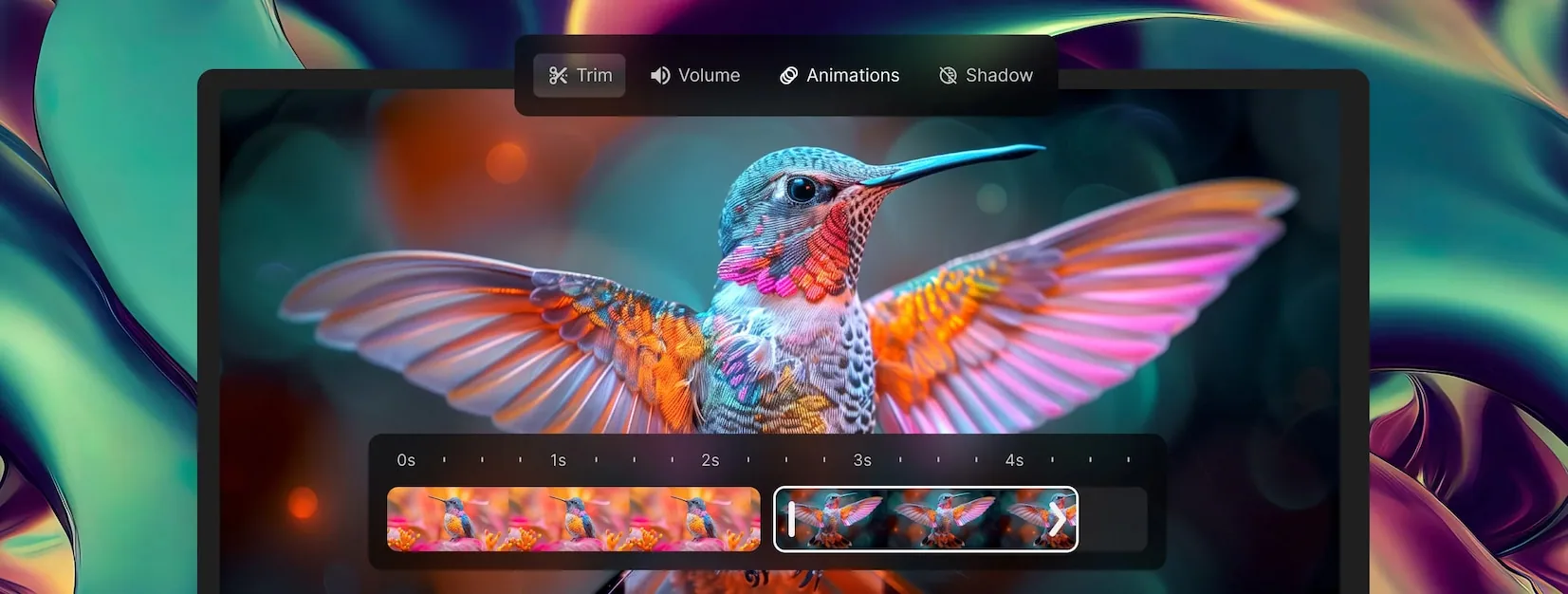
Prepare production elements for short formats, ads, animated thumbnails, or social content.
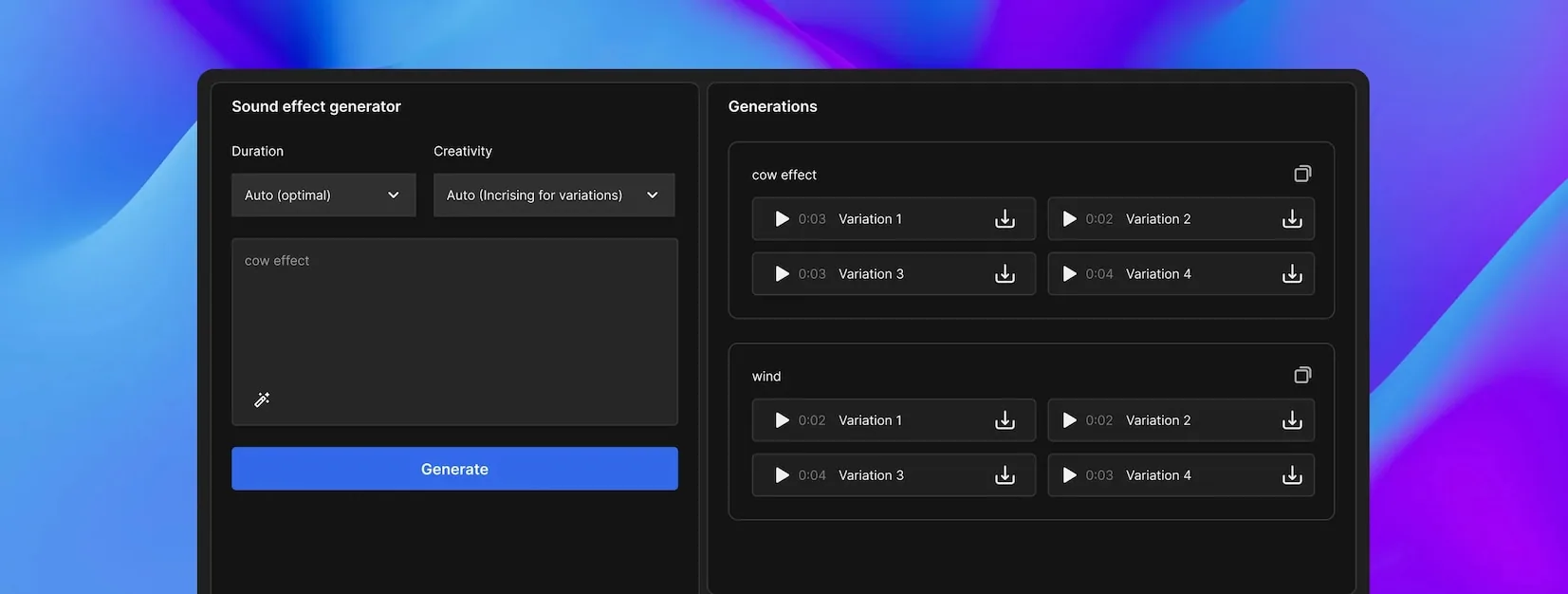
Add a sound layer to a video, social format, or more polished presentation.

Choose a supporting image when a page or campaign needs context, texture, or realism.
Where Freepik becomes genuinely useful
Freepik is not about collecting more files. It is about choosing a visual direction faster, while keeping the message, channel, and expected polish in mind.
Find an image, background, illustration, or graphic element that supports the promise without overpowering the copy.
Pair a vidIQ topic idea with a strong image, readable scene, cut-out element, or expressive visual base.
Turn a Minea, PiPiADS, or Sell The Trend signal into a test visual, banner, product scene, or social asset.
Add illustrations, icons, backgrounds, and supporting visuals so a recommendation becomes easier to read.
Avoid reusing the same stock style by trying illustration, 3D, photo, vector, or AI-assisted compositions.
Build a coherent visual family for several posts, pages, thumbnails, or short formats.
A simple method to avoid decorative imagery
Freepik gives many options. The healthy habit is to start from the visual's job, then review style, format, and rights before publishing.
Name the support
Web page, thumbnail, ad, banner, presentation, social post, or video: the same visual does not work everywhere.
Define the role
Should the image reassure, explain, attract attention, show a product, set a mood, or make content clearer?
Choose the right file type
Photo for realism, vector for flexibility, PSD for editing, icon for guidance, video or sound for animated formats.
Adapt to the channel
Crop, compress, align colors, check mobile readability, and keep a clean area for text or logo placement.
Review conditions
Check the license, possible attribution, commercial context, restrictions, and record of the resource used.
Which Freepik resource fits the need?
Freepik works better when every file supports a clear decision, not just a need to fill a section.
Trust point: rights, brand, and consistency
Freepik can speed up production, but it does not replace review. Rights, attribution, commercial context, and brand consistency should be checked before using a resource in public material.
Conditions can vary by account, resource, and use case. Reviewing them when choosing the asset avoids surprises after publication.
For an ad, sales page, product, monetized video, or client support piece, the use context should be clear.
A beautiful resource can weaken a brand if it does not fit the tone, colors, audience, or expected level of seriousness.
Freepik's role alongside the other creative tools
Freepik does not play the same role as Canva Pro, Shutterstock, or MotionArray. It brings material and visual directions; the other tools help compose, compare, edit, or publish.
Find images, vectors, PSD, icons, videos, sounds, fonts, and AI features to feed support material.
Compose, adapt, and publish visuals, thumbnails, presentations, social posts, and client material.
Compare another source of photos, vectors, videos, audio, fonts, and visual resources.
Explore a large media library with images, video, editorial content, sounds, and AI options.
Move into video editing with production elements, music, SFX, plugins, and animated resources.
Which Rankerfox access includes Freepik?
Freepik is presented as a Rankerfox Premium plan tool. It strengthens creative production with visual resources, editable files, media, and AI tools.
Its value is clearest when you often produce pages, ads, thumbnails, videos, presentations, or client material that needs a more polished style.
Freepik with Rankerfox FAQ
Useful points before adding Freepik to your Premium routine.
Add Freepik to your visual production
Compare Rankerfox plans and use Freepik with Canva Pro, 123RF, Shutterstock, and MotionArray to produce richer, more coherent content.
View Rankerfox plans