

123RF with Rankerfox
Use 123RF to find stock visuals, vectors, videos, audio files, fonts, and creative resources for pages, articles, thumbnails, campaigns, and marketing material.
Visuals
illustrate a page, thumbnail, support, or campaign
Formats
complete a deliverable when a creative piece is missing
AI
generation, extension, background removal, and edits depending on the need
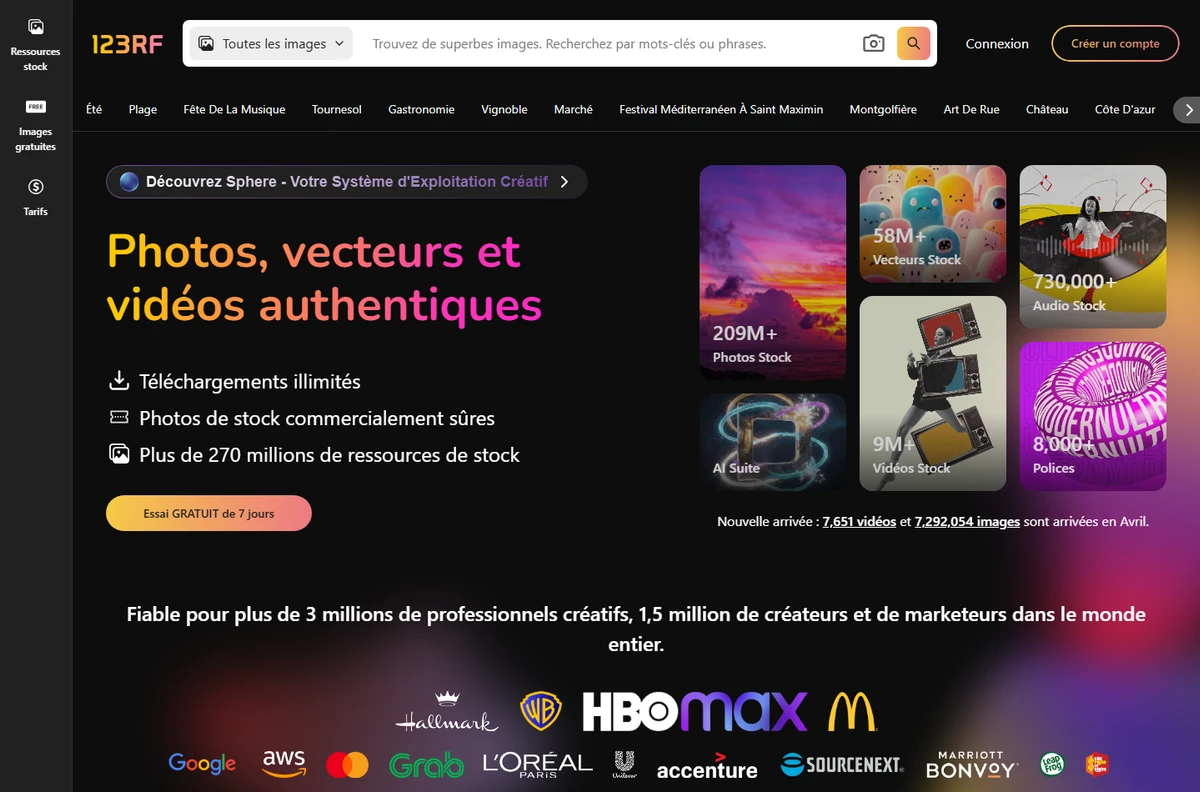
Why 123RF strengthens visual production
After MotionArray for video, 123RF adds a library focused on images, vectors, and static support material. It helps when a page needs a clear visual, a YouTube thumbnail needs to be more readable, or a campaign needs multiple visual directions without a full shoot.
Photos can illustrate a page, support an article, enrich a landing page, or give visual context to an offer.
Vectors work well for icons, editorial visuals, diagrams, backgrounds, educational material, and social creatives.
Stock videos can complete an edit, set a mood, or provide B-roll for an ad, teaser, or presentation video.
Audio files can help add a simple sound texture to a short support piece, edit, or social video.
Fonts and graphic elements help keep materials coherent when several visuals are prepared around the same campaign.
The platform also highlights generation, upscaling, background removal, and editing features for faster preparation.
A media library for finding the right visual piece
The value of 123RF is not adding a random image. The goal is to choose a visual that helps the reader understand a promise, product, or situation.
123RF groups several resource families: photos, vectors, videos, audio, fonts, and AI tools. That helps cover multiple needs without switching source for every deliverable.
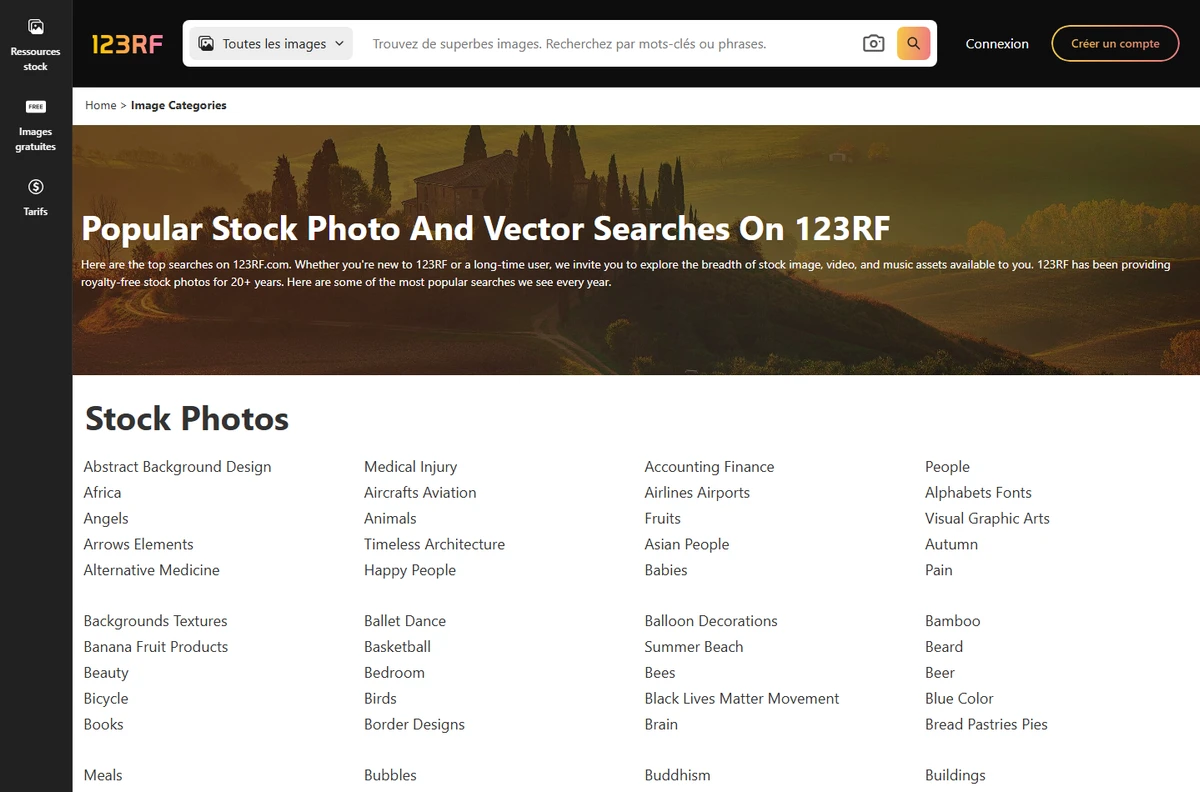
Popular search lists help turn a broad need into concrete directions: style, object, use case, background, or editorial context.
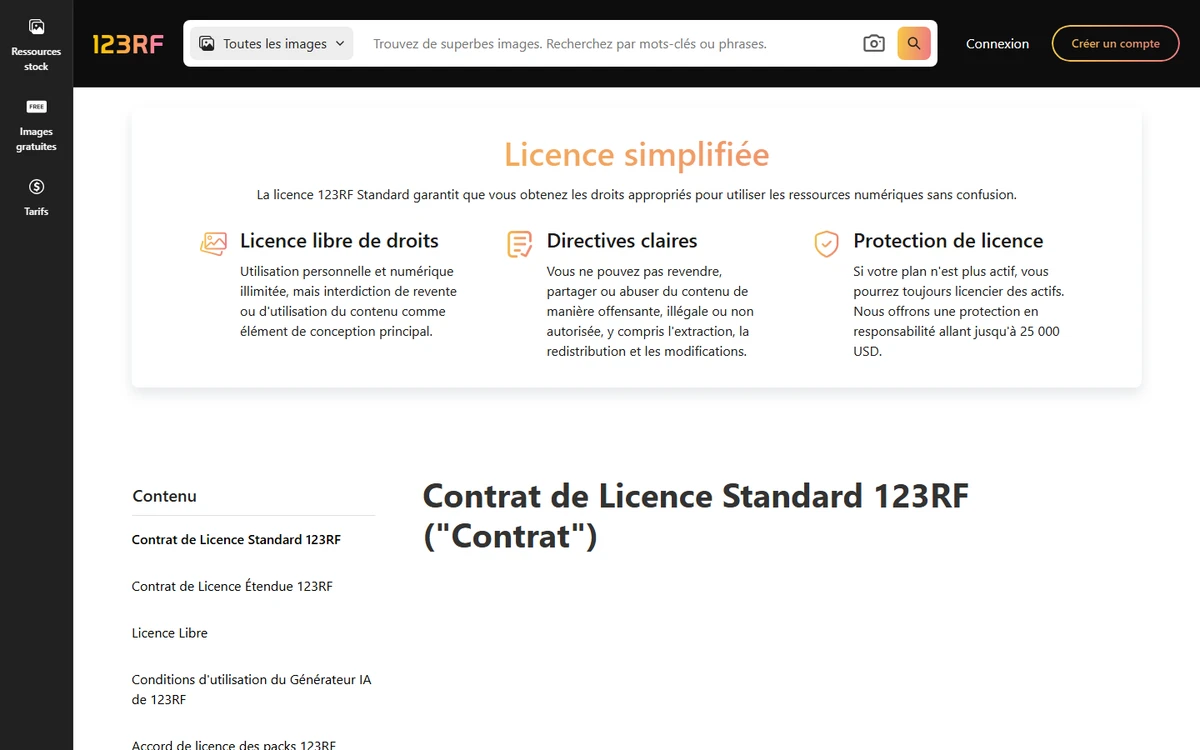
The license page reminds users of allowed uses, resale or redistribution limits, and the points to check before publishing a visual in a project.
Where 123RF becomes genuinely useful
123RF is valuable when it serves a precise need: make a page clearer, produce variations faster, or add a visual you do not have internally.
Add context imagery to make a promise more concrete, especially when the product or service is hard to photograph.
Find a background, expression, object, texture, or illustration that provides a strong base to rework.
Add images that make a long article easier to scan, support a section, or make an example more concrete.
Prepare a presentation, simple infographic, agency support, or visual note with coherent elements.
Use images, videos, or graphic elements as support material with MotionArray when an edit needs extra substance.
Compare several visual styles before choosing a direction for a campaign, page, or content series.
A simple method to avoid decorative visuals
A good visual should not just fill empty space. It should clarify, reassure, show usage, or make an idea easier to remember.
Start with the message
Define what the visual must make clear: benefit, context, emotion, comparison, proof, or product use.
Limit the search
Choose a media family before opening the library: photo, vector, video, audio, font, or AI tool.
Check consistency
Review whether style, colors, composition, and realism match the rest of the page or campaign.
Review rights
Read usage terms before publishing, especially for client work, ads, paid material, or highly visible use.
Adapt before publishing
Crop, compress, rename, add useful alt text, and avoid overly generic visuals when the stakes are high.
Which format should you choose?
The right resource depends less on what looks nice and more on what the material needs to achieve.
The trust point: license, usage, and rights
123RF highlights a standard license with personal and digital uses, plus important restrictions: no resale, redistribution, extraction, or unauthorized use. This is worth reviewing before publishing.
Before an ad, sales page, or client deliverable, check that the selected resource fits the intended channel.
A visual should not become the main item resold as-is. It should be integrated into a real page, campaign, presentation, video, or transformed creation.
Keep a record of the resource used, the project involved, and the terms that applied at publication time.
123RF's role next to the other Premium tools
123RF completes the visual side of the Premium plan. It does not replace research, video, or monitoring tools, but helps produce clearer material.
Photos, vectors, videos, audio, fonts, and AI resources for pages, articles, and creatives.
Another major image and premium visual library, useful to compare by style and availability.
Video production, editing assets, motion design, sounds, and plugins to finish a video.
YouTube topic research and prioritization before producing the video or thumbnail.
Broader creative library for design files, web assets, graphic support, and editorial production.
Which Rankerfox access includes 123RF?
123RF is presented as a Rankerfox Premium plan tool. It complements video and creative tools with a media library more focused on images, vectors, and visual support.
Its value is clearest when a team regularly produces pages, thumbnails, campaigns, presentations, articles, or client materials.
Continue visual production
Move from visual assets to video production and editing resources.
Compare with the other major premium image library.
See the other Premium additions around video, ecommerce, and creative work.
Complete with broader design files, creative material, and publishing resources.
123RF with Rankerfox FAQ
Useful points before adding 123RF to your Premium routine.
Add 123RF to your visual production
Compare Rankerfox plans and use 123RF with the other Premium tools to enrich pages, articles, thumbnails, and campaigns.
View Rankerfox plans