

Cheap Envato Elements access with Rankerfox
Use Envato Elements to find the resources that give your pages shape: web templates, photos, videos, graphics, fonts, presentations, and campaign assets. Inside Rankerfox, it fits into a broader workflow that connects content, SEO, and visual production.
Creative workspace
Assets ready for production
Search
Format
Shortlist
Style
Adapt
Brand
Deliver
Project
The point is not only downloading an asset: you need the right format, brand adaptation, and project usage.
Turn a content idea into a publishable asset
Envato Elements is useful when a page, campaign, or support needs stronger visual material. It covers complementary resource families: web templates, videos, photos, music, sound effects, graphics, presentations, fonts, and WordPress assets.
Inside a Rankerfox routine, the tool comes after the substance work: topic research, page structure, writing, then visual production. That helps avoid pages that read correctly but feel weak on screen.
The right habit is to choose a resource for a precise message, then adapt it. An image, slide, or template does not replace content; it makes the content clearer, more credible, and easier to scan.
See the resource families before searching
Envato becomes easier to use when you separate media families: the broad catalog frames the need, graphic templates speed up production, and presentation layouts improve client-facing delivery.
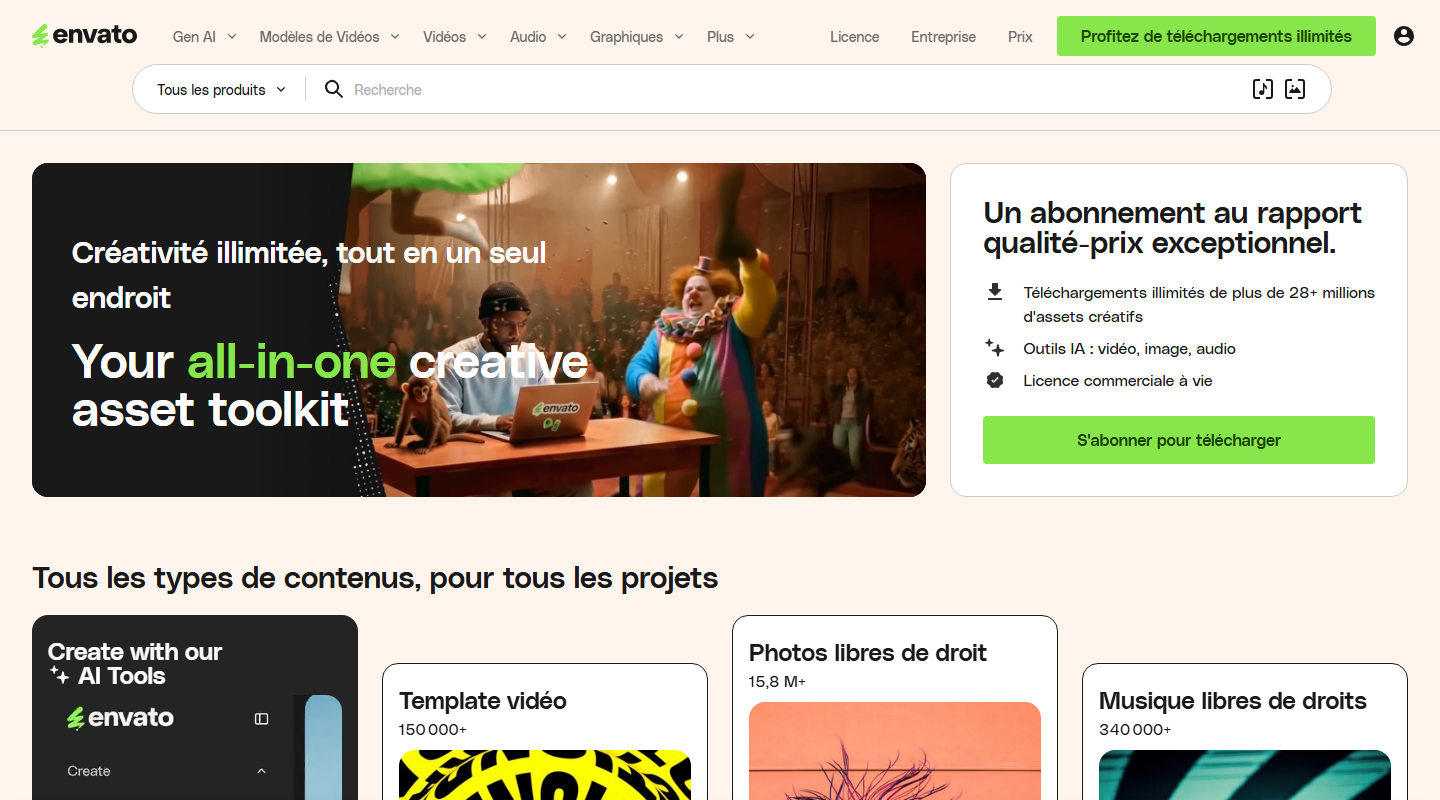
The homepage shows why Envato works as a cross-format resource library: photos, video, audio, templates, and creative tools can support the same project.
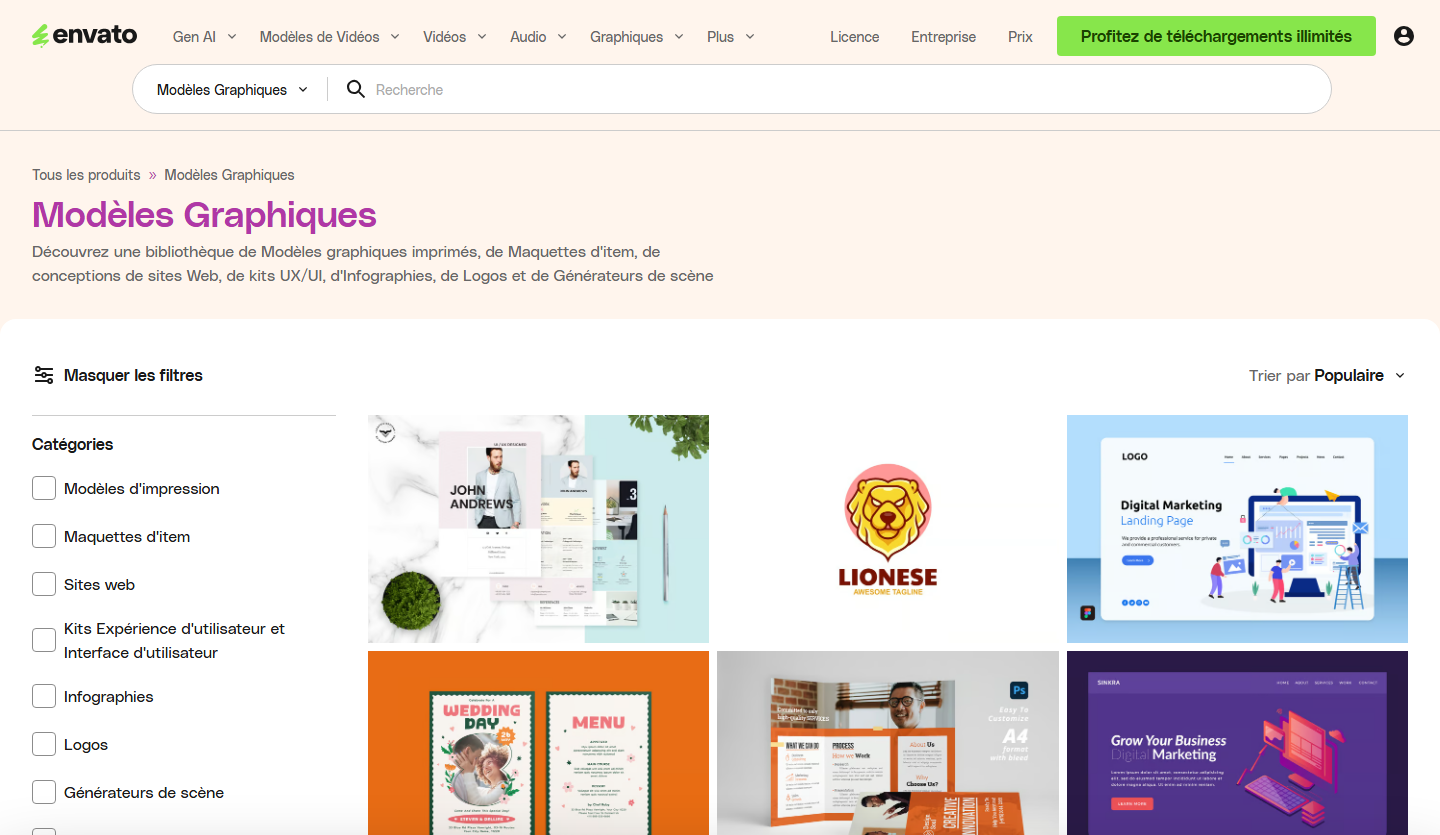
Layouts, mockups, infographics, logos, and UI kits are useful when you need to produce quickly without publishing generic visuals.
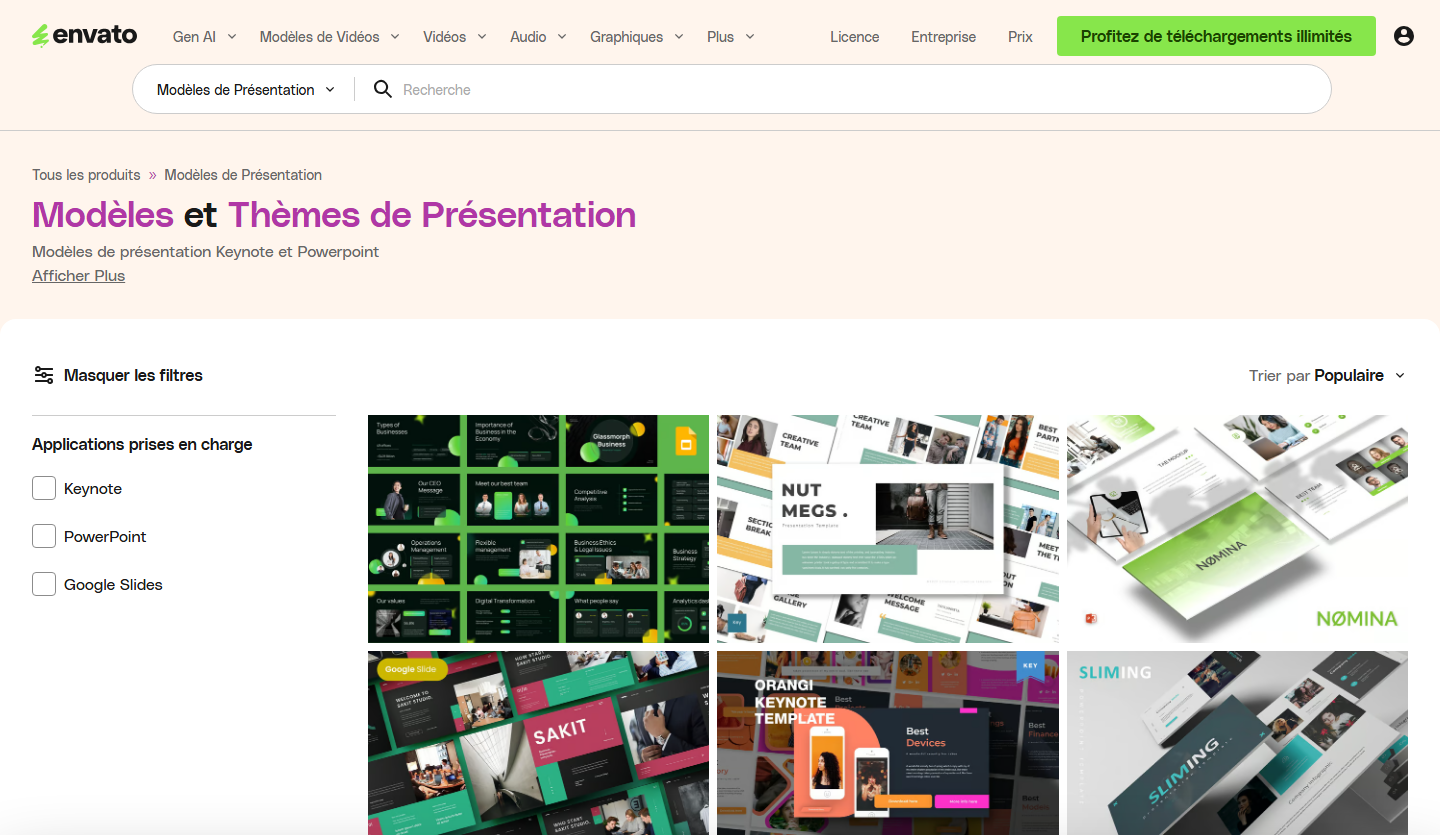
Slide templates help turn an audit, proposal, or training support into a clearer deliverable.
What to search for in Envato depending on what you produce
A good search does not start with the asset name. It starts with the deliverable: page, article, deck, video, campaign, or WordPress site.
Search for
Landing page layouts, web sections, product mockups, icons, illustrations, and usage-oriented photos.
Adapt before publishing
Replace decorative blocks with proof: benefits, screenshots, client logos, FAQs, numbers, and calls to action.
- Frame the offer
- Keep media light
Search for
Header image, editorial illustrations, infographics, section icons, and derived social visuals.
Adapt before publishing
Choose visuals that help explain the topic, then prepare a lightweight web version and a social sharing version.
- Support the topic
- Prepare sharing
Search for
Presentation layouts, analysis slides, tables, timelines, charts, and coherent pictograms.
Adapt before publishing
Reduce the layout to the useful slides: context, diagnosis, recommendations, priorities, budget, and next actions.
- Clarify the audit
- Sell the next step
Search for
Square visuals, vertical formats, short videos, transitions, animated titles, and campaign backgrounds.
Adapt before publishing
Turn one message into several formats without changing the offer or losing brand consistency.
- Create variations
- Test several angles
Search for
Stock footage, motion graphics, titles, lower thirds, music, sound effects, and video packages.
Adapt before publishing
Keep only the parts that help the viewer understand: short intro, clear chapters, clean sound, and a light export.
- Give rhythm
- Avoid filler
Search for
Themes, plugins, template kits, ecommerce elements, product pages, banners, and brand assets.
Adapt before publishing
Check compatibility, updates, weight, dependencies, and fit with the theme already in place.
- Check compatibility
- Keep the site fast
Envato resources that matter for marketing work
The value is covering several production formats with one habit, without letting design delay publication.
Find visual starting points for landing pages, commercial sections, offer pages, and client mockups.
Illustrate articles, service pages, emails, and social posts without starting every piece of content from a blank screen.
Prepare short formats, intros, visual packages, transitions, and video assets for stronger campaigns.
Speed up presentations, commercial supports, lead magnets, and client-facing documents.
Four filters that keep the search efficient
Envato has a large library. The useful habit is to filter with a clear intent instead of scrolling until something looks nice.
Start with the final tool or channel: web page, PowerPoint, Keynote, After Effects, WordPress, image, or video.
Filter by seriousness, industry, dominant color, orientation, and the level of detail the deliverable needs.
Attach the asset to the right project and keep a usage note, especially for client deliverables.
Check weight, dimensions, export format, and responsive alternatives before adding the asset to a page.
Where Envato Elements speeds work up most
Envato becomes especially useful when it fits into a specific deliverable, with a clear goal and someone responsible for the final adaptation.
Pair an article or service page with coherent visuals, icons, graphic blocks, and a cleaner reading experience.
- Editorial images
- More memorable blocks
Prepare several formats around one offer: banner, short video, presentation, illustration, and social variations.
- Faster variations
- Brand consistency
Turn an audit, proposal, or recommendation into a sharper support without losing a full day on design work.
- Stronger slides
- Cleaner client output
From resource to final deliverable
Start from the real format you need: web page, article, video, presentation, social visual, or client document.
Adjust colors, fonts, framing, visual tone, and detail level so the asset does not feel generic.
Review the license, project scope, usage limits, and media weight before publishing or handing work to a client.
Which Rankerfox plan includes it?
Envato Elements is included from Standard and remains available in Premium.
Standard includes Envato Elements from €9.99/month for regular visual, template, presentation, and publishing needs.
Premium also includes Envato Elements and adds advanced tools for SEO, backlinks, AI, creative resources, and agency workflows.
Keep output useful, fast, and clean
Compress images and videos before publishing so pages stay fast.
Avoid visuals that are too generic or decorative when the reader needs to understand a precise offer.
Register each asset for the right project when the license requires it.
Adapt templates to real content instead of publishing an empty-looking layout.
Check dependencies for a theme, plugin, or video file before adding it to a client project.
Keep a short tracking note: asset used, page concerned, exported format, and publishing date.
Connect Envato Elements with the right Rankerfox paths
Frequently asked questions about Envato Elements
Useful points before adding Envato Elements to your Rankerfox routine.
Add Envato Elements to your production workflow
Standard already includes Envato Elements. Premium keeps it included and adds advanced tools for SEO, AI, visuals, and agency workflows.