
MotionArray with Rankerfox
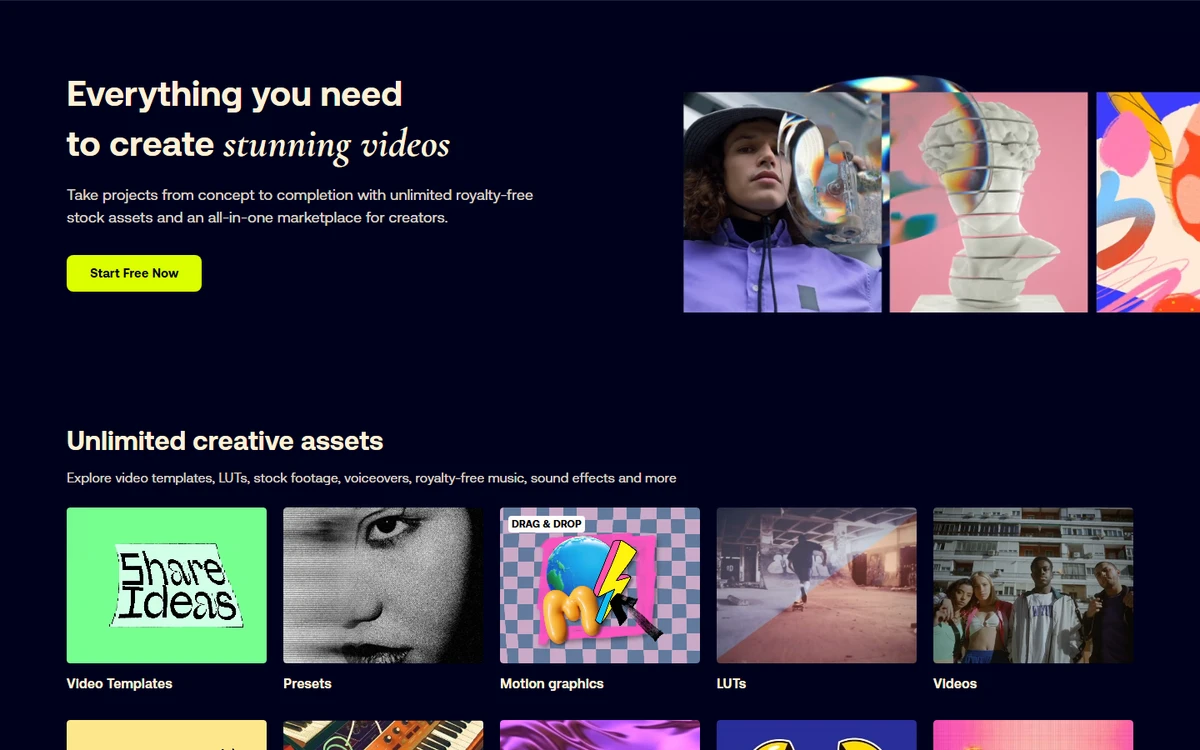
Use MotionArray to speed up video production: After Effects, Premiere Pro, Final Cut, and DaVinci Resolve templates, motion graphics, footage, music, sound effects, LUTs, images, plugins, and the Adobe extension.
Production
intros, transitions, titles, stories, promos, and branded layouts
Library
footage, photos, graphics, music, SFX, LUTs, and presets
Editing
effects, extension, search, and import from the editing routine
Why MotionArray completes video production
vidIQ helps choose the right YouTube topics. MotionArray comes next: it provides the production material to build the video, polish the edit, enrich a thumbnail, find a sound mood, or make a campaign look more professional. It turns a video idea into editing material.
The library covers After Effects, Premiere Pro, MOGRT, Final Cut Pro, and DaVinci Resolve for intros, titles, transitions, slideshows, and social videos.
Animated elements, LUTs, presets, and macros help keep a coherent visual direction without rebuilding every publication from scratch.
Stock video helps illustrate an idea, complete an edit, create campaign backgrounds, or enrich content when the shoot lacks material.
Search by genre, mood, duration, or BPM to find the right sound bed for YouTube videos, short ads, or social content.
MotionArray highlights 50+ plugins to speed up effects, color grading, transitions, and recurring postproduction tasks.
The assets can be useful for commercial projects, but labels, rights, and editorial-only cases should always be checked before publishing.
A library built for production, not just decoration
MotionArray's public previews show the role clearly: find a template, choose a mood, add editing elements, and recover the missing pieces faster.
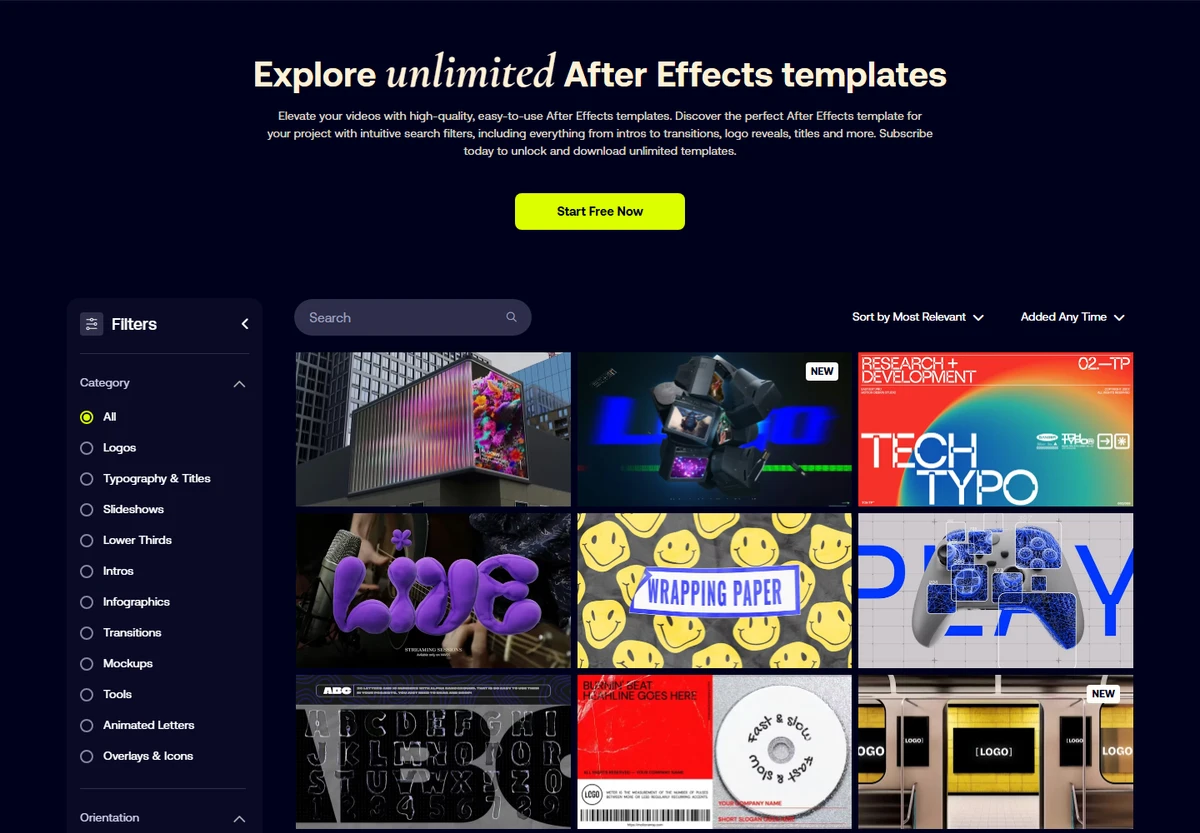
Build an intro, transition, promo video, story, or branded layout faster from a base that is already structured.
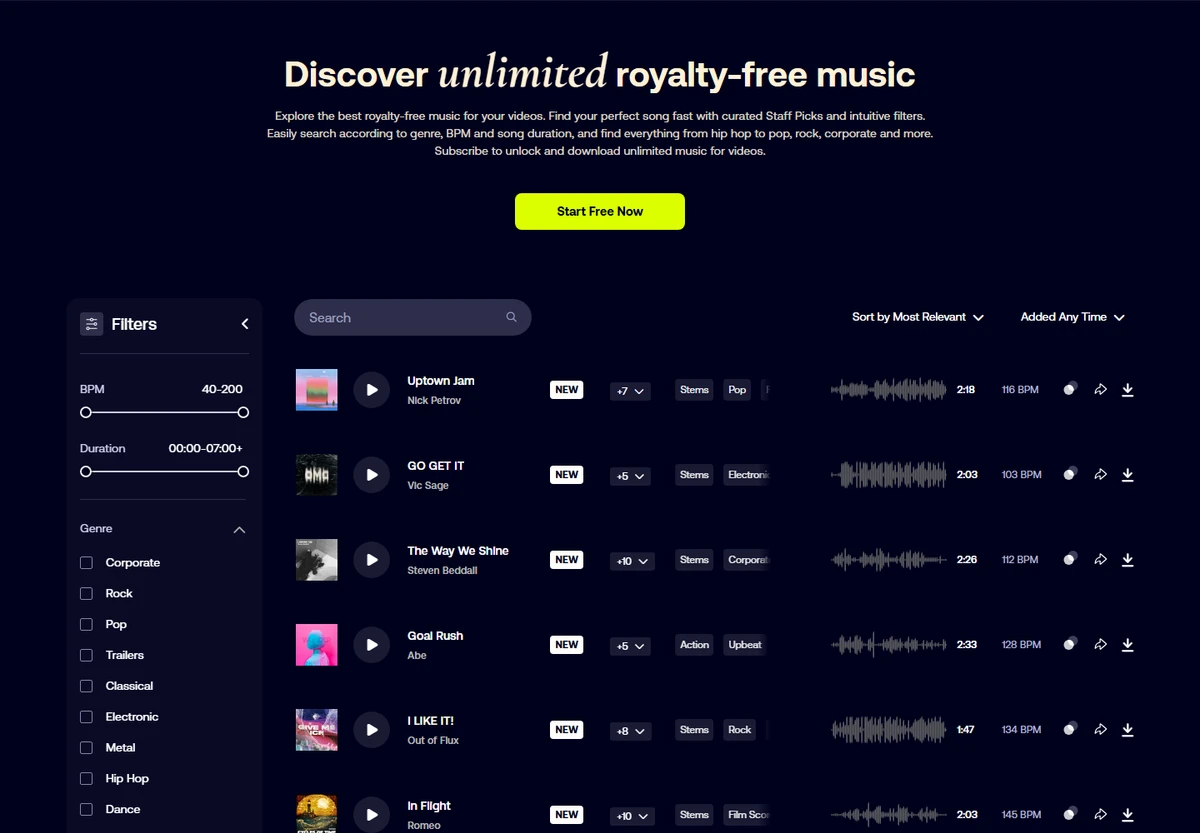
Find a track, sound effect, or mood that matches the pace of the edit, the platform, and the message.
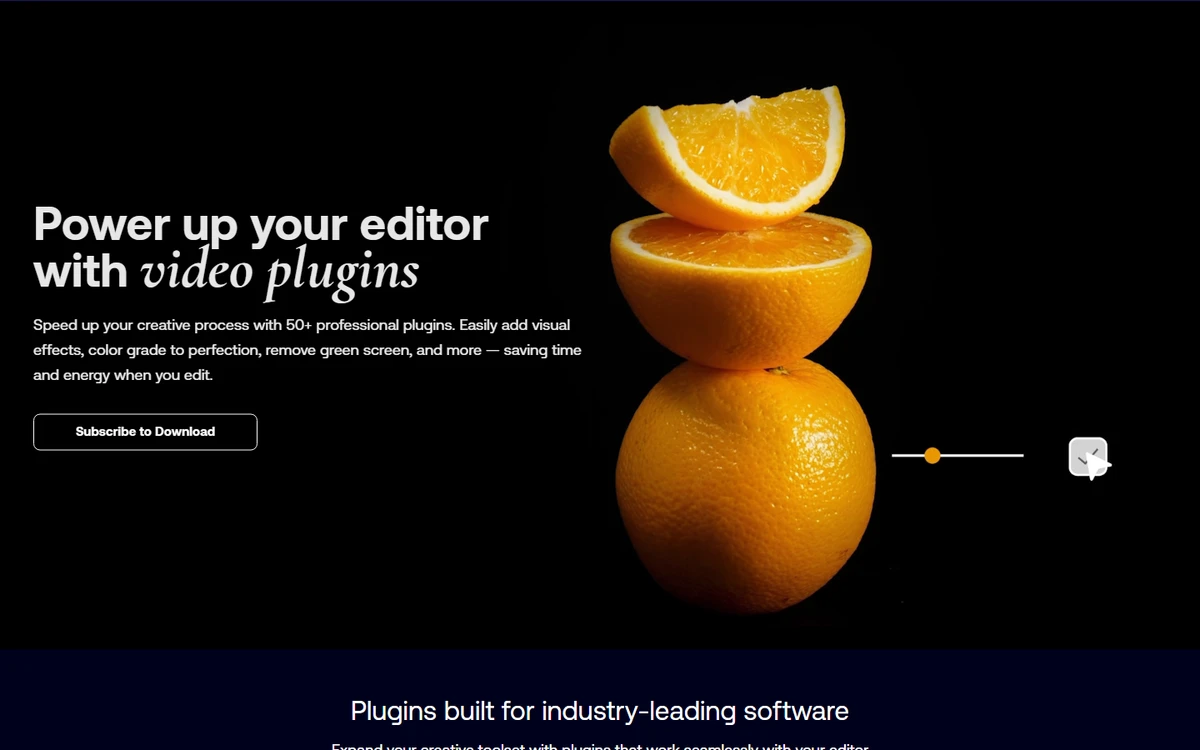
Speed up finishing work: effects, visual corrections, transitions, green screen work, and repeated editing treatments.
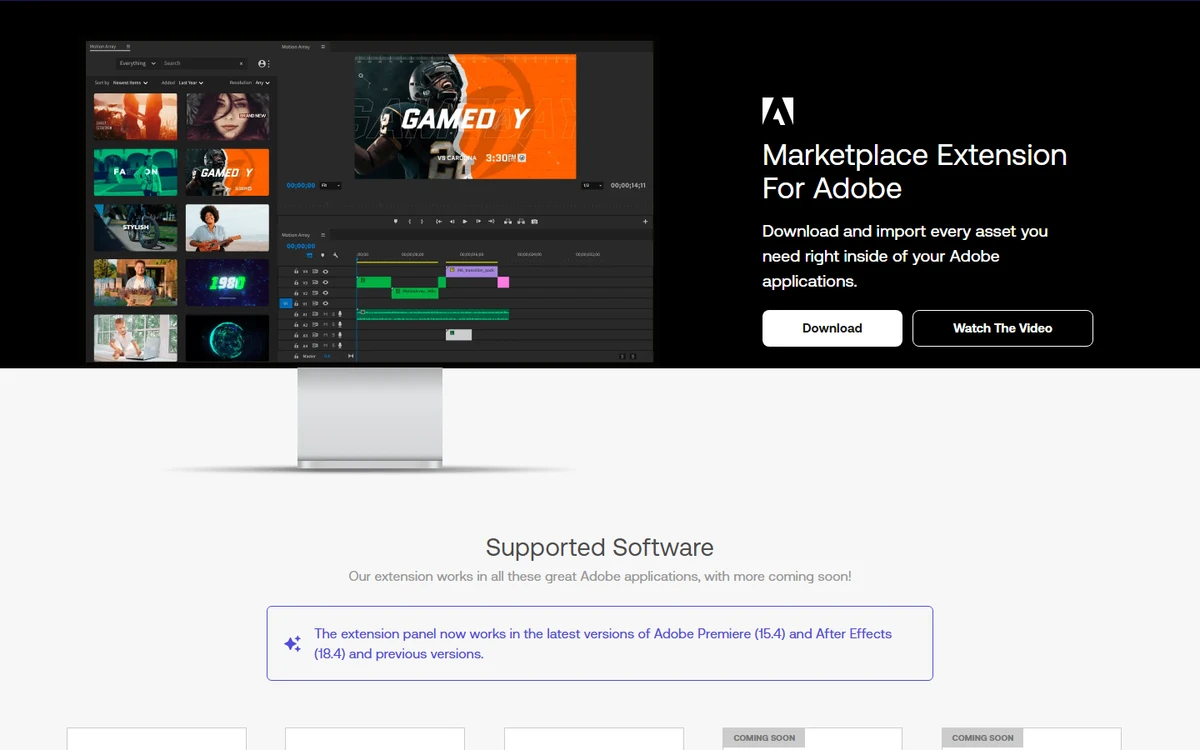
Where MotionArray becomes genuinely useful
MotionArray is strongest when it is tied to a concrete production need. It does not replace the idea, script, or edit, but it reduces the time spent hunting for visual and audio building blocks.
Add an intro, lower third, transition, or end screen connected to the topic you prioritized with vidIQ.
Create social formats faster with support shots, motion design, sound rhythm, and visual variations.
Find visuals, videos, or animations that support a commercial page without relying only on internal screenshots.
Reuse the same visual logic so videos, tutorials, or shorts feel like they belong to the same brand.
Start from a solid template, replace media, adjust colors, and focus effort on the message rather than every technical detail.
Prepare a presentation video, teaser, or animated campaign support with a more polished finish.
A simple method from research to edit
The best use is to avoid browsing MotionArray randomly. Start with a clear need, limit the options, then adapt the asset to the real message.
Define the video to produce
Topic, format, duration, platform, and expected finish. A short, an ad, and a tutorial do not need the same assets.
Search by production need
Choose templates, motion graphics, footage, music, SFX, or plugins depending on what is actually blocking production.
Test fast, choose less
Select a small set of strong options, then avoid turning the library into an endless browsing session.
Adapt to brand tone
Change text, color, pace, shots, and music so the final piece does not feel like an untouched template.
Check rights
Review usage terms, editorial labels, and new projects if the subscription or access changes.
How to choose the right asset type
MotionArray gets more efficient when each production need is matched with the right asset family.
The point not to miss: usage rights
An asset that looks good in an edit is not automatically fit for every use. MotionArray publishes licensing rules, and some assets may be editorial-use only.
Before an ad, client video, or paid support, check that the selected asset is covered for that use.
MotionArray says projects created and published during a paid subscription remain covered, but new projects after cancellation should not reuse downloaded assets as if access were still active.
When an asset is marked editorial only, it should not be treated like a standard advertising resource.
MotionArray's role next to the other Premium tools
MotionArray does not serve the same moment as research or monitoring tools. It comes in when something visible needs to be produced.
Templates, footage, music, SFX, plugins, and editing assets to produce faster.
YouTube topic research, keywords, trends, competitors, and video performance signals.
Image libraries, visuals, vectors, and static assets for pages, thumbnails, or creatives.
Ad monitoring and creative angles that can become scripts, short formats, or campaigns.
A broader creative library, useful to compare when the need goes beyond video.
Which Rankerfox access includes MotionArray?
MotionArray is presented as a Rankerfox Premium plan tool. It completes video and creative production with templates, assets, sounds, effects, and editing resources.
Its value is clearer in advanced use cases: recurring production, social content, ads, client videos, YouTube series, and richer creative routines.
Continue video and creative production
MotionArray with Rankerfox FAQ
Useful points before adding MotionArray to your Premium routine.
Add MotionArray to your video production
Compare Rankerfox plans and use MotionArray with the other Premium tools to move faster from idea to finished edit.
View Rankerfox plans