

IconScout with Rankerfox
Use IconScout in the Rankerfox Premium plan to enrich pages, interfaces, support material, and videos with SVG icons, vector illustrations, 3D assets, Lottie animations, and creative AI tools.
Assets
icons, illustrations, Lottie, 3D, emojis, and interface resources
Formats
match the format to the page, app, video, or support piece
Plan
a creative tool for material that needs to stay readable
Why IconScout complements Freepik without duplicating it
Freepik brings broad visual material. IconScout focuses more on precise elements that structure an interface or support piece: icons, pictograms, illustrations, 3D, and Lottie animations. It is useful when a page needs clear markers, a coherent icon family, or light motion rather than a large image.
Use sharp, editable, coherent pictograms to guide readers through a page, app, or dashboard.
Add visuals that are easier to adapt than photos when explaining a concept, step, or feature.
Create a more expressive visual accent for a section, thumbnail, banner, or presentation support.
Add light micro-animation when it helps draw attention without slowing the experience.
Explore an image, icon, illustration, or 3D character from a description, then review the result.
Prepare elements for product pages, SaaS pages, presentations, social posts, videos, and client material.
A tool for adding rhythm without overloading the page
IconScout becomes interesting when each visual element has a job: signal, explain, prioritize, reassure, or animate an interaction.
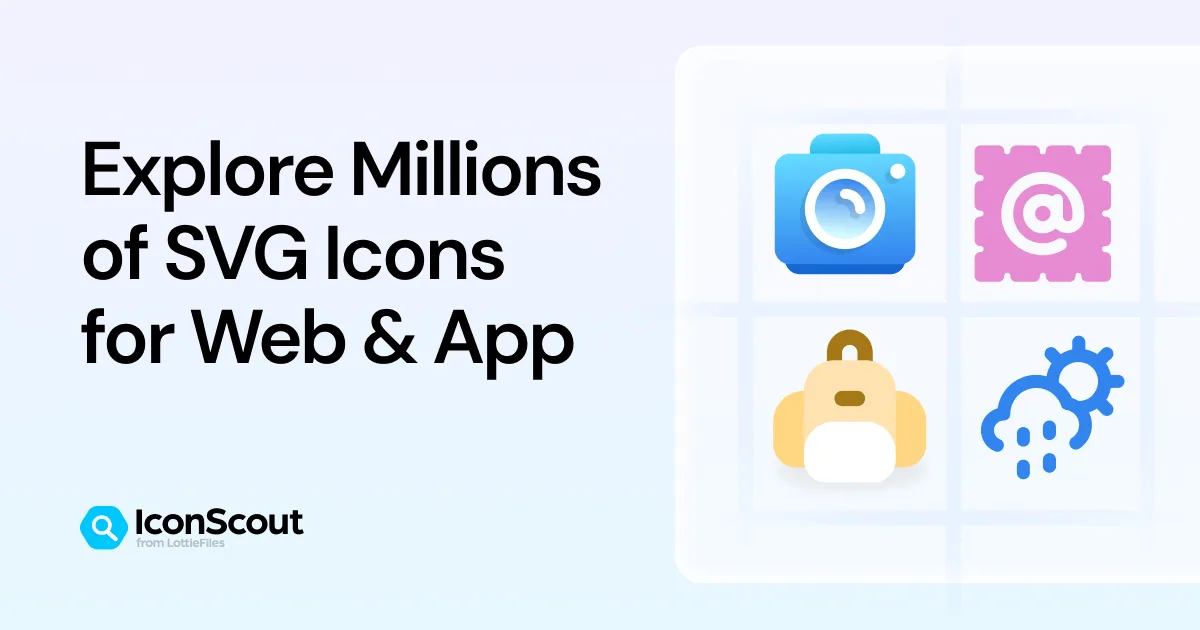
Explore SVG families made for pages, apps, dashboards, and support pieces that need to stay readable.

Choose an aligned series so pictograms do not feel mixed and the visual language stays stable.

Add an explanatory visual that is more flexible than a photo for a section, step, or presentation.
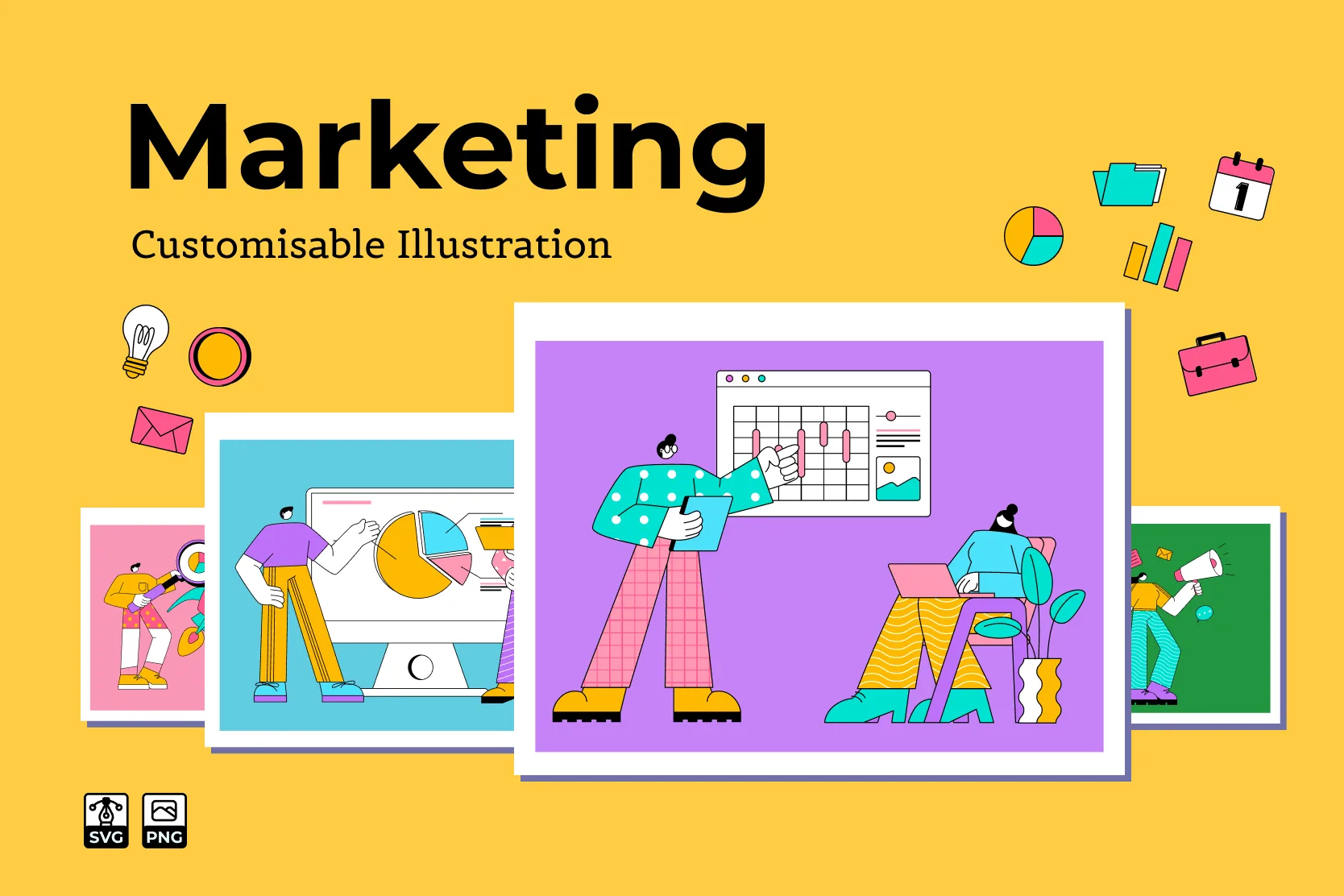
Prepare marketing material, service pages, or slides with an already coherent visual family.

Add depth to a section or thumbnail without relying on a generic photo.
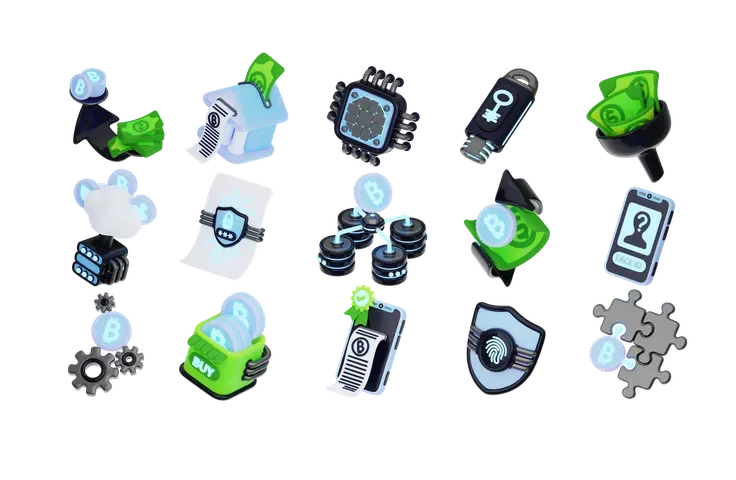
Use 3D series to illustrate product, finance, technology, or interface topics without breaking consistency.

Add light motion when it helps signal an action, state, or progression.
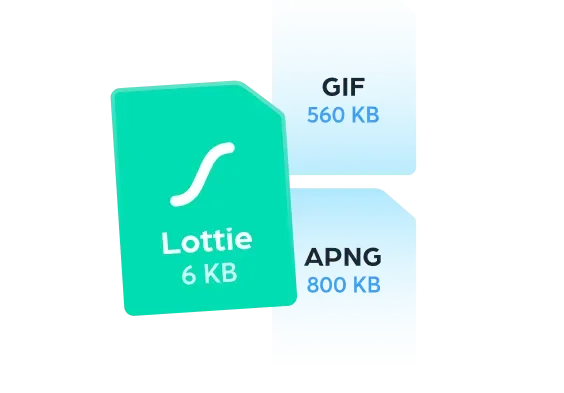
Compare why Lottie can be preferable to heavier formats before publishing animation on a page.
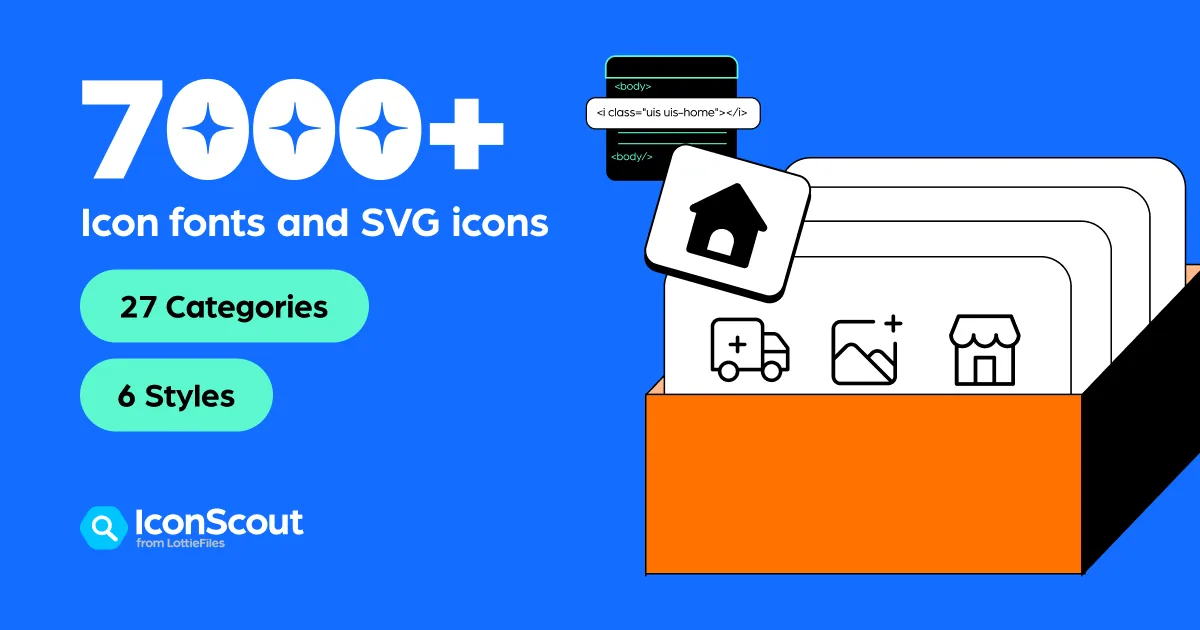
Use icon categories and styles to build a more consistent visual system.
Where IconScout becomes genuinely useful
IconScout gains value when you need visual precision: a clear marker, an icon family, a simple illustration, or light animation.
Pair each benefit, feature, or step with a coherent icon so the page becomes easier to scan.
Create visual markers for method, plan, use cases, rights, or comparison sections.
Use icons, illustrations, and 3D assets to make a proposal or audit easier to browse.
Add a Lottie animation, animated icon, or illustration that supports a key point.
Choose a visual family that works across pages, posts, thumbnails, banners, and commercial material.
Make a button, step, alert, option, or progress state more obvious inside an interface.
A simple method to avoid gadget icons
A good icon is not just attractive. It must remain readable, speak the same language as the surrounding elements, and avoid weighing the page down.
Start from the role
Before choosing a pictogram, decide whether it should signal, explain, reassure, separate sections, or guide an action.
Choose a family
Keep one stable style: line, solid, 3D, rounded, colorful, or minimal. Mixed styles can quickly look amateur.
Adapt the format
SVG for interfaces, PNG when rendering is enough, Lottie for useful animation, 3D when the support can carry it.
Check readability
Test the icon at small size, on mobile, on light or dark backgrounds, and with enough contrast.
Review rights and weight
Read usage conditions, compress exports, and avoid overly heavy animations on web pages.
Which IconScout asset fits the need?
IconScout works better when each asset type maps to a clear intention.
Trust point: rights, performance, and accessibility
Icons and animations may look small, but they shape how a page feels. Rights, file weight, mobile readability, and accessibility should stay under control.
Before a commercial page, client support piece, or monetized video, review the resource conditions and use context.
A clean SVG or light Lottie animation can help. A heavy file can slow the page and remove the benefit.
An important icon should remain understandable through its label, context, or appropriate alternative text when it carries meaning.
IconScout's role alongside the other creative tools
IconScout strengthens the interface and micro-visual side of the creative set. It does not replace Freepik or Canva Pro: it adds more precise elements.
SVG icons, illustrations, 3D, Lottie, and resources for interfaces, pages, and support material.
Broader visual material: images, vectors, PSD, videos, sounds, fonts, and AI tools.
Composition and resizing of support pieces: thumbnails, posts, presentations, documents, and marketing visuals.
Video production, editing, motion graphics, music, SFX, plugins, and animated resources.
Large media library for images, video, editorial content, music, sounds, and extra visual choices.
Which Rankerfox access includes IconScout?
IconScout is presented as a Rankerfox Premium plan tool. It completes creative resources with icons, illustrations, 3D, Lottie animations, and AI tools.
Its value is clearest when you regularly produce pages, interfaces, client material, videos, or campaigns that need coherent visual markers.
Continue with creative tools
Find a broader visual base around images, vectors, and PSD files.
Compose IconScout elements into publishable support pieces.
Move from micro-animations to full video production.
Review the creative, SEO, AI, and ecommerce tools in Rankerfox.
IconScout with Rankerfox FAQ
Useful points before adding IconScout to your Premium routine.
Add IconScout to your creative support material
Compare Rankerfox plans and use IconScout with Freepik, Canva Pro, MotionArray, and the other Premium tools to create clearer pages and support material.
View Rankerfox plans