

SmartScout with Rankerfox
Use SmartScout in the Rankerfox Premium plan to read Amazon as a market: brands, sellers, categories, products, search terms, revenue share, competitor movement, and segment opportunities.
Plan
SmartScout joins the advanced Amazon tools inside Rankerfox.
Angle
Read brands, sellers, categories, and products in one context.
Decision
Compare markets before investing in a niche, product, or brand.
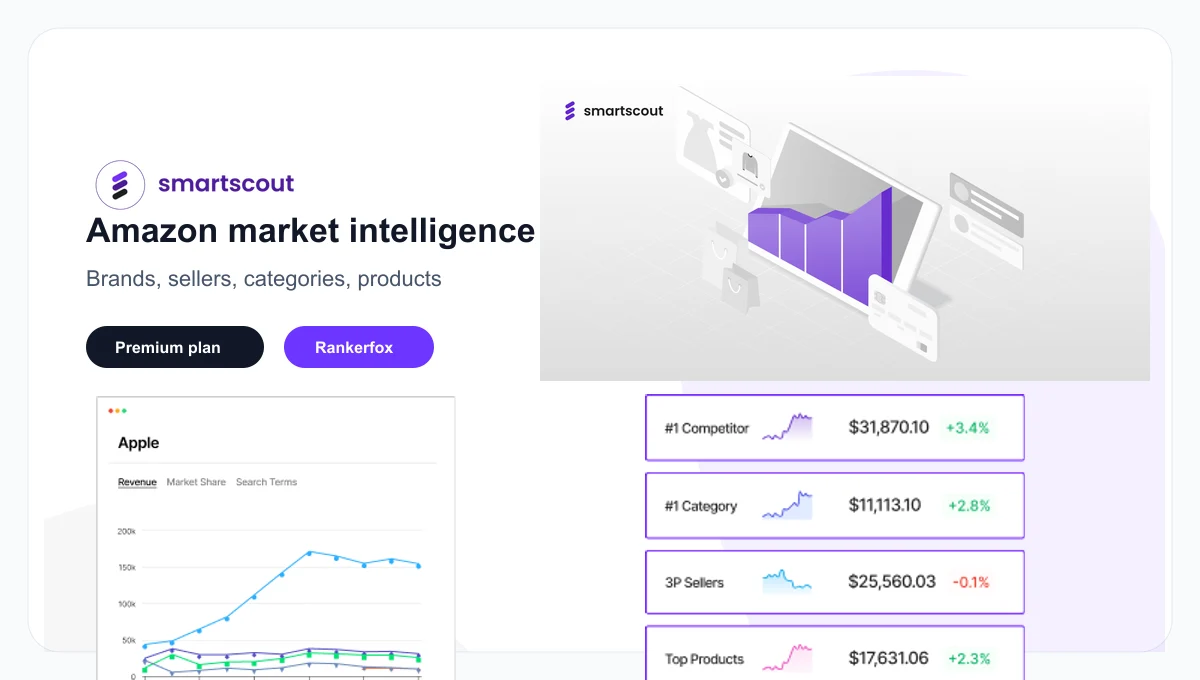
SmartScout adds a market view to Amazon tools
SmartScout is not only about finding an isolated product. It helps you understand the ecosystem around that product: which brands dominate, which sellers drive growth, which subcategories are moving, which search terms connect offers, and where competition looks dense or still approachable.
Explore Amazon brands with filters around category, revenue, catalog, market share, and competitive movement.
Spot the sellers shaping a niche, their product exposure, and useful signals before prospecting or sourcing.
Compare market layers instead of judging an opportunity from one product page only.
Analyze products in the context of brand, seller, category, and demand rather than as a plain list.
Connect products to the terms that create visibility and understand the most important relationships.
Use mapping views when they help read sellers, logistics, or regional presence.
What SmartScout shows in practice
SmartScout public visuals show a very different approach from a simple product database: data layers, brands, products, sellers, search terms, promotions, and market reports. This is exactly the kind of tool that deserves several concrete previews.
SmartScout presents itself as an Amazon data tool: it helps connect several information families before deciding where to investigate.
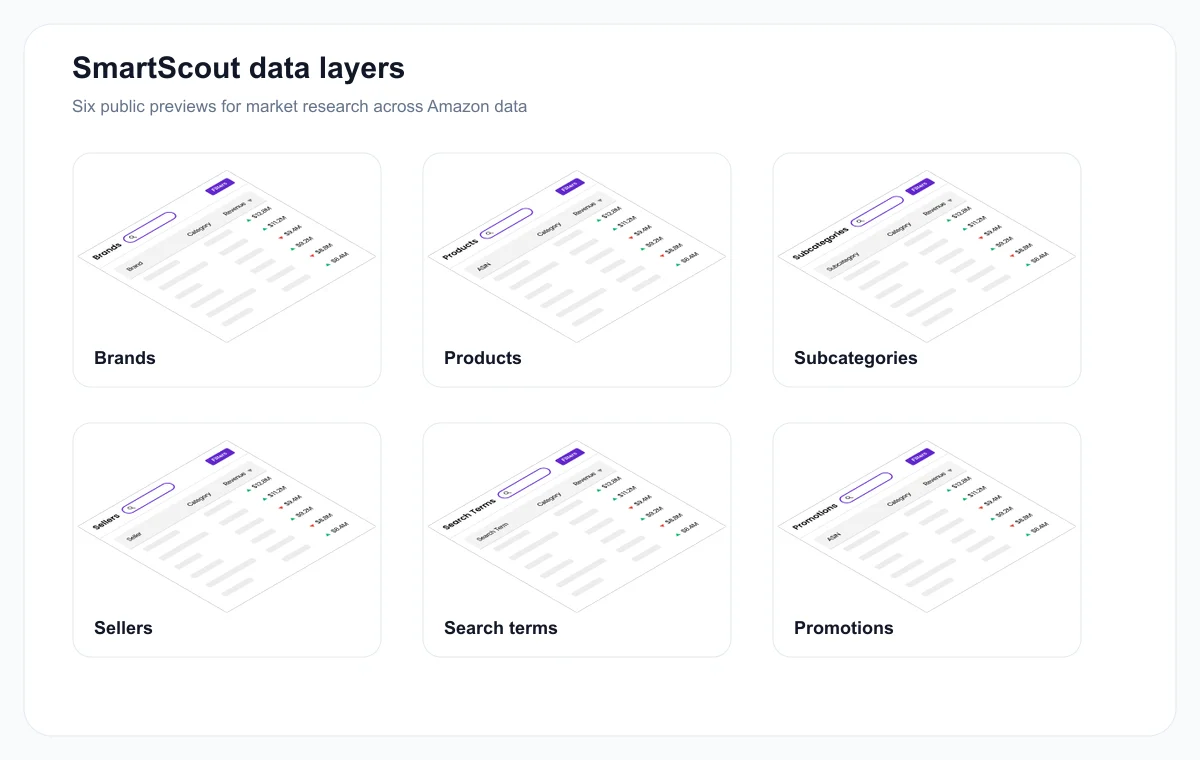
Brands, products, subcategories, sellers, search terms, and promotions become complementary reads.
The brand view helps identify major players in a market, then compare their weight and positioning.
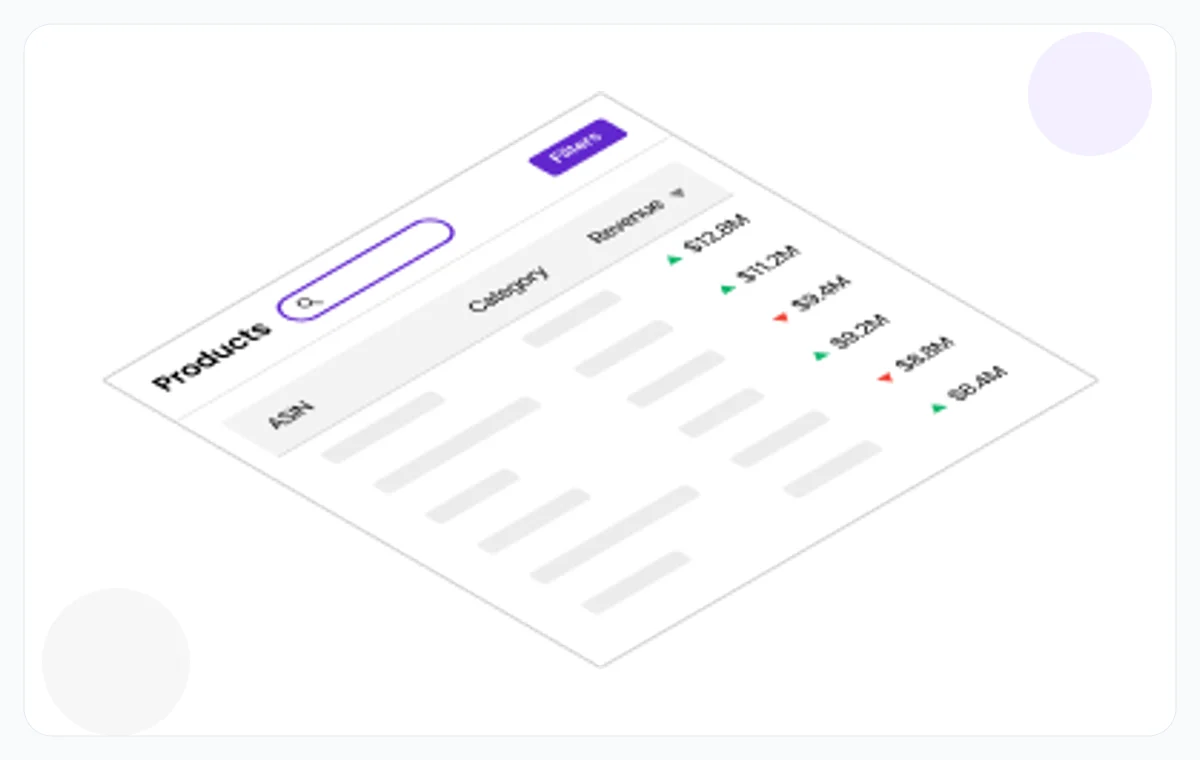
The product view becomes more useful when placed next to category, brand, seller, and demand.
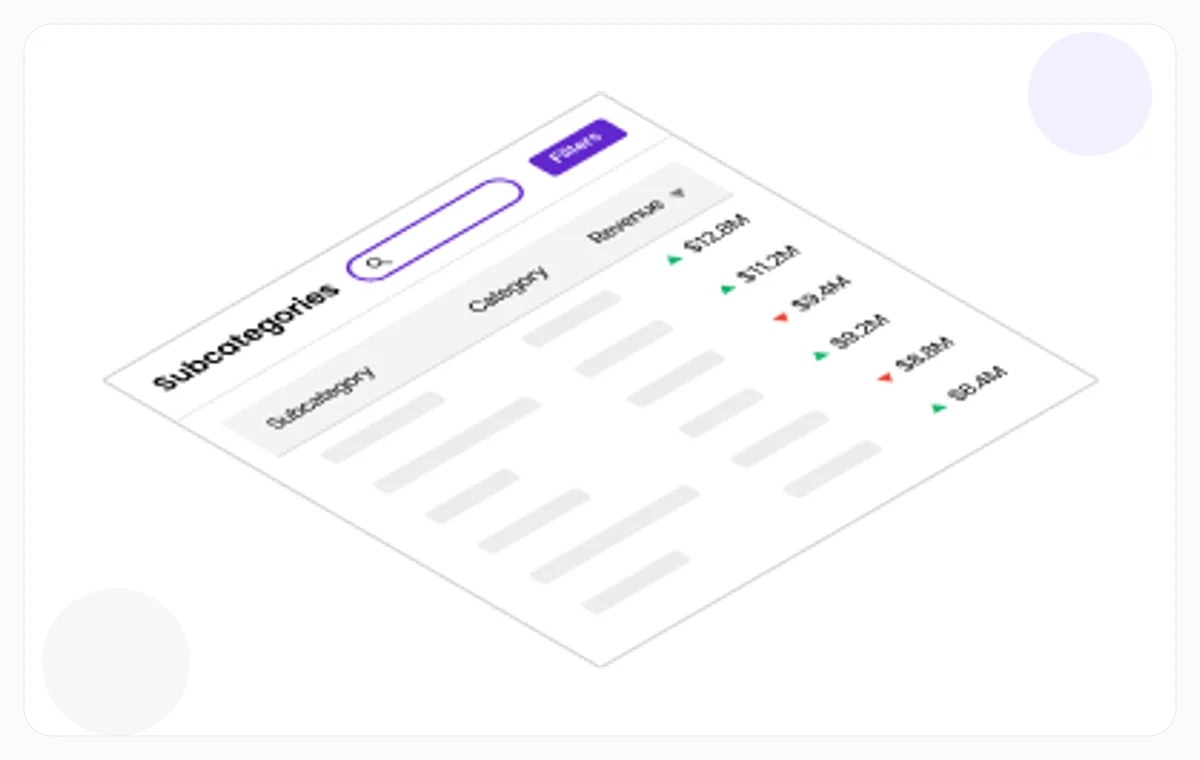
Comparing subcategories helps reveal whether an opportunity is truly open or dominated by a few actors.
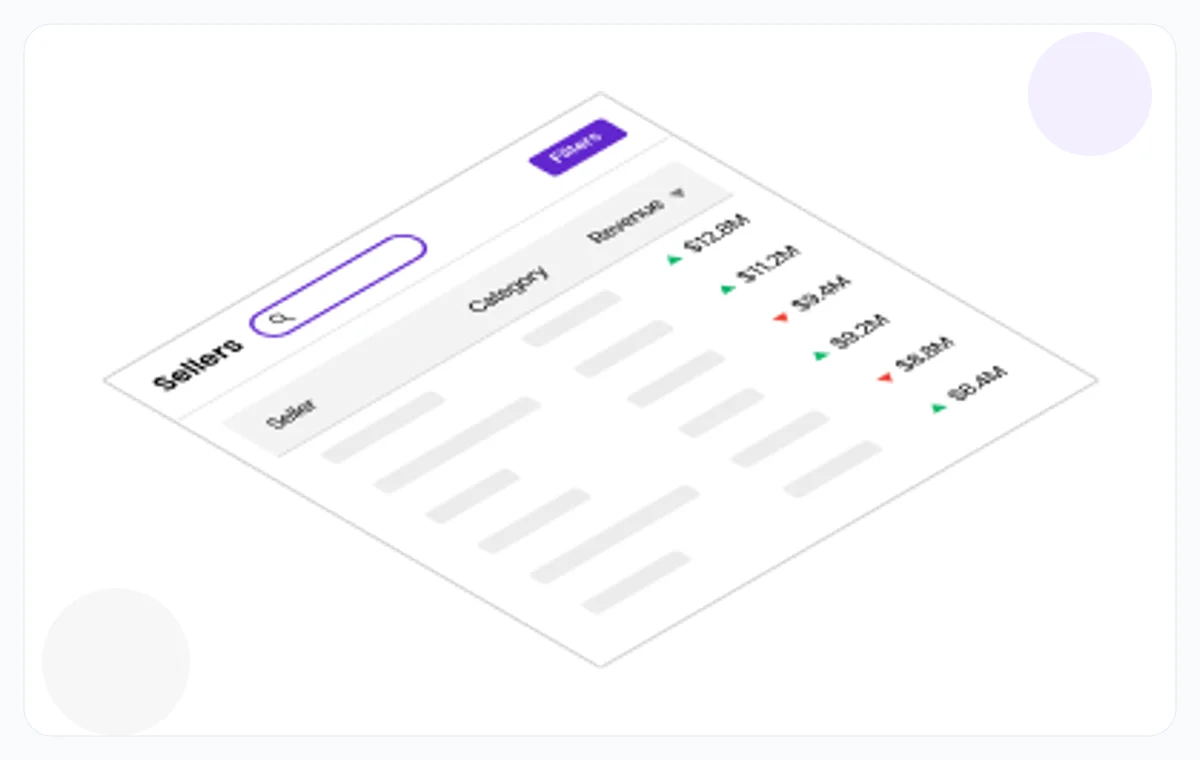
Seller data helps read competition, distribution, sourcing signals, and commercial opportunities.
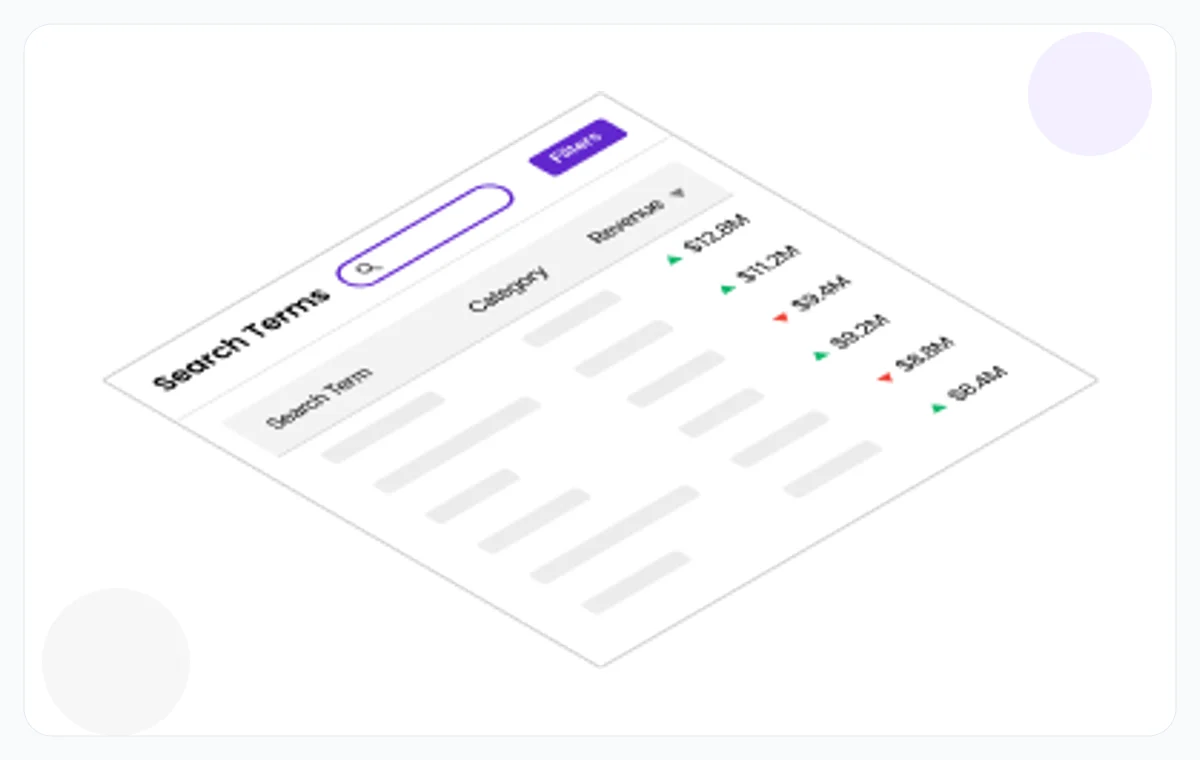
Search terms help connect products to discovery paths and buyer intent.
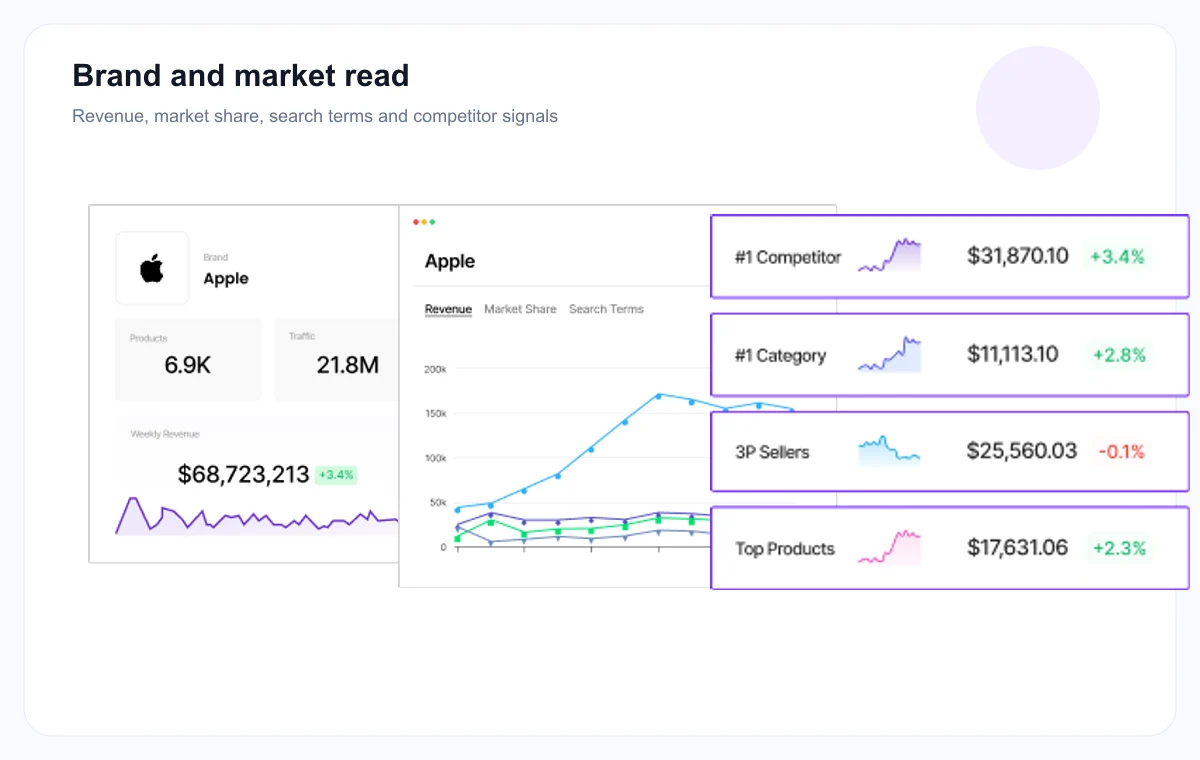
Brand reports provide a more strategic read: revenue, market, search terms, competitors, and movement over time.
Move from a product idea to a market map
SmartScout becomes useful when a team wants to know whether a niche is worth the effort. The right question is not only 'does this product sell?', but 'who controls the market, how does demand move, and where can we enter without picking the wrong fight?'
Read the category before the product
An appealing product can sit inside a saturated subcategory. Category reading shows whether the niche still has room.
Identify the brands and sellers that matter
Before sourcing, prospecting, or launching a listing, understand the actors already shaping sales.
Connect search, traffic, and offer
Search terms, products, and sellers should tell a coherent story. When signals diverge, the decision deserves slower verification.
Where SmartScout helps most
SmartScout complements more classic product research tools by adding a market view for agencies, Amazon sellers, wholesale profiles, brands, and ecommerce analysts.
Compare market size, subcategories, dominant brands, and the products shaping demand.
Spot brands or sellers with growth, distribution, or service potential.
Check whether an idea found in ZonBase, Helium 10, or AMZScout fits into an accessible market.
Read a brand's evolution, revenue, visible products, sellers, and where it is gaining ground.
Decide whether the next effort should be sourcing, listings, ads, nearby categories, partnership, or stopping.
For an agency or consultant, SmartScout provides views that explain a market beyond one ASIN.
A simple SmartScout routine
SmartScout can become dense quickly. The cleanest path is to start with a precise market, then move down into brands, products, sellers, and search terms.
Choose a category or subcategory that is precise enough to avoid an overly broad read.
Spot the brands that dominate, those gaining ground, and those that look less defended.
Identify who sells what, with what weight, and what prospecting or sourcing options appear.
Keep only the leads that justify verification in Helium 10, AMZScout, SellerAmp, or Jungle Scout.
SmartScout signals to connect
SmartScout is strongest when its views are connected. A brand or product table becomes much more useful when tied to sellers, categories, and search terms.
Brand revenue
Economic weight indicator for a brand inside its market.
Compare it with category concentration and the products creating that revenue.
Market share
Dominance or fragmentation read inside a niche.
Look for whether a few actors lock the category or if room remains.
Seller data
View of sellers, their presence, and their distribution role.
Spot profiles to monitor, prospect, or compare with SellerAmp.
Search terms
Connection between products and the queries creating visibility.
Compare with Helium 10 or AMZScout if the lead becomes a priority.
SmartScout inside the Rankerfox Amazon set
SmartScout does not play exactly the same role as product research tools. It is better used to understand the market structure around an idea.
Market view: brands, sellers, subcategories, products, search terms, and revenue share.
Very useful before deciding whether a niche deserves deeper product analysis.
First filter for product ideas, trends, scores, and fast Amazon reads.
Use it to open leads, then SmartScout helps understand the market around them.
Complete suite for keywords, listings, tracking, sales, and market intelligence.
Use it when a SmartScout lead needs to become an operational Amazon plan.
Profitability, ROI, offers, sourcing, and economic risk.
Use it when the question becomes buying, margin, resale, or arbitrage.
Which Rankerfox plan includes SmartScout?
The trial helps verify access and the service workflow before choosing a longer-term plan.
Standard covers tools included at that level. Standard tools remain included in Premium.
SmartScout is presented in the Rankerfox Premium plan, with advanced marketplace tools for Amazon and competitive analysis.
Pages to read with SmartScout
Open Amazon product research with trends, scores, keywords, and Chrome extension workflows.
Turn an Amazon lead into a full analysis: product, keywords, listing, tracking, and market.
Compare Product Database, extension data, scores, tracker views, keywords, and sales estimates.
Move from market reading to profitability, ROI, offers, and sourcing.
SmartScout and Rankerfox FAQ
Useful answers about where SmartScout sits in the Premium plan and how it connects with the other Amazon tools.
Add SmartScout to your Amazon research
Compare Rankerfox plans and use SmartScout in Premium to understand Amazon markets before choosing the niches, products, sellers, or brands to follow.