

Serpstat with Rankerfox
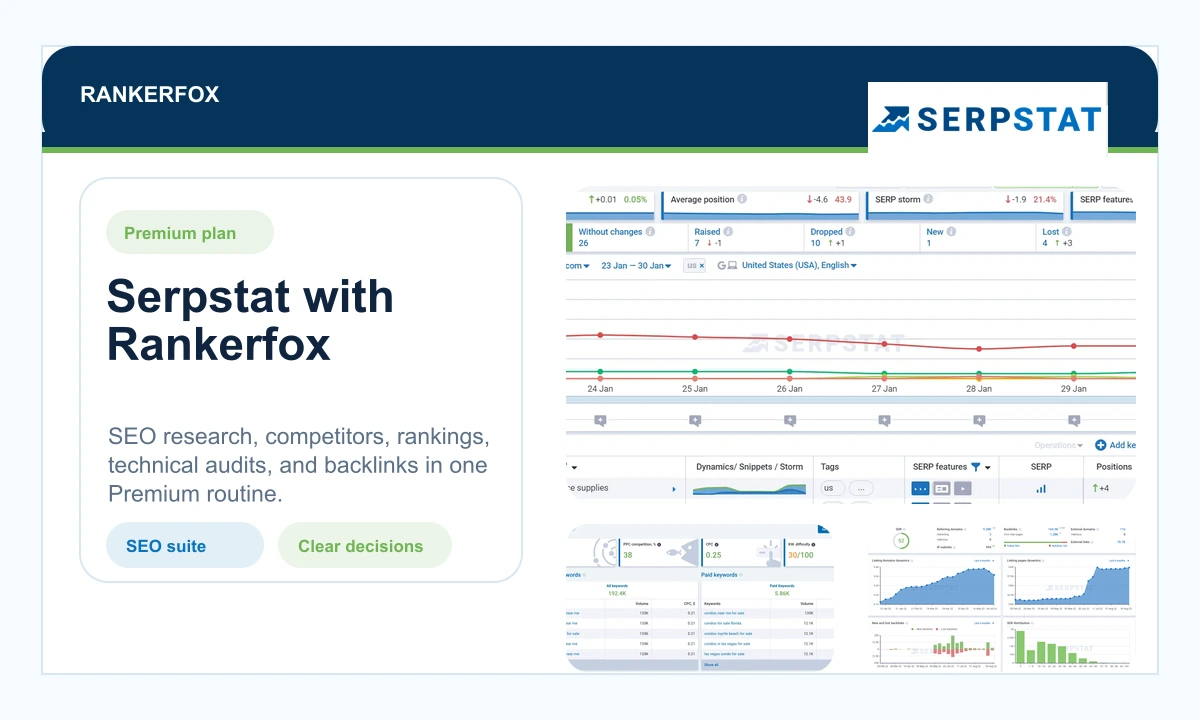
Use Serpstat in the Rankerfox Premium plan to analyze a domain, compare competitors, track rankings, research search queries, review backlinks, and prioritize technical fixes.
Plan
Serpstat belongs to the advanced SEO tool set inside the Rankerfox Premium plan.
Family
Domain analysis, rank tracking, search queries, competitors, technical audit, backlinks, and batch checks.
Routine
Turn an isolated signal into a clearer decision: improve a page, follow a competitor, or fix an issue.
A useful SEO suite when several signals need to connect
Serpstat is strongest when you do not want to judge a page from one number. A ranking moves, a competitor grows, an audit flags issues, a link profile changes: the tool helps connect these views before deciding what deserves attention first.
Compare volume, difficulty, CPC, and close variants before creating or improving a page.
Identify the domains that often appear in results and find gaps where a Rankerfox page can move forward.
Follow movement by country, device, query group, and period to separate temporary noise from a real signal.
Find high-priority issues, monitor an optimization score, and check whether fixes create measurable progress.
Read new links, lost links, referring domains, linked pages, and suspicious signals before offsite decisions.
Compare several domains or query lists when monitoring becomes too large to review manually.
Serpstat views that make the analysis concrete
Serpstat is not just a page of numbers. Its best views turn a question into a practical choice: which competitor to follow, which query to work on, which issue to fix, which link signal to verify.
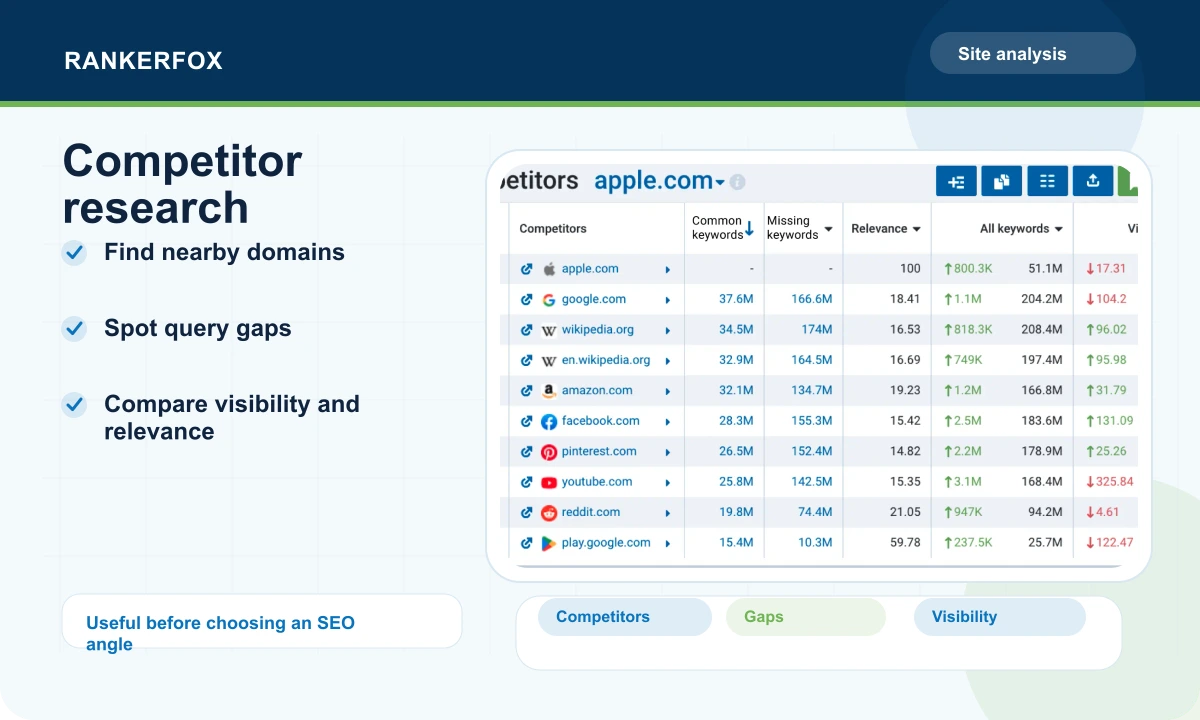
The competitor view helps you look beyond obvious rivals. It brings together nearby domains, visibility, query gaps, and signals that show where SEO effort may matter.
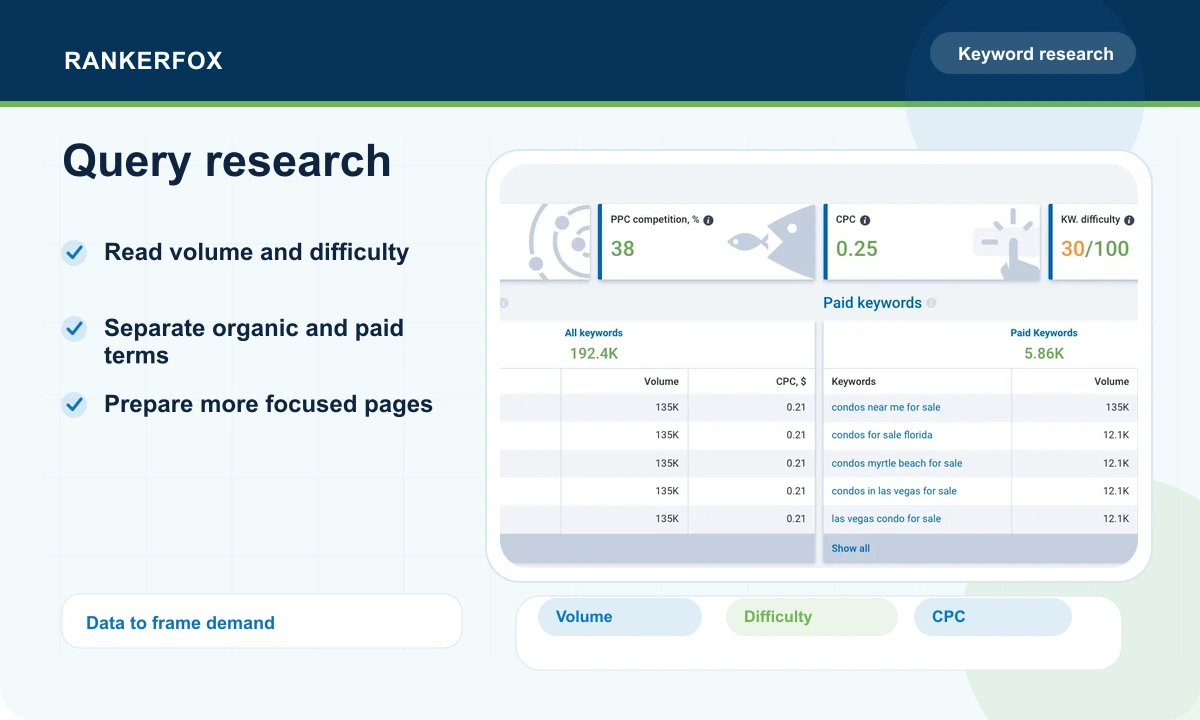
The value is connecting an idea to concrete data: volume, difficulty, close variants, paid signals, and pages already visible. That keeps the page from being built blindly.
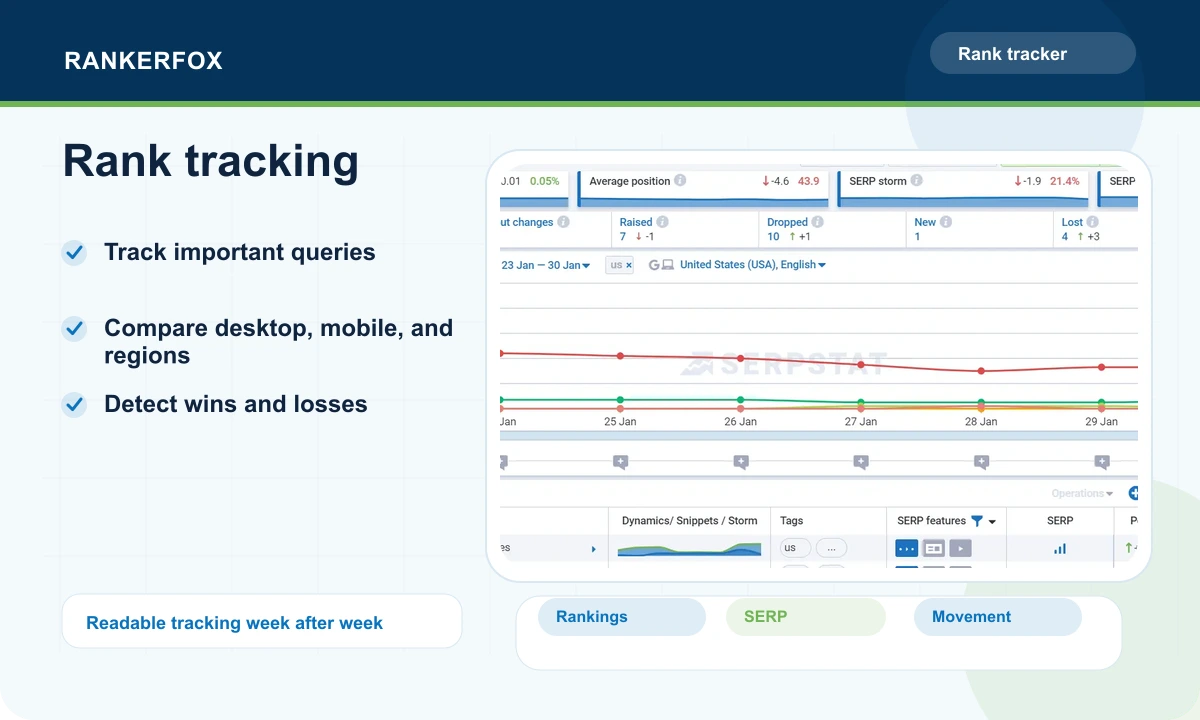
Tracking shows whether an action is working, whether a page is losing ground, or whether a query is becoming unstable. It matters most when groups are followed consistently.
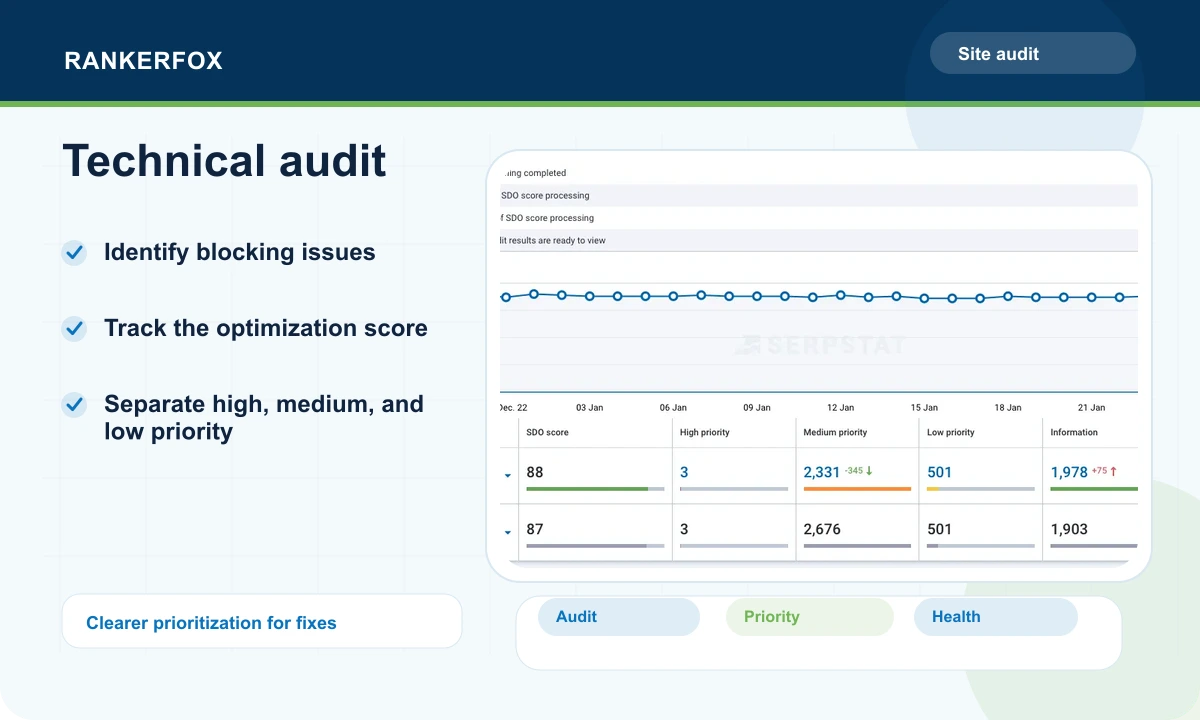
The audit gives a practical frame so every issue is not treated at the same level. High, medium, and low priorities help decide what deserves immediate attention.
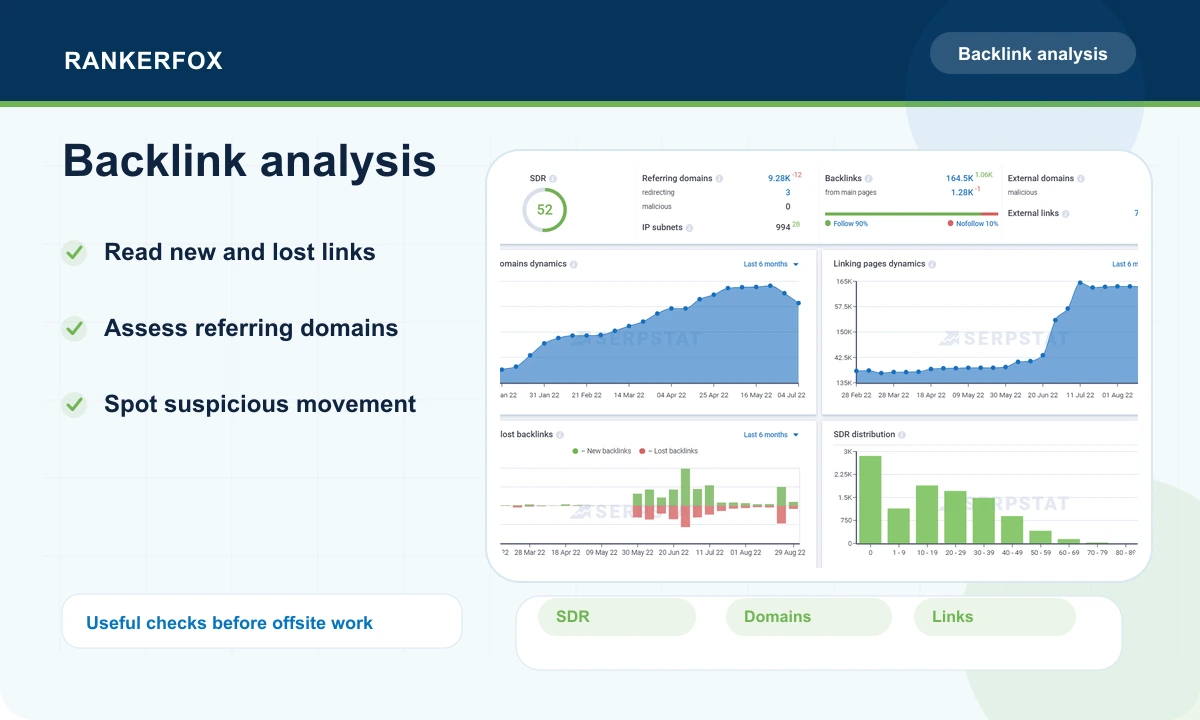
Link charts help detect growth, losses, unusual concentration, or referring domains that should be checked before drawing conclusions.
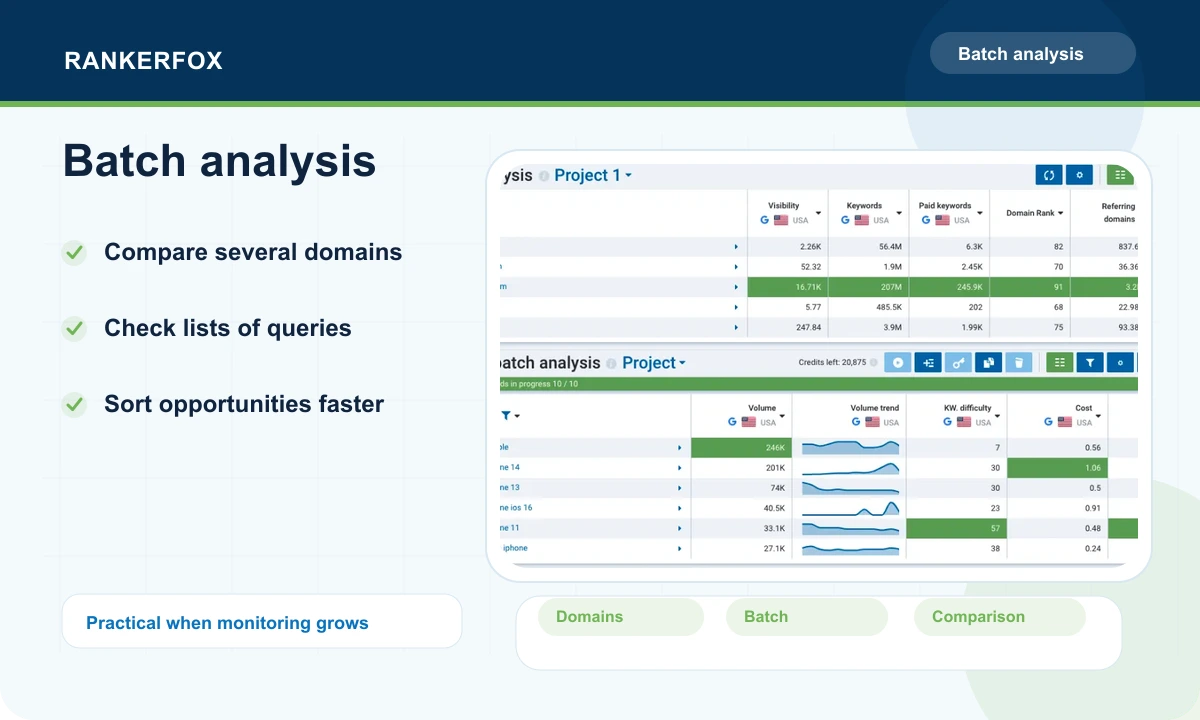
When several domains, niches, or lists need review, batch analysis avoids repeating the same check over and over. It is useful for broader monitoring.
When does Serpstat become really useful?
Serpstat becomes more valuable when its reports are combined. Each view gives one signal; together, they help choose a clearer next action.
Before writing or rebuilding a page, Serpstat helps you understand related terms, visible competitors, and the likely effort required.
- Compare query variants and difficulty.
- Look at competing pages that appear repeatedly.
- Choose a specific enough angle to avoid a page that is too broad.
A published page needs readable monitoring. Serpstat helps check whether rankings improve, stall, or drop.
- Group tracked queries by topic or page.
- Compare desktop, mobile, and useful regions.
- Connect a drop to a competitor, a technical issue, or a SERP change.
When a site is about to receive new content, links, or a redesign, the technical audit helps avoid building on a weak base.
- Treat high-priority issues first.
- Review important pages instead of stopping at the global score.
- Check progress after fixes.
For a new market or a niche to monitor, Serpstat gives a more structured view of the domains worth following.
- Compare visibility, estimated traffic, and referring domains.
- Spot gaps between established domains.
- Create a short list of competitors to watch over time.
A simple routine to avoid drowning in data
Start with a clear question, then connect Serpstat views. Is a ranking dropping? Check competitors, the page, the audit, and links before deciding what to do.
Define the subject
Start from one page, niche, domain, or query group instead of opening every report at once.
Measure demand
Read volume, variants, difficulty, and paid signals to decide whether the subject deserves a dedicated page.
Compare competitors
Identify the domains that appear often, those gaining ground, and those leaving room to move.
Check the technical base
Review important errors before assuming that content or links are the only possible lever.
Choose the next action
Improve a page, fix an issue, follow a competitor, revisit a title, or plan a new page.
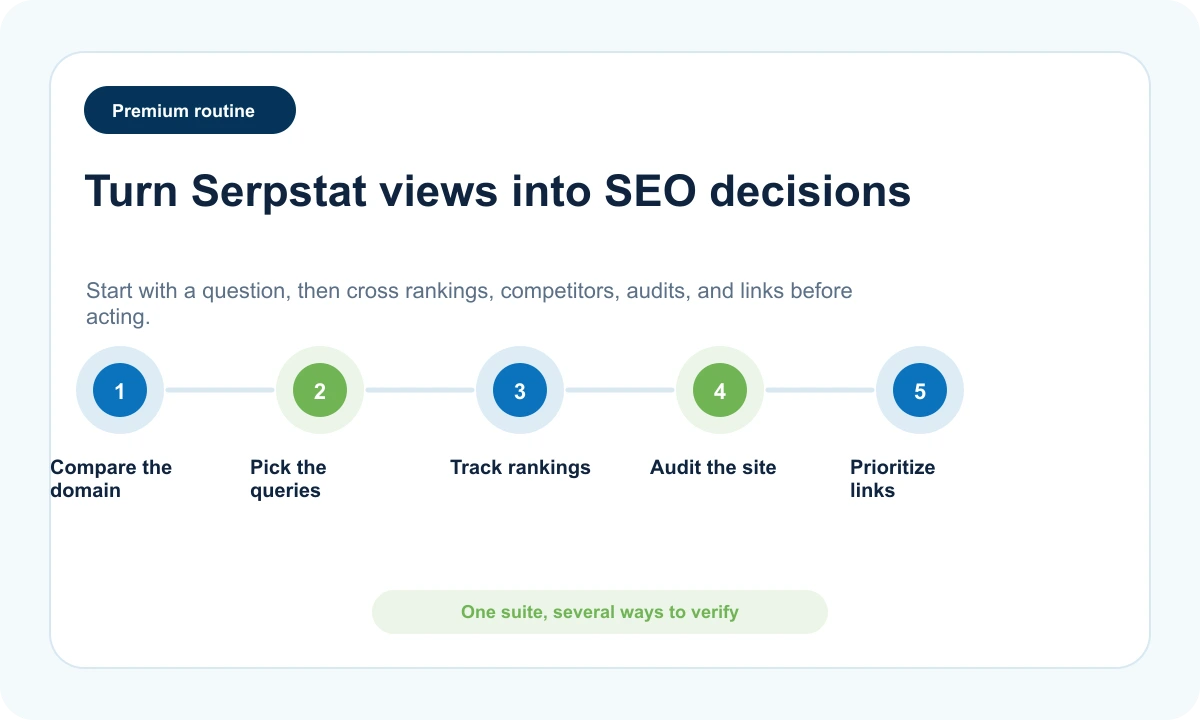
Read Serpstat as a decision tool
A useful reading starts from a business question. A report matters when it helps choose a priority.
Is a competitor really growing?
Look at visibility, shared queries, gaps, and ranking movement instead of one isolated domain metric.
Decide whether to improve an existing page, create a more specific page, or simply monitor the movement.
Does the page deserve a rebuild?
Connect rankings, difficulty, competing pages, technical audit, and inbound links before reaching a conclusion.
List priority fixes before rewriting the whole page.
Is the topic deep enough?
Compare volume, nearby variants, competition level, and paid presence to estimate the depth of demand.
Choose between a dedicated page, a section in an existing page, or waiting until the signal is stronger.
Is the site blocked by technical friction?
Review high-priority issues, the optimization score, scanned pages, and movement after fixes.
Fix visible blockers before investing in additional content.
How Serpstat fits with other Rankerfox tools
Serpstat fits well beside the SEO tools already present in Rankerfox. It can act as a control suite while other tools bring a more specialized view.
SE Ranking is very readable for tracking, reporting, and audit routines in an operational setup.
Serpstat is useful when you want to connect query research, competitors, audit, backlinks, and batch analysis more deeply.
Ubersuggest is more accessible for quickly framing an idea, checking a domain, and finding simple opportunities.
Serpstat becomes stronger when the comparison needs to go deeper or when several reports must be connected.
SpyFu is useful for SEO and Google Ads competition with a historical and paid-campaign angle.
Serpstat adds a broader SEO view around rank tracking, auditing, and backlinks.
Similarweb focuses more on market reading, channels, audience, and larger traffic movement.
Serpstat goes deeper into SEO mechanics: queries, pages, rankings, technical issues, and links.
Which Rankerfox plan includes Serpstat?
Trial is made to discover Rankerfox and selected base use cases. Serpstat is not presented as included in this plan.
Standard already covers useful everyday tools. Serpstat is reserved for the Premium plan.
Serpstat is included in Premium to strengthen SEO research, rank tracking, auditing, backlinks, and competitive analysis.
Common questions about Serpstat with Rankerfox
Useful answers before comparing plans and adding Serpstat to a Premium SEO routine.
Add Serpstat to a clearer Premium SEO routine
Compare Rankerfox plans, check which access fits your usage, then use Serpstat to connect research, tracking, audits, and competition in one decision.
Compare plans