

SEOptimer with Rankerfox
Use SEOptimer in the Rankerfox Premium plan to turn a website audit, score, technical issues, PDF reports, and task follow-up into decisions that are easier to explain.

Plan
SEOptimer belongs to the Premium selection, alongside advanced tools for audits, tracking, and SEO presentation.
Reading
The score gives a first read. The real value comes from issues, affected pages, and the actions that deserve priority.
Use
SEOptimer is useful when an audit needs to be understood, shared, and followed without drowning in data.
An SEO audit that helps explain what should be fixed
SEOptimer sits neatly between a fast review and client follow-up. It helps check visible site signals, create a readable report, schedule recurring reviews, and turn findings into concrete tasks.
Get a first read of the site, then open the details instead of treating the score as the conclusion.
Review on-page, performance, mobile, security, links, and content signals to understand the most visible blockers.
Prepare a clear support document for a team, a client, or a monthly review with understandable priorities.
Present a cleaner report when the audit supports an agency, freelance, or commercial conversation.
Schedule checks so the analysis does not start from scratch every time and keeps a memory of changes.
Move from diagnosis to execution: issues, owners, status, history, and next checks.
What SEOptimer makes visible in an SEO routine
SEOptimer public previews show a presentation-first approach: complete audits, reports, scheduling, issue summaries, tasks, and an embeddable audit form.
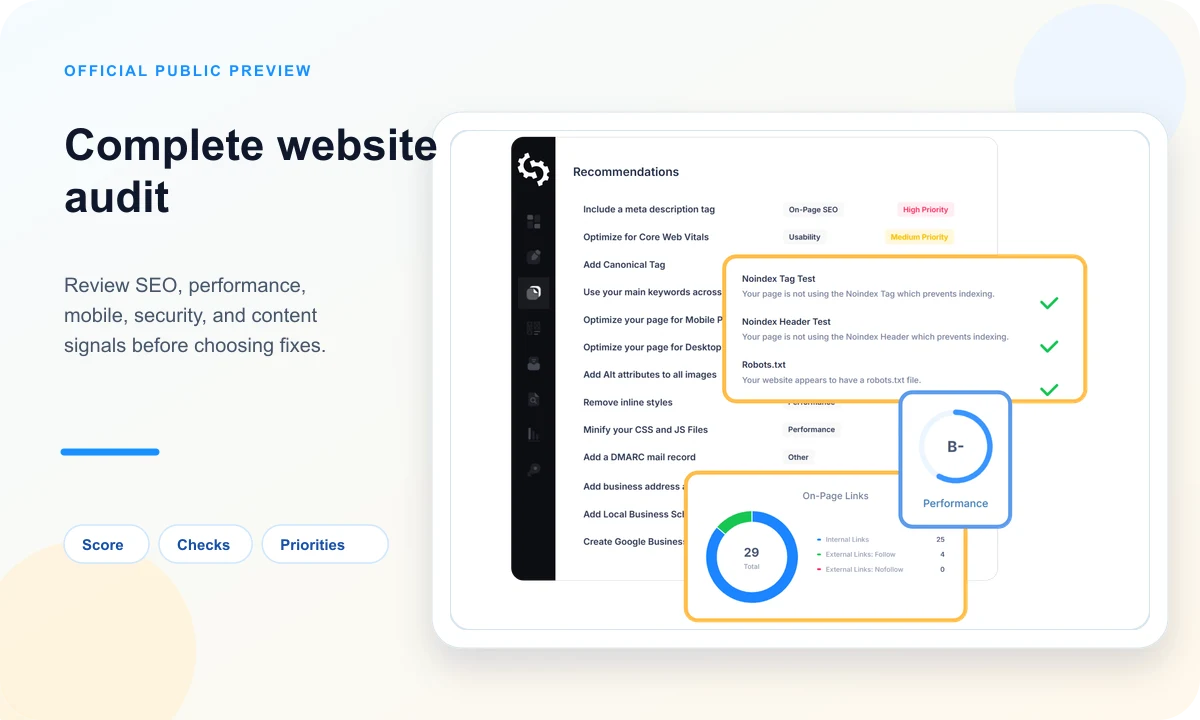
The audit structures SEO, performance, mobile, security, and content checks. That helps separate important warnings from secondary advice.

A clear report summarizes the diagnosis, shows evidence, and explains priorities without forcing a dense interface on the reader.
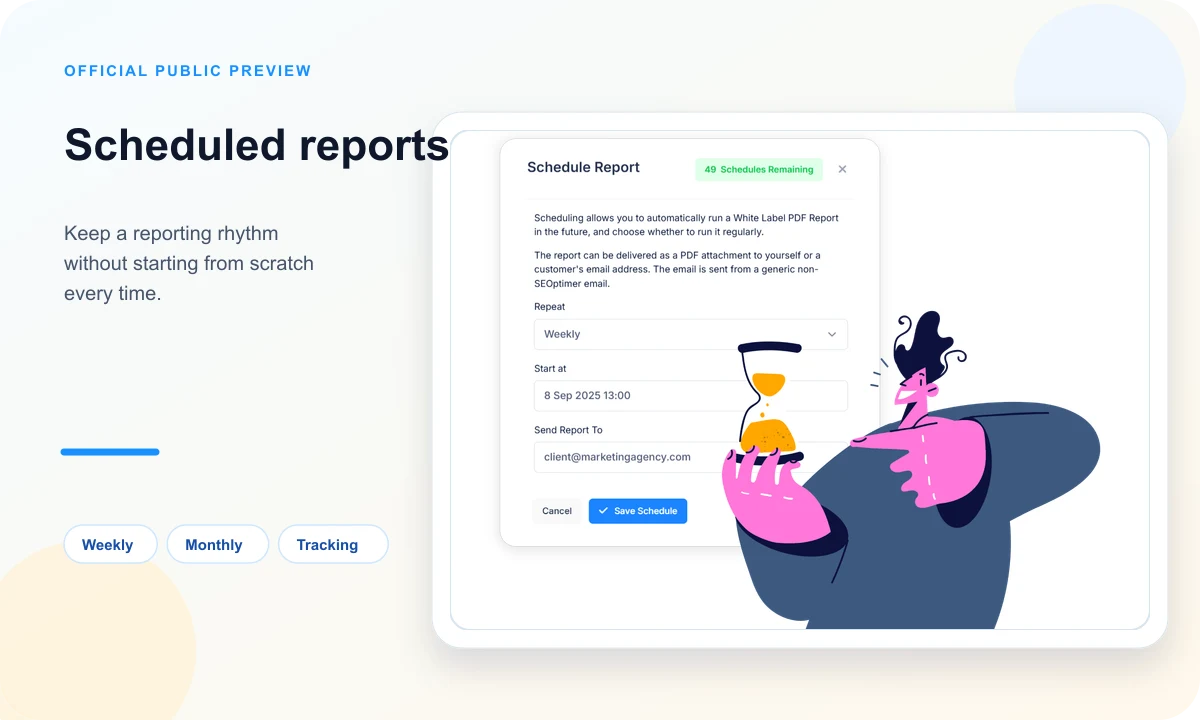
Scheduling helps review a site at regular intervals, compare progress, and avoid one-off audits that never become follow-up.
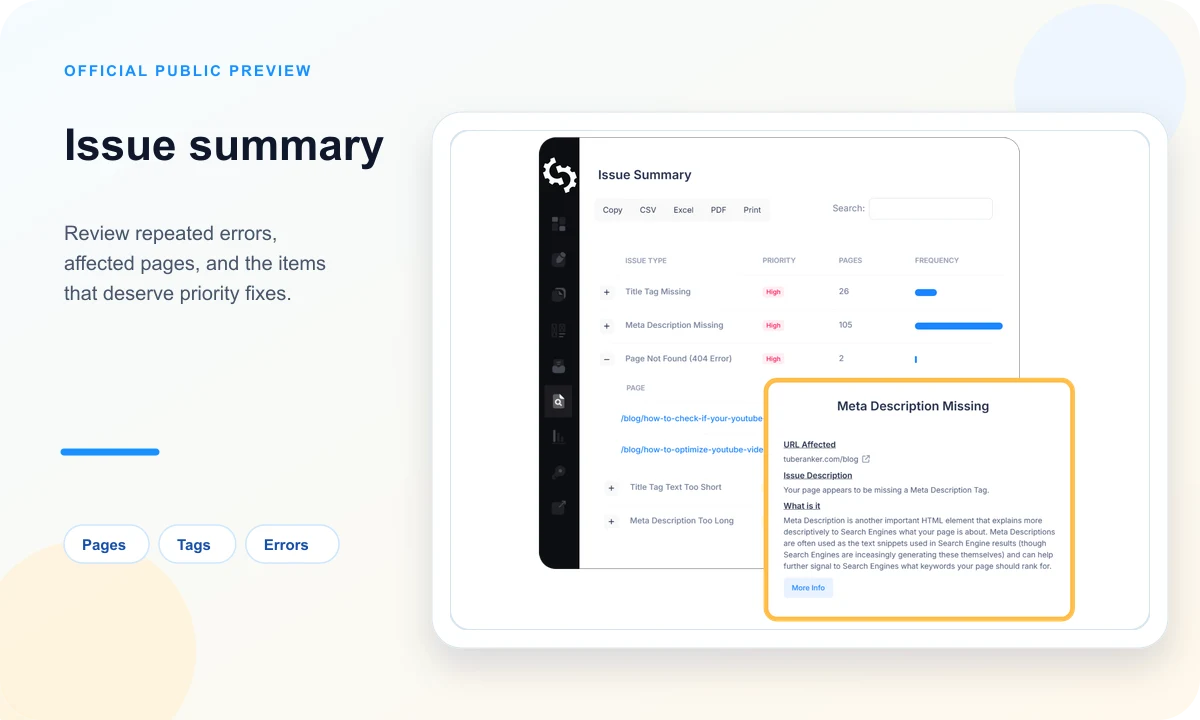
Summary views help you see whether a problem affects one page, a whole layout, or a family of pages that needs attention.
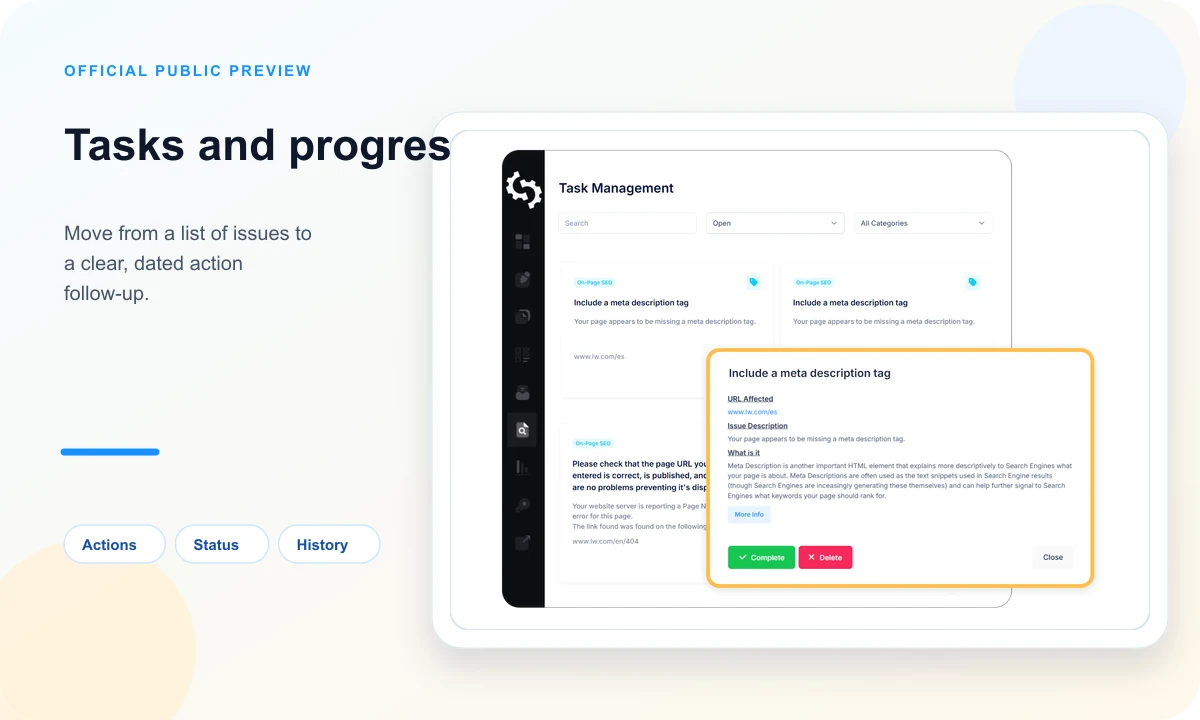
A list of errors becomes more useful when every action has a status, context, and a review date.

The audit form can help an agency turn an inbound request into an initial diagnosis and a more precise commercial discussion.
A simple way to use SEOptimer without chasing the score
The healthy use starts from a problem to solve. The score is an entry point, but priority comes from the affected page, expected impact, and ability to fix it.
Frame what you want to check so the reading does not stay too generic.
- Choose an important page or group of pages before running the analysis.
- Note the context: recent redesign, visibility drop, migration, or simple control.
- Prepare what may need to be compared with nearby tools if the diagnosis requires more depth.
Do not rank priorities only from the color of an indicator.
- Separate blocking errors from comfort improvements.
- Look for issues that repeat across several pages.
- Connect each fix to visible evidence and an expected effect.
SEOptimer is especially useful when the audit must be understood by someone who does not live inside SEO tools.
- Present the score as a summary, not as a final verdict.
- Show three to five priorities instead of an overwhelming list.
- Use the report to explain the order of work and the next useful check.
The value increases when the audit becomes a follow-up loop.
- Run another check after important changes.
- Compare remaining issues with the initial list.
- Keep track of completed actions so the same work is not reopened.
A clear SEOptimer routine inside Rankerfox Premium
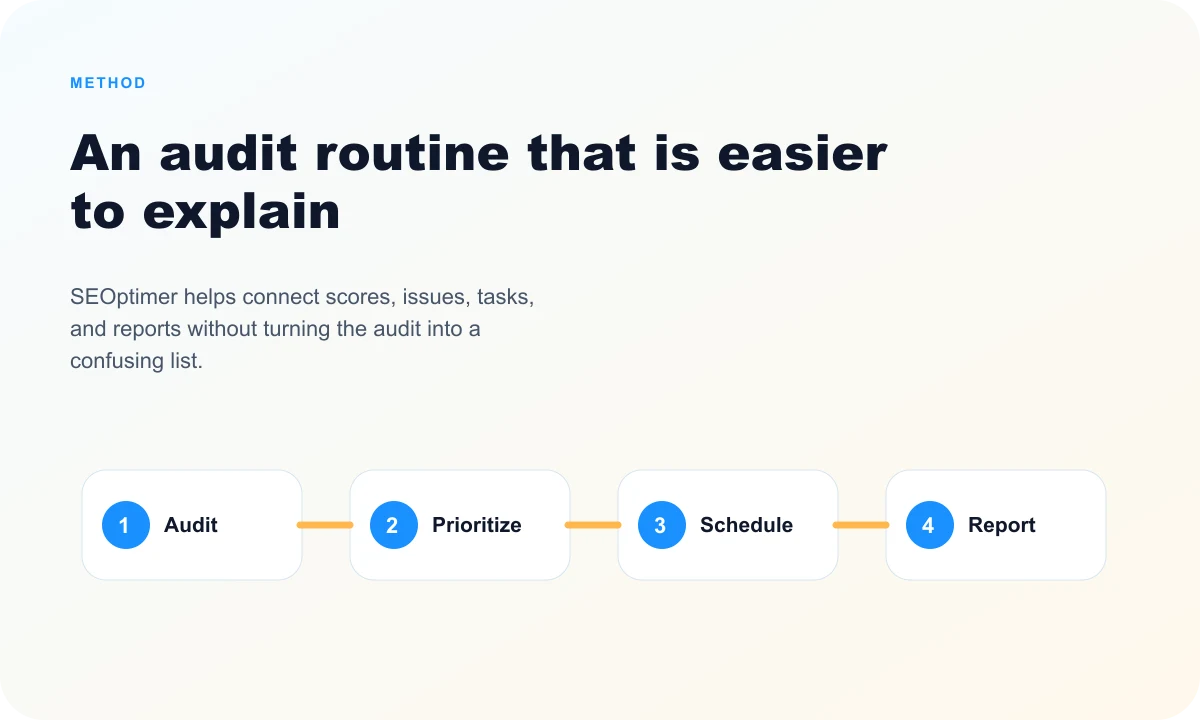
SEOptimer works well as a clarification tool: check, sort, turn findings into tasks, then make progress readable for the people involved.
Audit the page or site
Start with a global read, then open the points that actually affect visibility, performance, or trust.
Group the issues
Identify whether the blocker comes from one page, a layout, a technical setting, or a repeated editorial habit.
Create action items
Turn findings into simple tasks: what to fix, why, on which pages, and with what priority.
Share and follow up
Use reports to align the team, keep history, and decide the next useful check.
Where SEOptimer fits among Rankerfox tools
SEOptimer does not play the same role as a deep technical crawler or a broad SEO suite. It becomes valuable when audits need to be readable, trackable, and presentable.
WooRank gives an educational read around score, website review, tracking, and reports.
SEOptimer is close to that use case, with a strong angle on reports, white-label presentation, scheduling, and tasks.
A dedicated technical crawler remains more precise for inspecting every URL, status code, tag, and deep structure.
SEOptimer is better for summarizing, presenting, and tracking priorities after a first read or a deeper audit.
SE Ranking covers a broader suite: rankings, audits, competitors, backlinks, reporting, and ongoing monitoring.
SEOptimer complements that foundation when the main need is a clear audit report that is fast to share.
Moz brings authority, links, tracking, and crawl insights in a recognized SEO environment.
SEOptimer is more direct for framing a website review, prioritizing a few fixes, and making the diagnosis understandable.
Which Rankerfox plan includes SEOptimer?
The trial helps you discover Rankerfox, check how access works, and see whether the service fits your pace.
The Standard plan already covers several SEO and marketing needs. SEOptimer belongs to the advanced selection.
SEOptimer is planned for the Premium plan, alongside advanced tools for audits, reporting, and SEO follow-up.
Continue with nearby tools
WooRank with Rankerfox
Readable audits, score, crawl, tracking, and reports to explain priorities.
Read the pageSE Ranking with Rankerfox
Broader SEO suite for tracking, audits, competitors, backlinks, and reporting.
Read the pageAffordable SEO audit
A method for framing technical, content, competitor, and priority checks.
Read the pageAffordable SEO tools
Overview of SEO tools accessible through Rankerfox.
Read the pageFrequently asked questions about SEOptimer with Rankerfox
Useful answers before adding it to an SEO audit routine.
Add SEOptimer to a more readable Premium audit routine
Compare Rankerfox plans, check the access level that fits your work, then use SEOptimer to connect diagnosis, reports, tasks, and follow-up in a more shareable format.
Compare plans