
ThemeinWP All Agency Bundle with Rankerfox
Use ThemeinWP All Agency Bundle in Rankerfox Premium to explore WordPress themes, build a shortlist, check compatibility, then test properly before publishing.
Plan
ThemeinWP is handled as a Rankerfox Premium plan tool.
Family
Themes, plugins, previews, documentation, support signals, and site starting points.
Use
Start from the need, compare demos, test on staging, and keep a trace.
A WordPress bundle should support a site decision
ThemeinWP publicly presents responsive WordPress themes, plugins, easy installation, customization options, speed, and SEO considerations. Its pricing page also presents an All Themes Plan aimed at users, developers, and agencies managing multiple sites. Inside Rankerfox, the value is turning that library into a method: choose a base, verify it, then use it only if it truly fits the project.
Compare themes for blogs, magazines, portfolios, local businesses, associations, or showcase pages without choosing from first impression alone.
Check whether the demo remains clear on mobile, tablet, and desktop before imagining it around real content.
Identify useful extensions, likely dependencies, and friction points before adding another layer to a site.
Keep theme weight, scripts, active options, and potential Core Web Vitals impact in view.
Build a reusable pool of candidates for client projects, with notes, screenshots, criteria, and selection reasons.
Avoid direct production installs: version, license, backup, staging, and rollback decisions should stay visible.
Make the ThemeinWP choice concrete
The page follows a practical path: theme library, agency lens, checklist, workflow, compatibility, and the design or WordPress tools that complete the project.
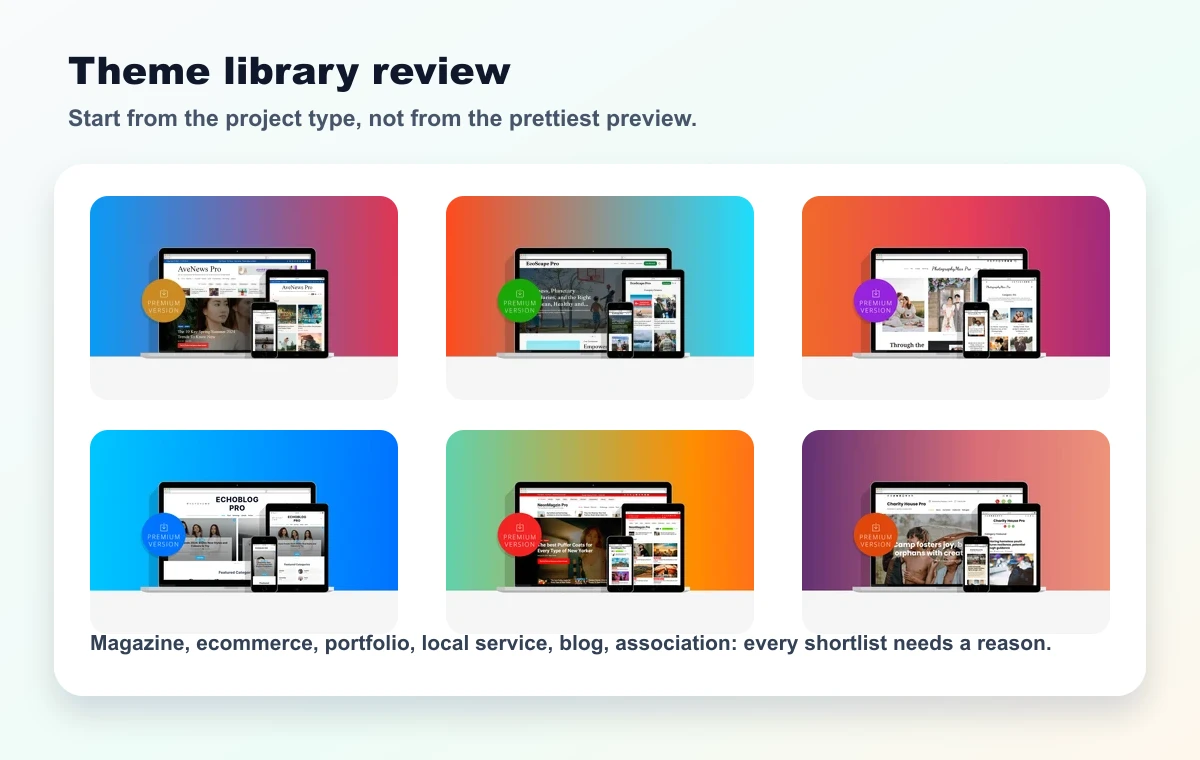
Good sorting starts from the project type: editorial site, portfolio, local service, shop, agency page, or niche blog.
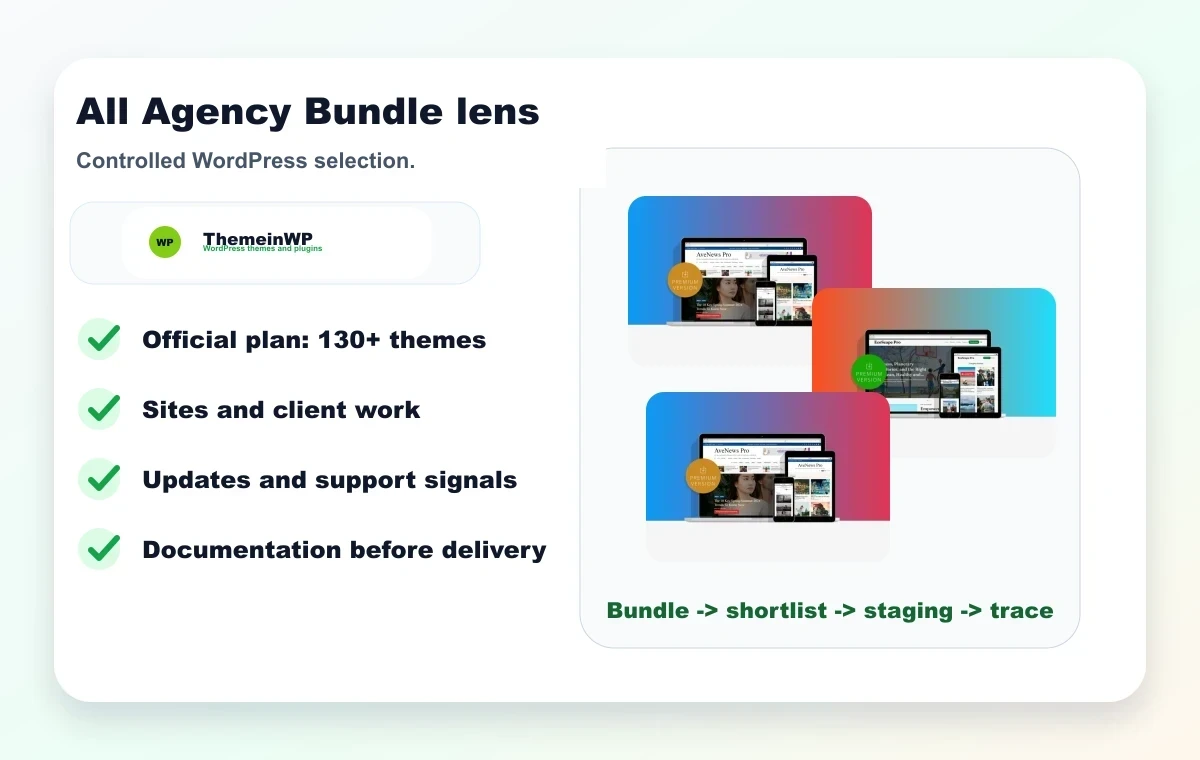
The bundle makes sense when it helps prepare multiple sites without losing track of versions, needs, and decisions.
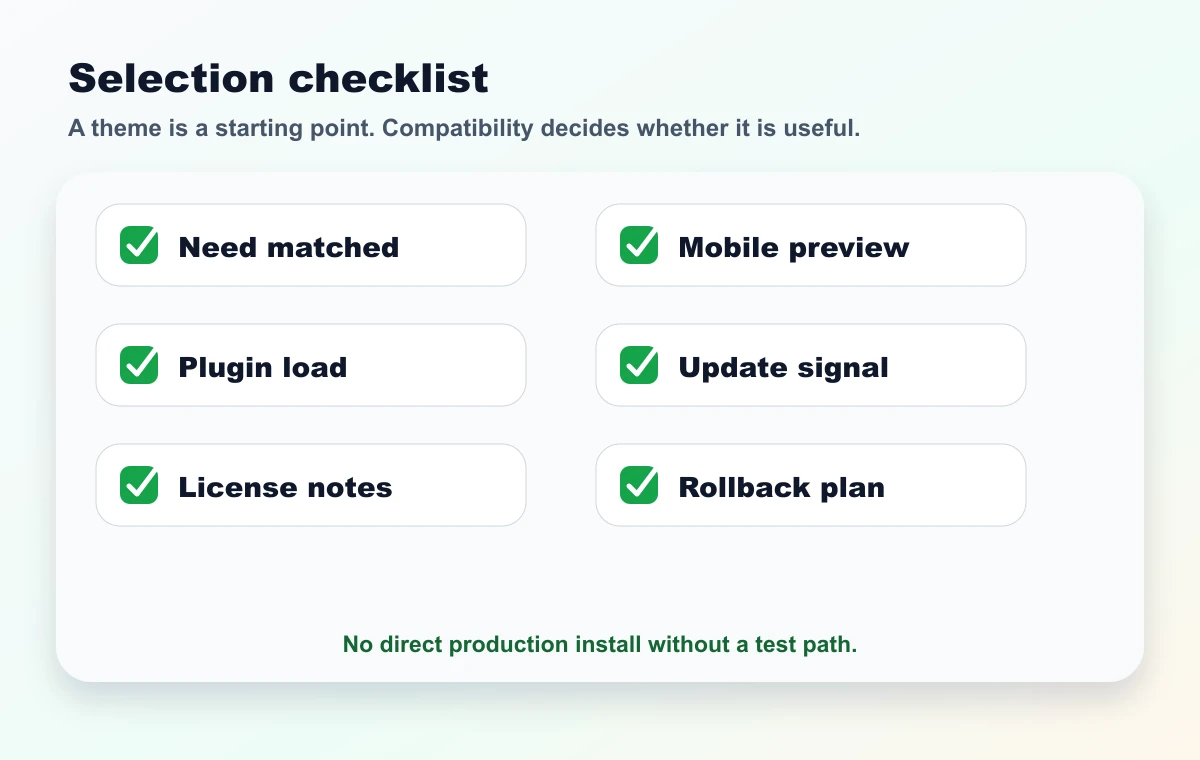
Each candidate should pass a few simple checks: need, mobile, load, plugins, license notes, and rollback path.
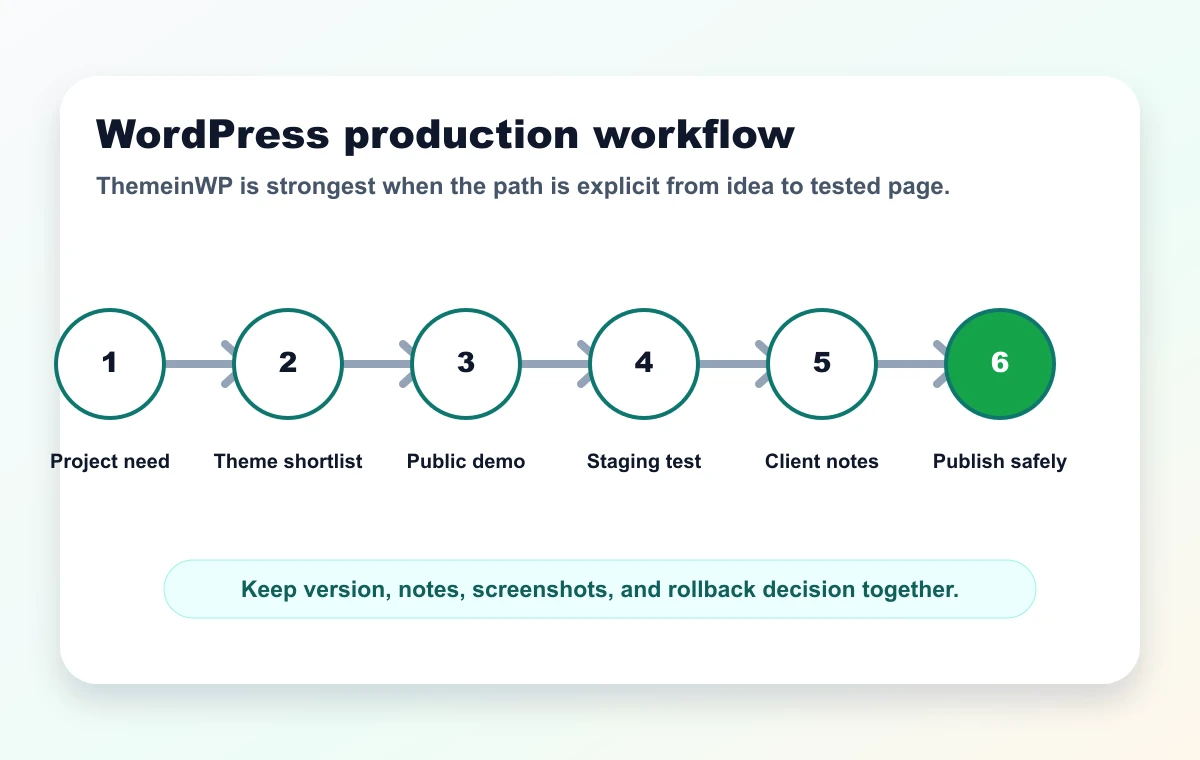
Need, shortlist, demo, staging, client notes, publication: this sequence keeps a bundle from becoming a messy stack.
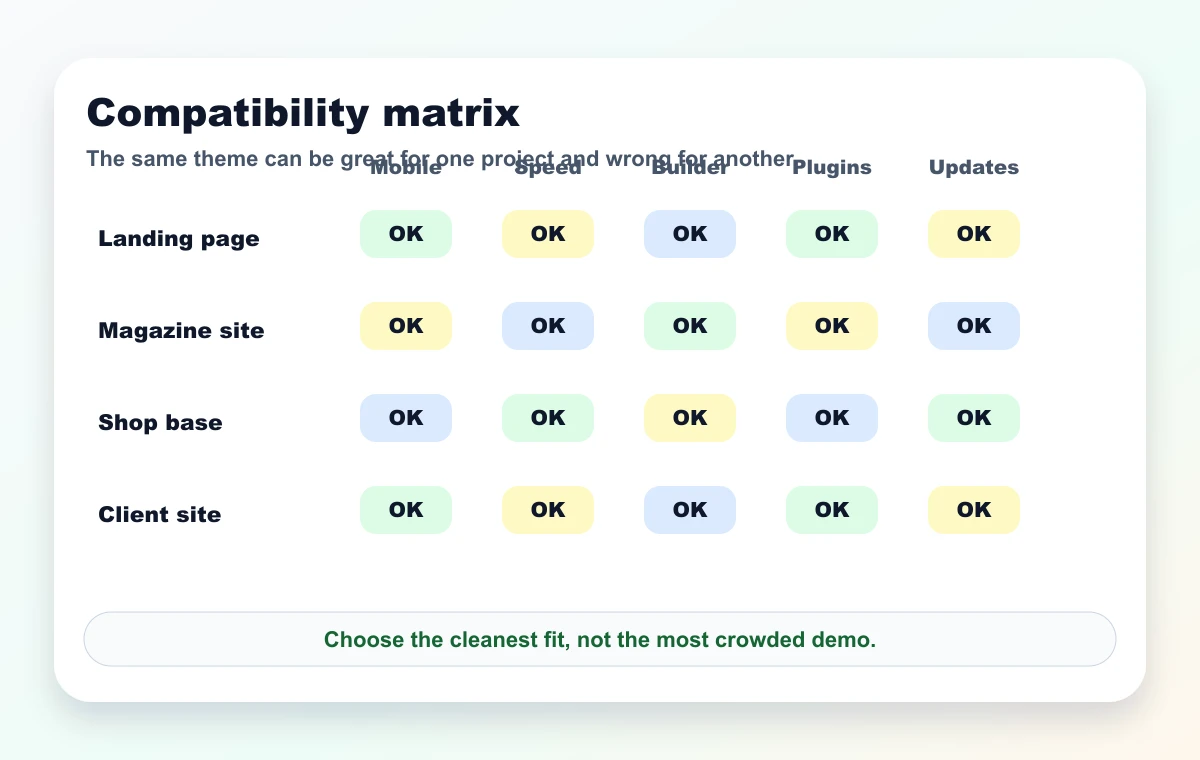
The same theme can be great for a showcase page and weak for dense content. Context decides.
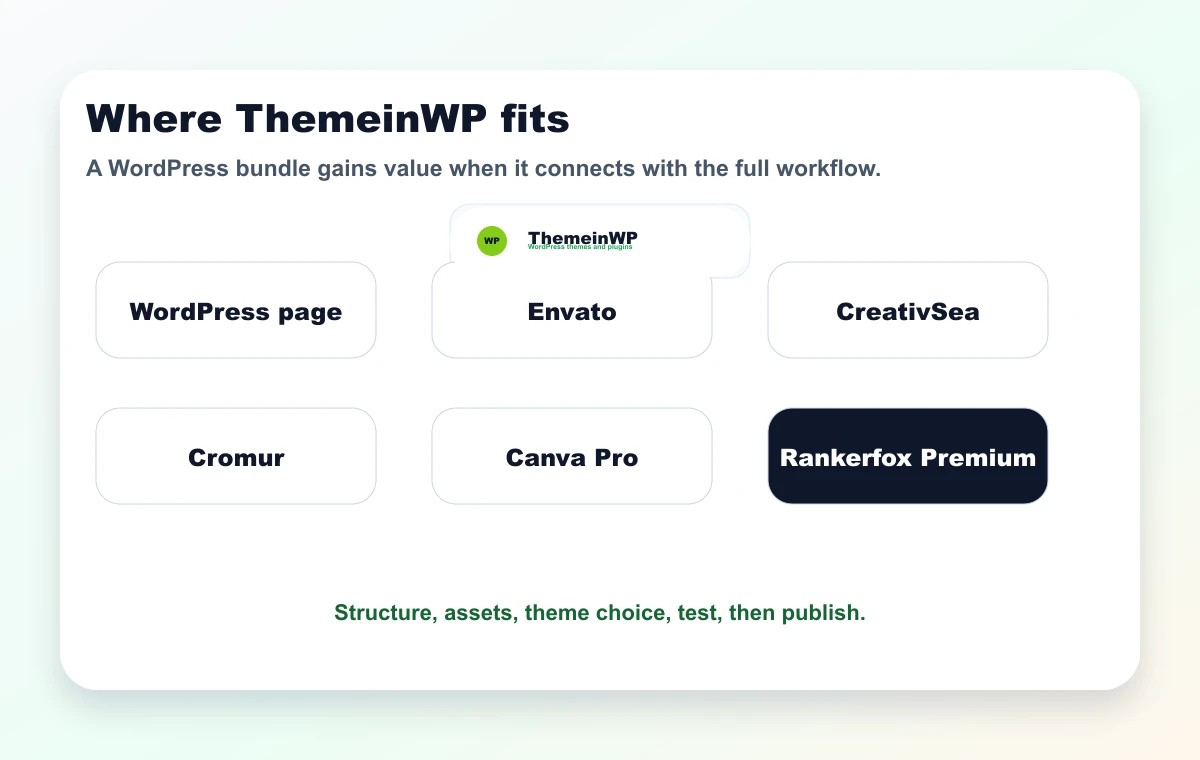
ThemeinWP naturally connects with WordPress, Envato, CreativSea, Cromur, and Canva Pro to move from idea to site.
A simple routine to avoid random choices
ThemeinWP becomes useful when research is short, documented, and tied to a publishing objective.
Step 1
Write the need
Site type, content volume, conversion goal, mobile constraints, technical level, and must-have blocks.
Step 2
Limit the shortlist
Keep three to five themes at most, with one clear reason for each and a public demo screenshot.
Step 3
Read the demos
Review the homepage, inner pages, navigation, proof blocks, mobile version, and visual density.
Step 4
Test away from production
Install on a separate environment, check conflicts, measure speed, and note what actually improves.
Step 5
Keep the trace
Keep the version, chosen option, reasons, modifications, screenshots, and rollback path together.
Where ThemeinWP can help
The value is less about theme count and more about choosing a base that fits the real project.
Compare several visual directions before proposing a clear, maintainable base aligned with the content.
Look for a cleaner base for a blog, magazine, or niche media site while keeping SEO and navigation needs in view.
Start from a simple structure, then add proof, visuals, and conversion blocks with more control.
Keep clear notes on the theme, related plugins, versions, limits, and tests performed.
ThemeinWP versus other Rankerfox web resources
WordPress theme and plugin bundle to shortlist, test, and document.
Useful when the main need is finding a site base or WordPress direction.
Central Rankerfox page for compatibility, maintenance, risks, and good practices.
Read before choosing an external resource or changing an existing site.
WordPress, WooCommerce, and web resources to qualify project by project.
Helpful when the web stack needs other theme or plugin sources.
WordPress file-oriented library with versions, categories, and technical selection.
Complementary for comparing candidates and keeping a verification mindset.
Layouts, assets, visuals, and broader creative resources.
Useful when the site needs visuals, previews, brand elements, or creative support.
Which Rankerfox plan includes ThemeinWP?
ThemeinWP All Agency Bundle is positioned in the Rankerfox Premium plan. Subscription choices remain centralized on the pricing page.
Mainly helps you understand Rankerfox and see whether the tool organization matches your workflow.
Keeps the essential tools. ThemeinWP is not presented as a Standard tool on this page.
Access advanced resources, including ThemeinWP All Agency Bundle, with the other web, creative, SEO, and learning tools.
Pages to read with ThemeinWP
Review the general method before choosing a WordPress resource.
Compare another source focused on WordPress files, versions, and categories.
Explore web resources, WooCommerce, plugins, and themes.
Complete a site with assets, layouts, visuals, and creative material.
ThemeinWP with Rankerfox FAQ
Useful answers before using ThemeinWP as a Premium WordPress resource.
Add ThemeinWP to your Premium WordPress routine
Compare Rankerfox plans and use ThemeinWP with the other web resources to choose faster, test more cleanly, and publish with better control.
View pricing