

Adobe Stock with Rankerfox
Use Adobe Stock in the Rankerfox Premium plan to find photos, videos, illustrations, vectors, templates, and creative resources you can adapt for pages, presentations, and marketing content.
Plan
Adobe Stock complements resource libraries such as Shutterstock, 123RF, Envato, Freepik, and Canva Pro.
Use
Photos, videos, vectors, templates, and audio support pages, ads, thumbnails, decks, and client material.
Key point
An asset should be chosen for a precise use, with its format, usage right, and distribution context in mind.
Adobe Stock helps find the right visual without starting from scratch
When a page, thumbnail, or presentation lacks impact, the issue is not always the copy. Sometimes you need a more credible photo, a short video, an illustration, a template, or a visual mood that better supports the message. Adobe Stock helps search, compare, preview, and validate that material before publishing.
Find a visual that adds context, expresses a mood, or makes a promise more concrete.
Build landing pages, presentations, thumbnails, social posts, ads, or sales documents.
Choose between photo, video, vector, template, 3D, or audio based on the final support and production constraints.
Review license, commercial use, distribution context, allowed edits, file weight, and mobile rendering.
Public Adobe Stock previews
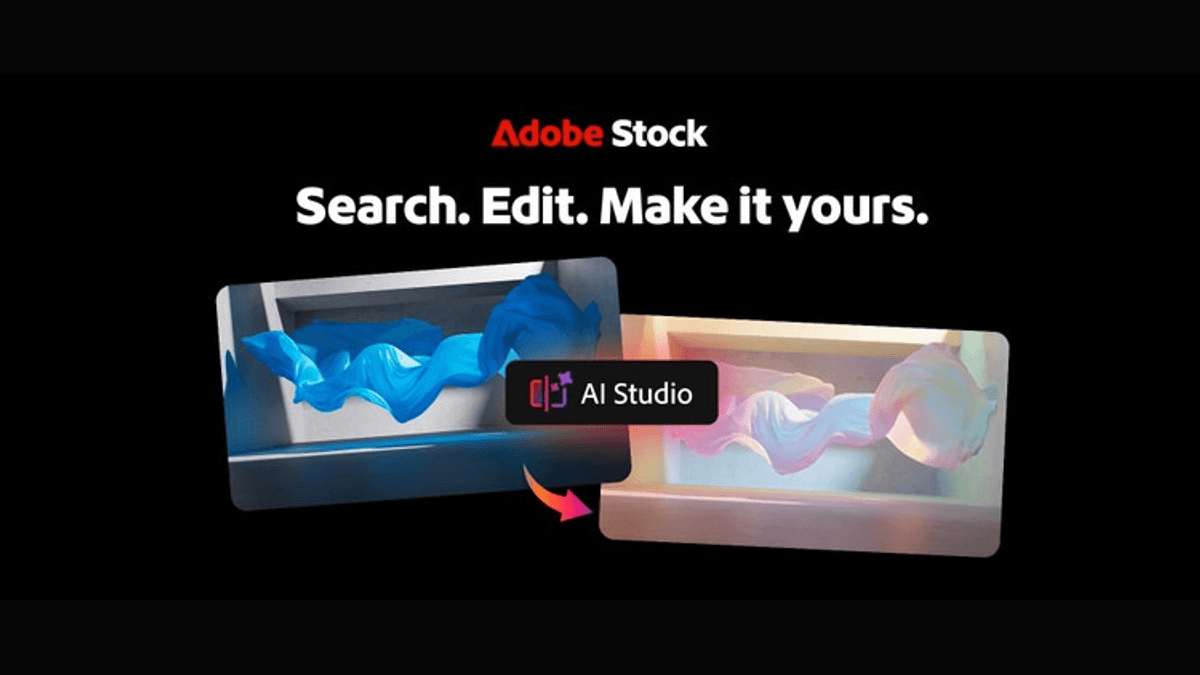
Search, editing, and creative adaptation show how to bring a visual closer to its final format before using it in a campaign or page.
The value is not only the catalog: the visual has to move closer to the real support before it is used.

The same scene can carry a different message depending on light, tone, and visual emotion.

Colors should connect to the brand, page, and final format, not only look appealing in search results.

Across a series of assets, continuity matters as much as the quality of each individual image.
Search Adobe Stock from the final support
A stock library becomes useful when the search starts from a precise need: a page section, thumbnail, ad visual, slide, or short video.
Define the support, format, emotion to convey, style to avoid, and the visual’s role on the page.
Check framing, authenticity, readability, variants, mobile fit, and consistency with the rest of the site.
Review license, allowed use, file weight, accessibility, and fit with the final message.
Choose a visual that serves the message
The best visual is not always the most spectacular one. It should clarify the offer, support the page tone, and remain technically and legally usable.
Decide whether the visual should reassure, explain, illustrate a situation, attract a click, or reinforce proof. The right choice changes with the goal.
Check colors, framing, style, cropping options, and consistency with other pages. A strong isolated asset can still clash with the whole set.
Review allowed use, editing constraints, file weight, mobile dimensions, and impact on loading speed.
Read next for visual assets
Choose images, videos, templates, and creative resources suited to the tone of your content.
Compare with another major image and media library.
Complete with photos, vectors, videos, audio, and AI resources.
Add videos, templates, transitions, and editing elements.
Assemble selected resources into publishable support material.
Which Rankerfox plan includes Adobe Stock?
Adobe Stock is presented as a Premium tool. Premium also includes the tools available from Standard.
The trial helps discover Rankerfox access and first workflows. New advanced tools are presented in Premium.
Standard already covers several SEO and marketing needs. Tools available from Standard remain included in Premium.
Adobe Stock is presented as a Rankerfox Premium plan tool, alongside the other advanced catalog tools.
Questions about Adobe Stock with Rankerfox
Useful points before adding it to a visual production routine.
Add Adobe Stock to Premium production
Compare Rankerfox plans and use Adobe Stock to enrich support material with visuals chosen for their real use, not only for their appearance.
View pricing