

WriteHuman with Rankerfox
Use WriteHuman in the Rankerfox Premium plan to make an AI draft read more naturally, review detection signals, compare versions, and finalize cleaner copy before publishing.
Plan
WriteHuman belongs to the Rankerfox Premium selection, alongside advanced tools for content, AI, review, and regular production.
Useful modules
The workflow covers text humanization, AI content detection, report reading, version comparison, image detection, mobile, and public API use cases.
Best rhythm
The output works best as an advanced draft: review meaning, tone, sources, and final consistency before publishing.
Why WriteHuman completes the Rankerfox content branch
An AI-generated draft can be useful while still sounding too regular, too smooth, or too generic. WriteHuman fits into the final pass: work on rhythm, transitions, sensitive sentences, and possible versions before keeping the one that best serves the reader.
Turn an existing draft into a more natural version, with attention to rhythm and repetitive phrasing.
Use the score as a review indicator, then look at the passages that deserve clarification or rewriting.
Do not keep the first version by default: compare variants to preserve the best balance between flow and meaning.
After humanization, check that examples, numbers, citations, and the original intent still hold.
The image detector adds a useful layer when teams publish text, visuals, and marketing assets in the same routine.
Public WriteHuman pages also present mobile, tablet, and API usage for more frequent workflows.
The WriteHuman views worth seeing before choosing
Place the source, transformed version, and reports side by side. This helps assess actual readability instead of trusting one score.

The public page shows a simple workspace: paste copy, choose a mode, then generate a more natural version.

The text detector gives a score and a starting point for reviewing passages that feel too mechanical.
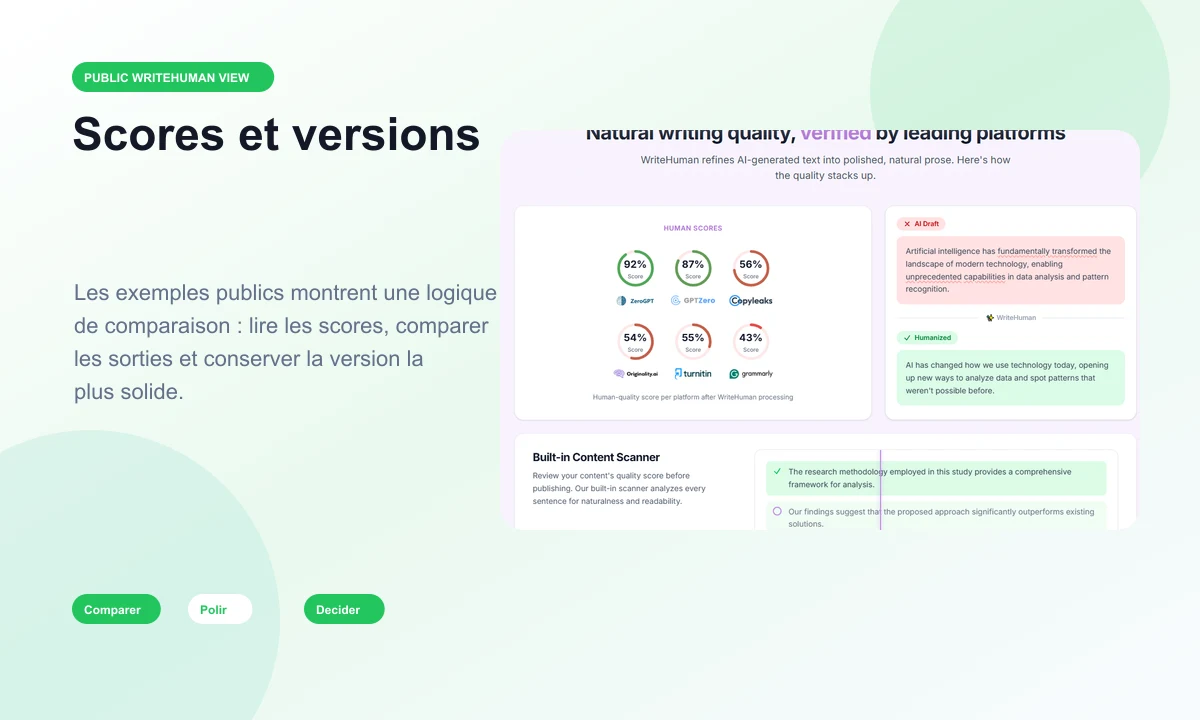
Public examples show the value of comparison: score, source sentence, humanized version, and reading consistency.

A report is useful when it helps prioritize review, not when it replaces the editorial decision.
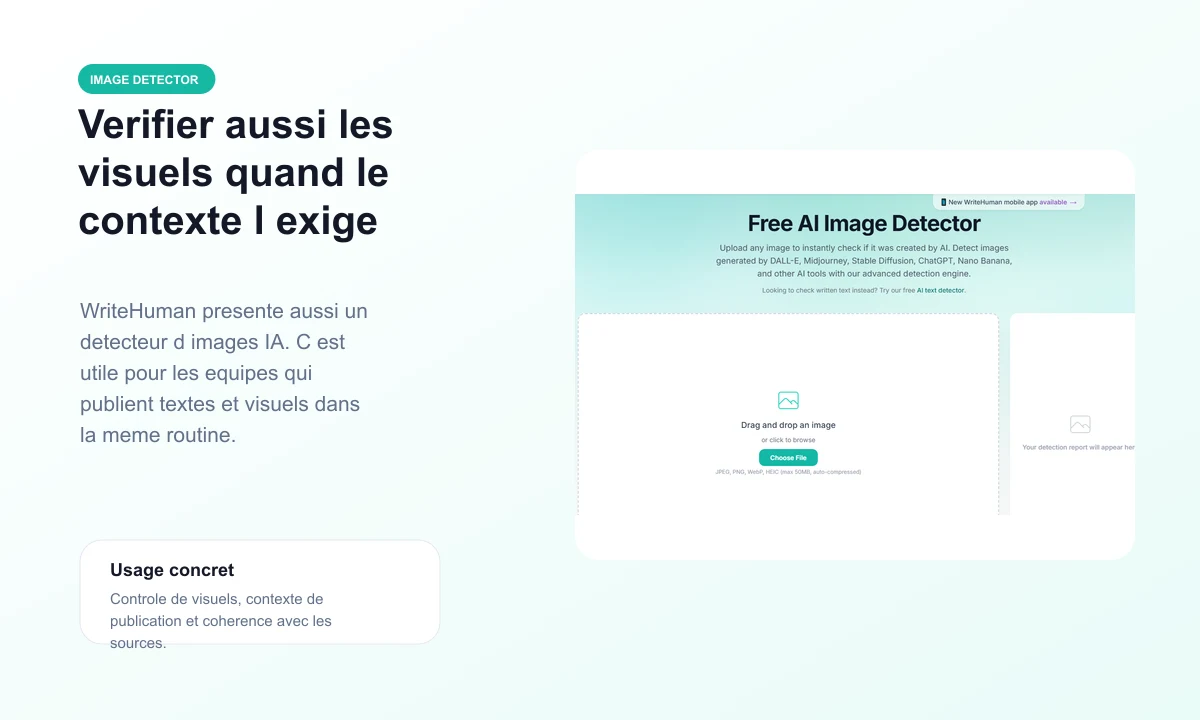
Image review can support a publishing routine when visuals must stay coherent with context.

The public API page shows the volume angle: REST endpoint, variants, limits, and regular team workflows.

The mobile page illustrates more flexible use: humanizer, text detector, and image detector in one logic.
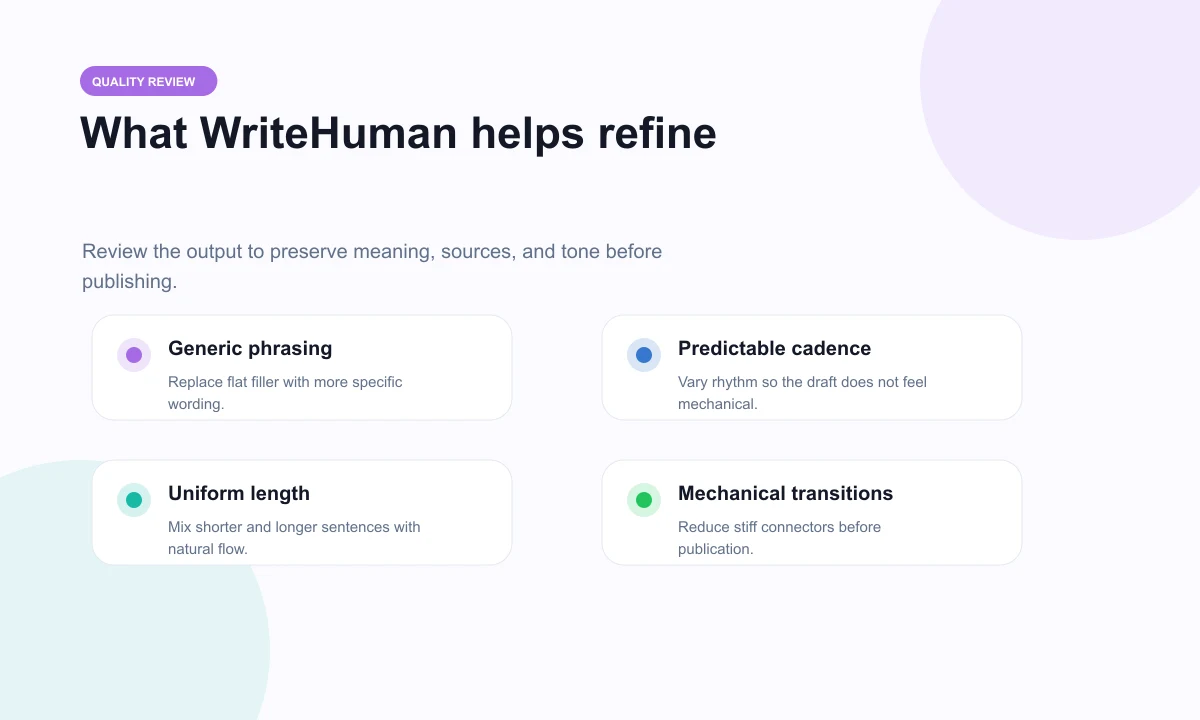
Generic phrasing, overly regular cadence, mechanical transitions: these are concrete points to refine.
A method to humanize without damaging the substance
WriteHuman is more useful when it sits inside a quality chain. The text starts from an allowed base, goes through one or more versions, then returns to real review.
The right starting point is a draft where you control the topic, the sources, and the right to use it.
- Keep the source version so you can compare meaning.
- Check citations, examples, and numbers before publishing.
- Avoid using the tool as a shortcut on content you cannot rewrite.
A score helps spot weak areas, especially when the copy is long and several passages share the same rhythm.
- Look at flagged sentences before changing the whole text.
- Be careful with short passages because they provide less context.
- Read the copy aloud when the score alone is not enough.
The selected version should read naturally, while staying accurate, useful, and consistent with your brand.
- Remove turns of phrase that do not sound like your style.
- Add the subject-matter details the tool cannot guess.
- Keep the version that serves the reader best, not only the one with the best score.
A WriteHuman routine inside Rankerfox Premium
WriteHuman sits after draft creation and before publishing. The value comes from control: humanize, scan, review, and choose.
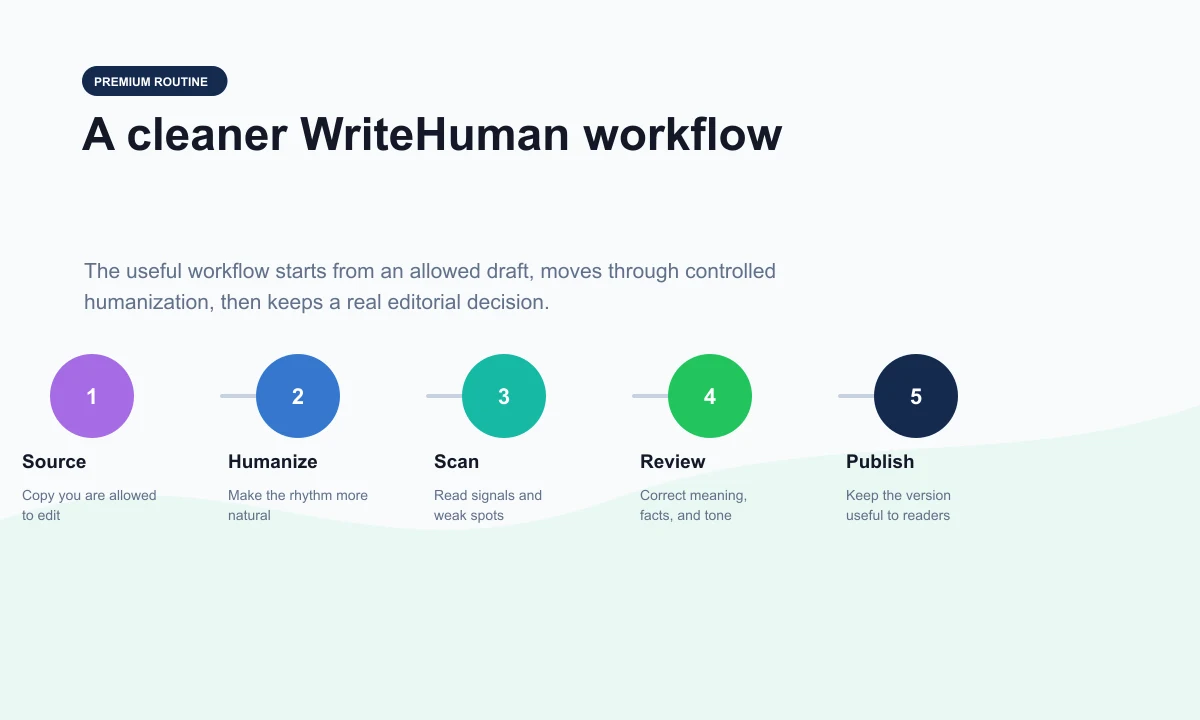
Start from useful, sourced copy you are allowed to rework.
Generate a more natural version while keeping the source in view.
Read signals without reducing quality to a single percentage.
Correct meaning, facts, style, and transitions.
Publish only the version that remains useful, clear, and trustworthy.
Where WriteHuman fits among other Rankerfox tools
WriteHuman belongs at the end of the editorial chain. It comes after research, structure, and the initial draft, when the copy needs to feel more natural and more controlled.
QuillBot covers paraphrasing, correction, summaries, citations, translation, and sensitive-signal review.
WriteHuman is more centered on humanizing an AI draft and reading detection scores.
WordAI is mostly useful for producing variants, restructuring sentences, and handling larger rewriting workflows.
WriteHuman takes over when the question becomes: does this version read naturally, and is it worth publishing?
These tools help frame lexical coverage, SEO guides, semantic scores, and questions to cover.
WriteHuman comes after that preparation to smooth the final version without breaking the topic or structure.
Smodin covers a broader writing suite, while Quetext helps read originality and possible similarities.
WriteHuman adds a naturalization step and detection-signal review before the final version.
Which Rankerfox plan includes WriteHuman?
The trial helps you discover Rankerfox, check the environment, and understand the broader included-tool logic.
The Standard plan already covers several SEO and marketing needs. WriteHuman belongs to the advanced Premium selection.
WriteHuman is planned for the Rankerfox Premium plan, which also includes the tools available from Standard plus advanced tools.
Rankerfox pages to read around WriteHuman
Rewrite, correct, summarize, cite, translate, and review copy.
Rewrite, restructure, and compare several text variants.
Explore a broader AI suite for writing, rewriting, and assistance.
Complete review with originality and similarity checks.
Frequently asked questions about WriteHuman with Rankerfox
Useful answers to understand WriteHuman's role, plan level, and place inside a Premium routine.
Add WriteHuman to a more controlled Premium content routine
Compare Rankerfox plans, choose the right level, then use WriteHuman to humanize, scan, and review copy with a clearer method.